

Feedback Navigator
AI-powered platform for extracting actionable insights from user feedback and creating comprehensive dashboards.
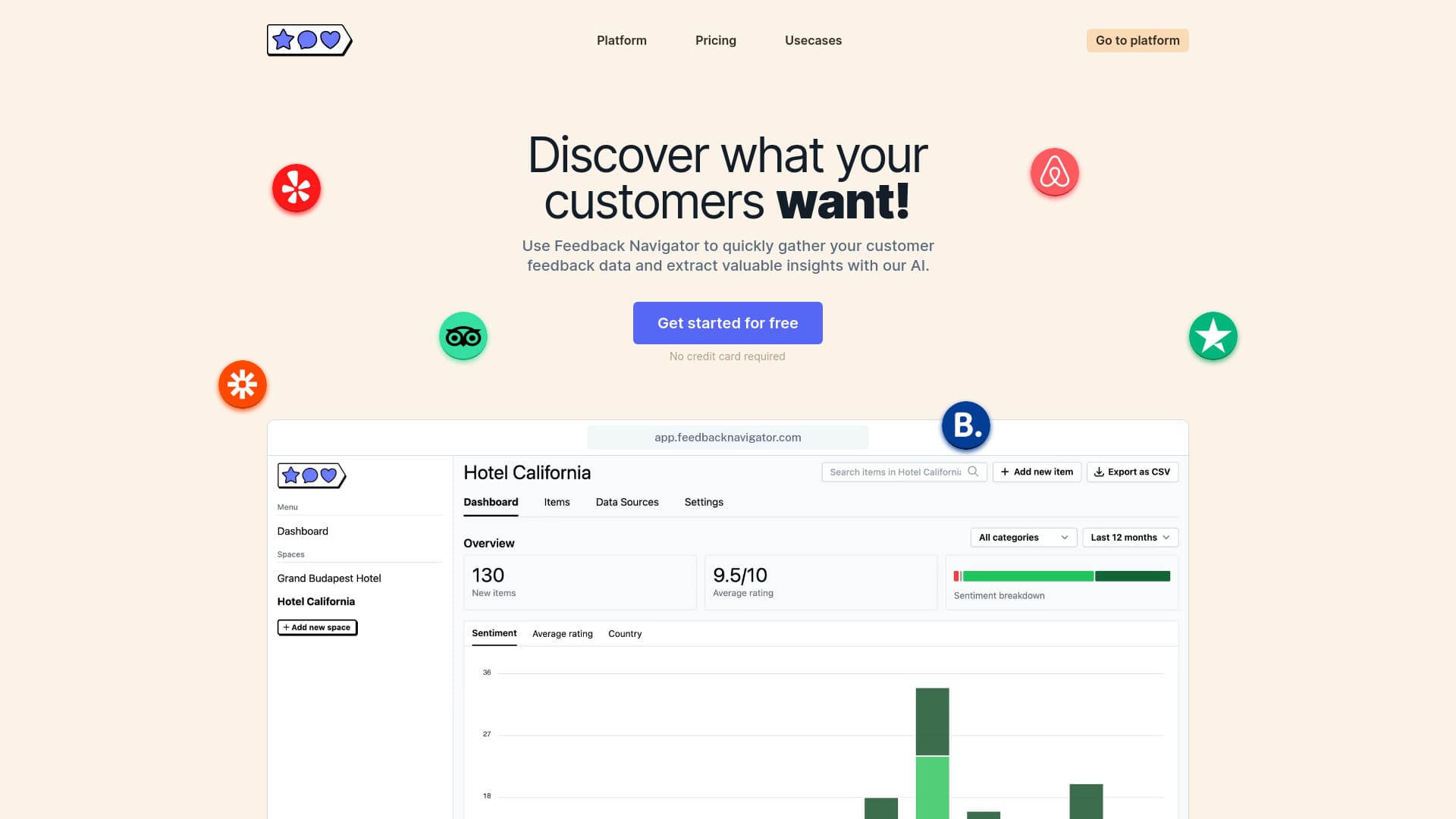
About Feedback Navigator
Feedback Navigator is an AI-driven platform designed to help businesses efficiently analyze user feedback. It enables users such as product teams, property managers, and consultants to quickly organize feedback into insightful dashboards using AI and integrated data sources. The platform supports importing reviews from platforms like Trustpilot, Booking.com, and Yelp, or uploading CSV files via API. Key features include customizable categories, sentiment analysis, request detection, automated workflows through webhooks, and data export options for in-depth analysis.
How to Use
Connect data sources such as Trustpilot, Booking.com, or Yelp, or upload CSV files. The AI analyzes the feedback, enabling you to create custom categories, perform sentiment analysis, detect customer requests, and automate workflows with webhooks.
Features
- Advanced sentiment analysis
- Customizable feedback categories
- Export data as CSV files
- Automate workflows with webhooks
- Integrated data sources for easy access
- Request detection for insights
Use Cases
- Product teams consolidating and categorizing customer feedback.
- Hotel managers analyzing reviews from TripAdvisor, Booking.com, and Google Reviews.
- Restaurant owners evaluating reviews across multiple locations on Yelp and Google.
- Property managers assessing guest reviews from Airbnb and Booking.com.
- Gym owners monitoring feedback from Google Reviews and Yelp across locations.
- Consultants delivering actionable customer experience insights.
Best For
Pros
- Export data as CSV for external analysis.
- Integrate seamlessly with built-in data sources.
- Quickly generate valuable insights from feedback.
- Utilize AI for sentiment detection and request identification.
- Customize workflows and feedback categories.
Cons
- Credits are deducted with each feedback analysis.
- Pricing may be a barrier for some users.
- AI-driven analysis may require manual review at times.
Pricing Plans
Choose the perfect plan. All plans include 24/7 support.