

Firebase Studio
A cloud-based development environment designed for full-stack application creation, integrating AI and cloud emulators for seamless workflows.
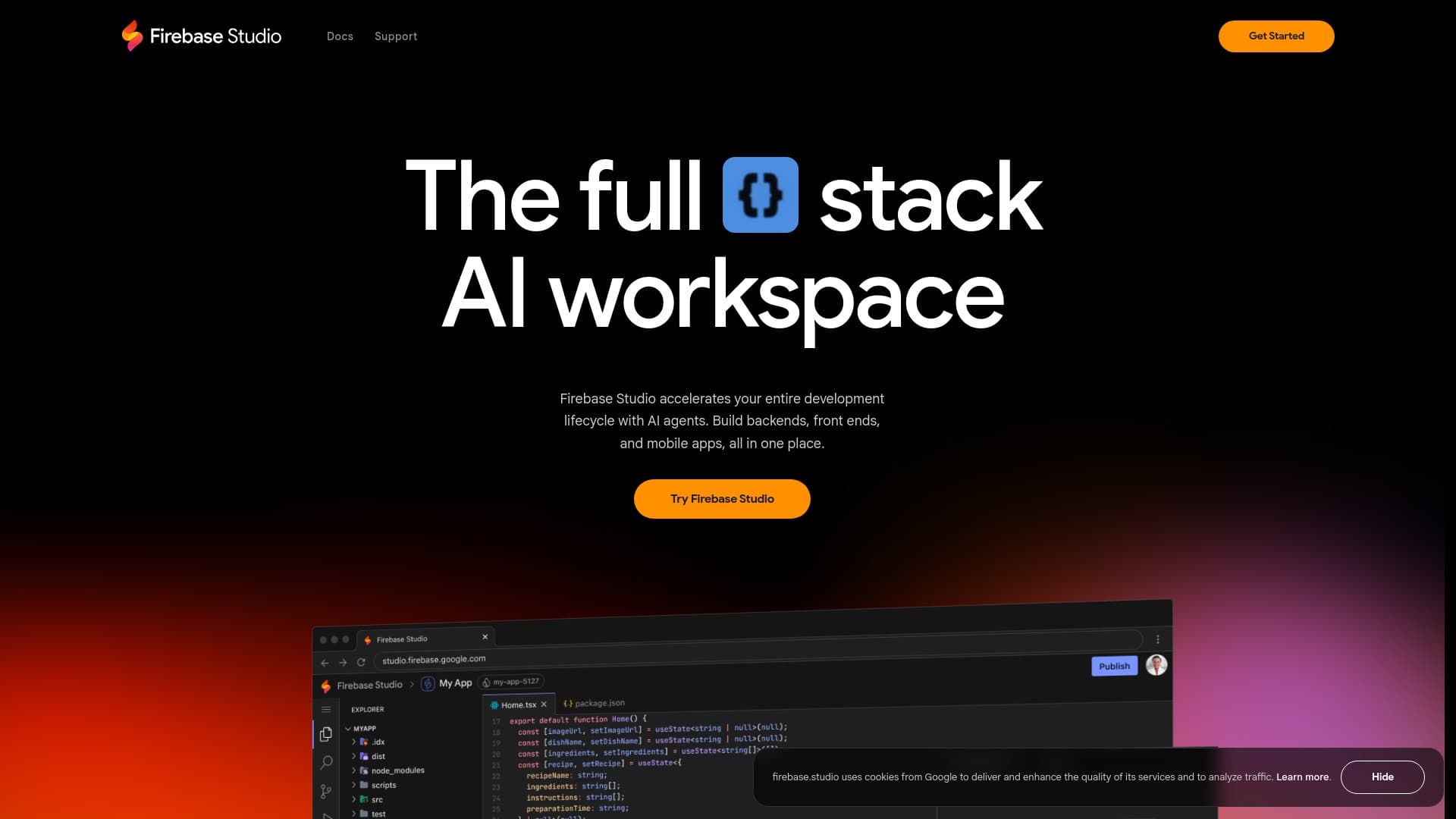
About Firebase Studio
Firebase Studio offers a fully web-based workspace tailored for full-stack app development. It leverages the latest Gemini AI technology and cloud emulators to provide high-fidelity app previews. Accelerate your development lifecycle with AI-powered agents, enabling you to build, test, and deploy backends, front ends, and mobile applications within a unified platform.
How to Use
Connect your repositories from GitHub, GitLab, Bitbucket, or upload local projects, compatible with most tech stacks. Use the App Prototyping agent to swiftly create apps via natural language, mockups, and drawing tools, or select from a wide array of framework or language templates. Customize your environment with Nix configurations.
Features
- Deployment and real-time monitoring
- Accessible web-based workspace
- AI-driven development with Gemini
- Complete full-stack application support
- Cloud-based emulators for testing
- High-fidelity app previews
- Built-in end-to-end testing tools
- Seamless integration with GitHub, GitLab, and Bitbucket
- App prototyping with AI assistance
Use Cases
- Rapid prototyping using natural language and mockups
- Developing backends, front ends, and mobile applications
- Testing and refining API endpoints and server logic
- Deploying apps on Firebase Hosting, Cloud Run, or custom servers
- Previewing applications as end users would experience them
Best For
Pros
- Integrated testing and preview features
- Accessible from anywhere via web browser
- Supports popular version control systems
- Complete full-stack development environment
- AI-powered code assistance with Gemini
- Flexible deployment options
Cons
- Currently in preview, may have feature limitations
- Dependent on Google Developer Program for increased workspace capacity
- Learning curve for new users