

FlowSavvy
FlowSavvy is an intelligent scheduling platform that automates time blocking and task organization for enhanced productivity.
About FlowSavvy
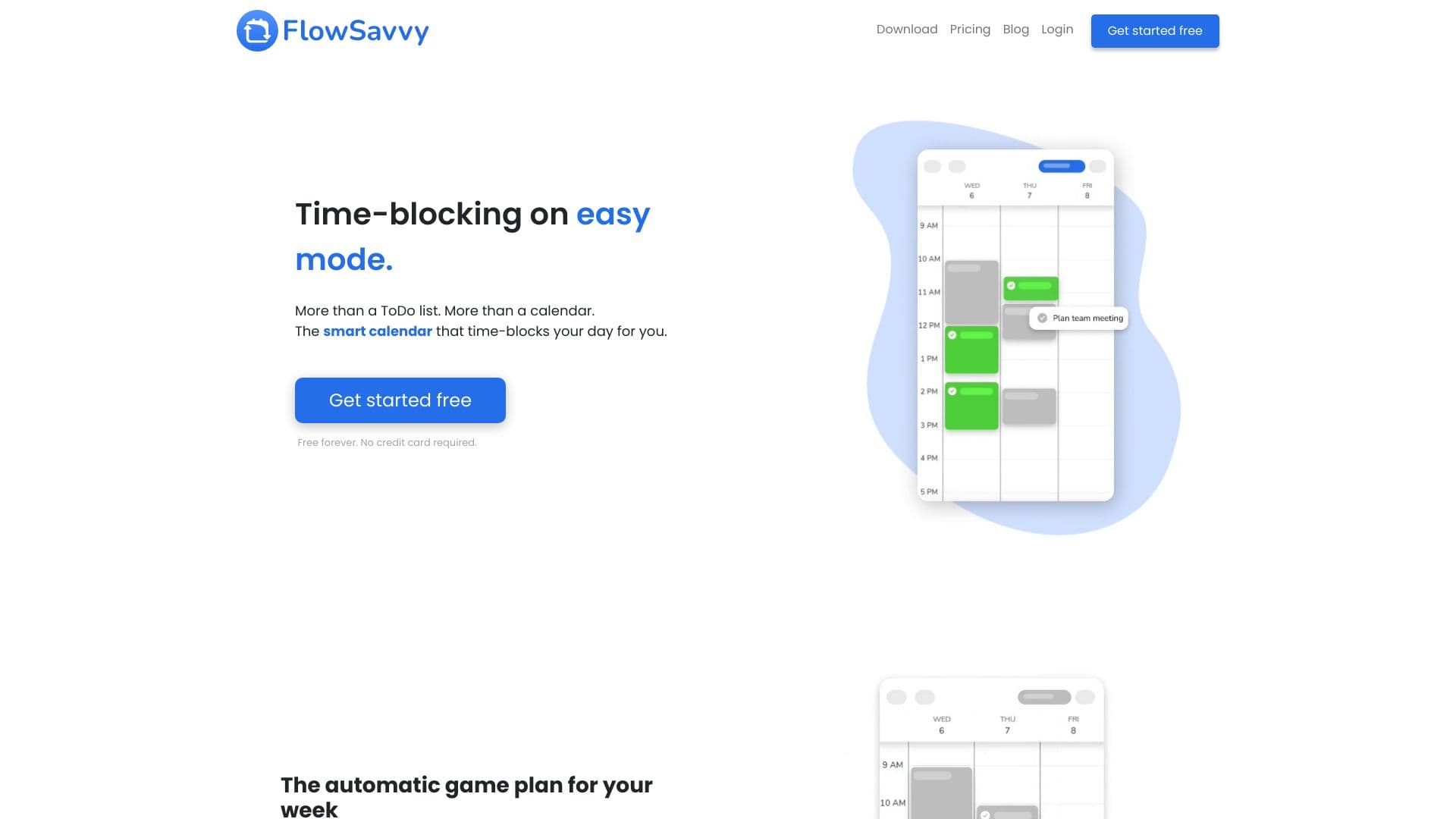
FlowSavvy is a smart scheduling solution that seamlessly connects with Google Calendar and offers dedicated apps for iOS, Android, and web platforms. It automatically assigns tasks from your to-do list into your calendar, providing a clear overview of your schedule. By simplifying time blocking, FlowSavvy creates an optimal weekly plan that adapts dynamically to schedule changes, helping you stay organized and efficient.
How to Use
Enter your tasks into FlowSavvy, and the app will automatically assign them to your calendar. It supports integration with Google Calendar, iCloud, and Outlook, with options to manually adjust your schedule through drag-and-drop features.
Features
- Task management with filtering and tagging for organization
- Customizable working hours for flexible scheduling
- Color-coded task visualization for easy overview
- Recurring tasks setup for routine activities
- Integration with Google Calendar, iCloud, and Outlook
- Automatic rescheduling based on schedule changes
- Auto-scheduling of tasks for efficiency
Use Cases
- Visualizing workload with color-coded tasks
- Managing ADHD by dynamically adjusting schedules
- Balancing work and personal life with custom hours
- Automatically scheduling workouts, lessons, and hobbies
Best For
Pros
- Reduces mental effort by automating schedule management
- Offers flexible options for rescheduling tasks
- Accessible across web, iOS, and Android devices
- Integrates smoothly with major calendar apps
- Saves time through automated time blocking
- Provides a visual, easy-to-understand schedule overview
Cons
- Initial setup may require time for customization
- Learning curve for users new to time blocking
- Advanced features are available only with a Pro subscription
Pricing Plans
Choose the perfect plan. All plans include 24/7 support.
Basic
Unlimited automatic rescheduling, auto-schedule tasks up to 2 weeks ahead, sync two calendars, create one scheduling profile, use five tags, view 30 days of task history, and access web, iOS, and Android apps.
Get StartedPro
Includes all Basic features plus auto-scheduling up to 8 weeks, unlimited calendar sync, multiple profiles, unlimited tags, complete task history, priority levels, and task dependencies.
Get Started