
flowtext.io

flowtext.io

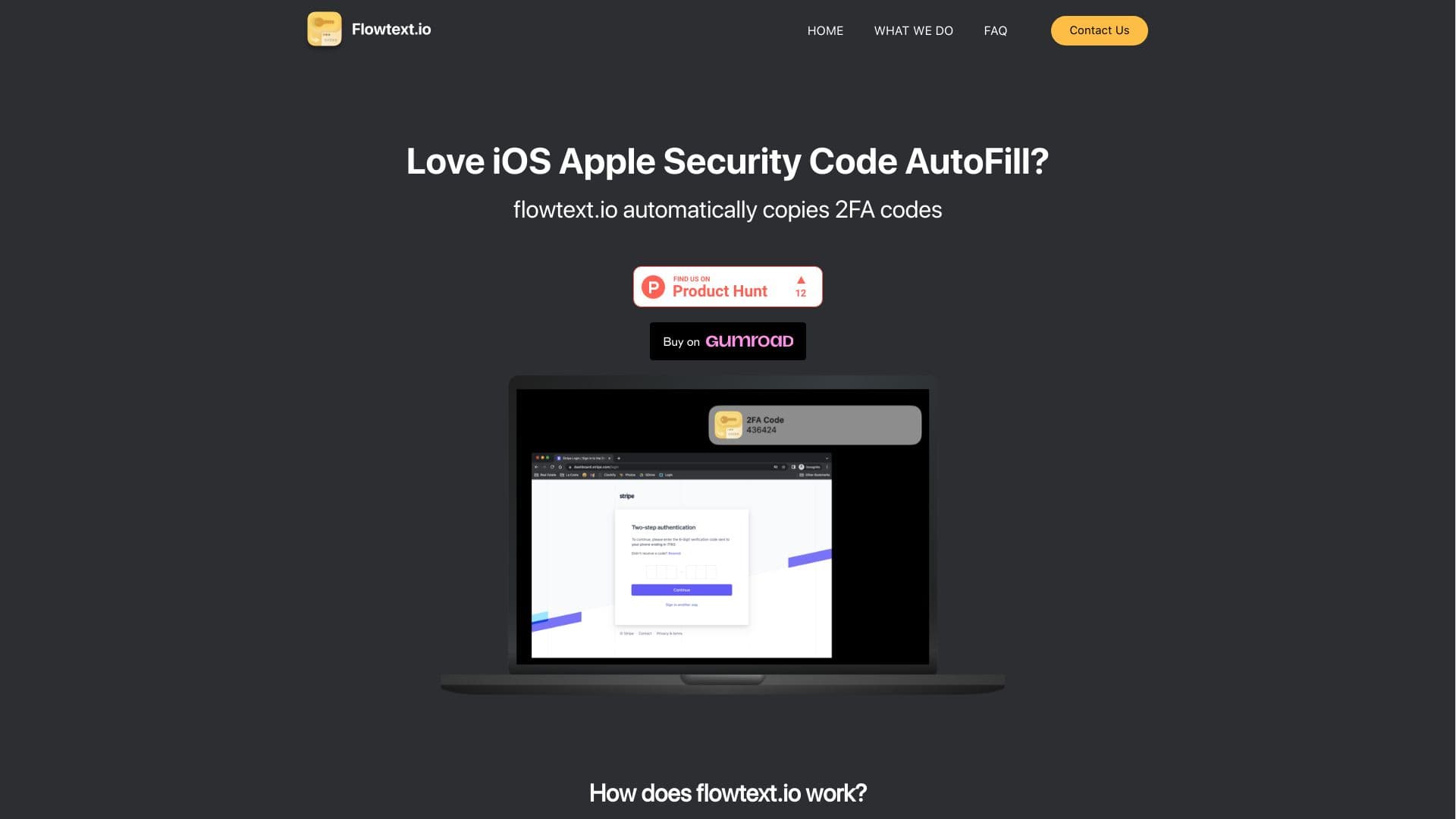
A MacOS application that streamlines two-factor authentication by automatically detecting and copying SMS verification codes for effortless login.
About flowtext.io

Flowtext.io is a powerful MacOS app designed to enhance your security workflow by automating two-factor authentication code entry. It detects incoming SMS messages containing verification codes and copies them to your clipboard, making 2FA login faster and more convenient. Compatible with popular services like banks, Instagram, GitHub, and Gmail, Flowtext.io simplifies your authentication process on Mac devices.

How to Use

Download and install the Flowtext.io app on your Mac. Once configured, it automatically scans incoming SMS messages for 2FA codes, copies them to your clipboard, and allows quick pasting into login fields, simplifying secure access.

Features

  • Automatic detection and copying of SMS-based 2FA codes
  • Seamless clipboard integration for quick pasting
  • Supports popular services like banking apps, Instagram, GitHub, and Gmail
  • Real-time notifications for incoming verification codes

Use Cases

  • Automating the entry of 2FA codes to save time
  • Simplifying login procedures for secure accounts
  • Enhancing online security with quick 2FA access
  • Reducing manual effort in two-factor authentication

Best For

MacOS usersIndividuals managing multiple 2FA accountsChrome browser usersSecurity-conscious professionalsRemote workers

Pros

  • Supports a wide range of services and apps
  • Enhances login security effortlessly
  • Reduces manual copying of verification codes
  • Easy to set up and use

Cons

  • Limited to MacOS platforms
  • Requires iMessage SMS support on Mac

Pricing Plans

Choose the perfect plan. All plans include 24/7 support.

Flowtext MacOS App

$5.00

One-time purchase for lifetime access

Get Started

FAQs

How does Flowtext.io automate 2FA code entry?
Flowtext.io detects incoming SMS verification codes and copies them to your clipboard automatically, enabling quick pasting into login fields for faster authentication.
Is Flowtext.io secure and private?
Yes, the app operates locally on your Mac without transmitting your data externally, ensuring your sensitive information remains private and protected.
Which devices are compatible with Flowtext.io?
Flowtext.io works exclusively on Mac computers that support iMessage and SMS messaging. We plan to support additional platforms in the future based on demand.
What services can I use with Flowtext.io?
It supports a variety of services that require 2FA, including banking apps, social media platforms like Instagram and GitHub, and email services like Gmail, with ongoing expansion.
How do I set up Flowtext.io on my Mac?
Download the app from our website or app store, follow the setup instructions, and once configured, it will automatically detect and copy 2FA codes from incoming SMS messages.
Can I customize notifications for incoming codes?
Yes, Flowtext.io offers customizable notifications to alert you when a new verification code is detected, ensuring you stay informed.
Does Flowtext.io work with all messaging apps?
It specifically integrates with iMessage and SMS on Mac. Compatibility with other messaging platforms is not supported at this time.
Is there a free trial available?
Currently, Flowtext.io is a paid app with a one-time purchase model. We recommend purchasing to enjoy all features without limitations.