

FocuSee
Advanced screen recording software featuring automatic zoom, cursor tracking, and seamless editing tools.
About FocuSee
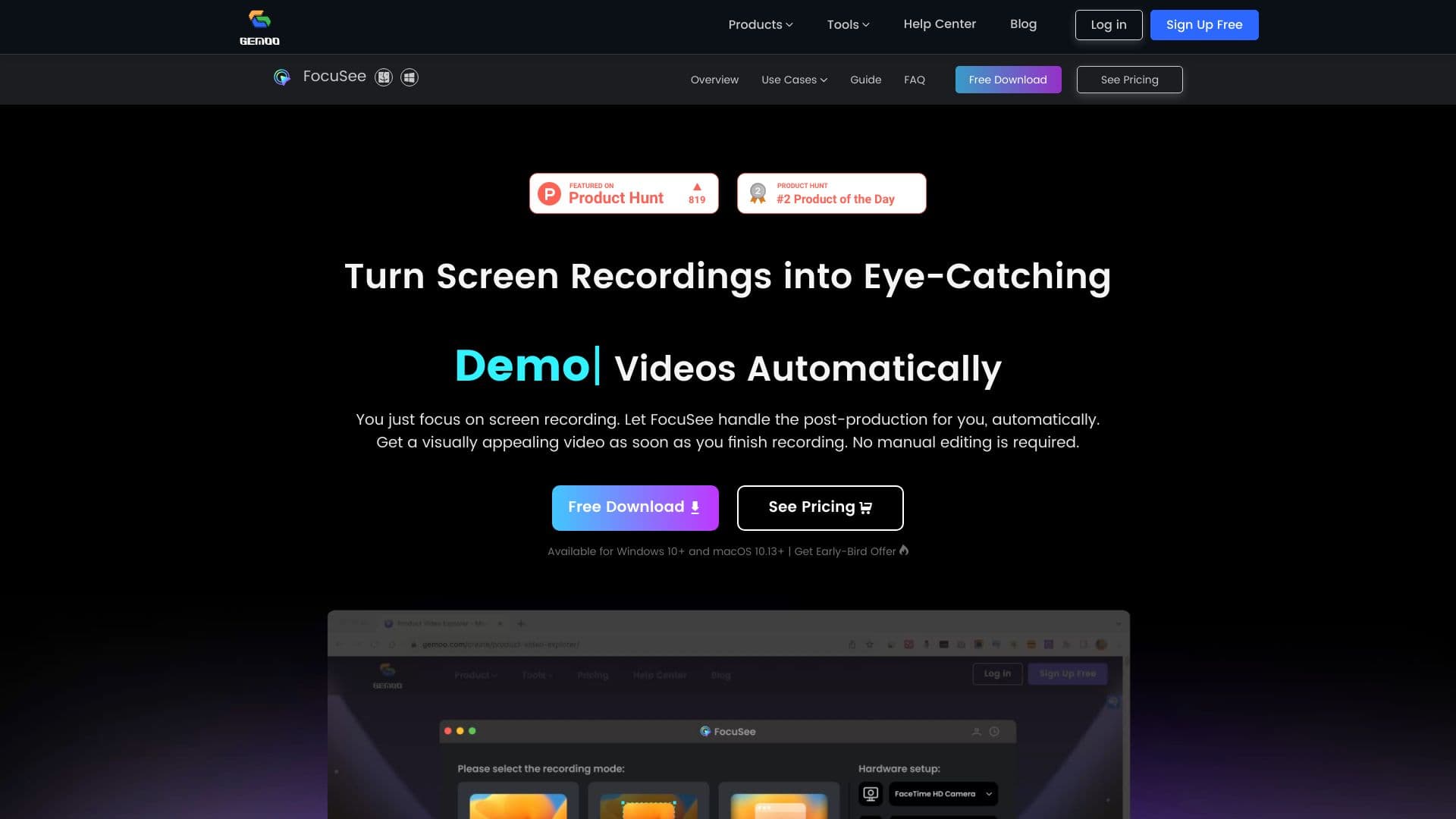
FocuSee is a comprehensive screen recording solution that automatically enhances videos with dynamic zoom, cursor tracking, and background effects. Designed for ease of use, it enables users to create professional tutorials, product demos, promotional videos, and more without manual editing. Its powerful features streamline the video creation process, saving time and elevating content quality.
How to Use
Record your screen, webcam, and voiceover effortlessly. FocuSee automatically applies zoom effects, tracks cursor movements, adds backgrounds, and produces polished videos with minimal effort.
Features
- Integrated teleprompter for smooth scripts
- Customizable video frames and filters
- Flexible layout options
- Export in video or GIF formats
- Real-time cursor movement tracking
- Trim, adjust speed, and edit videos easily
- Automatic zoom-in effects for emphasis
- AI-generated captions for accessibility
- Simultaneous microphone and system audio recording
- Add watermarks for branding
- Predefined sizes optimized for social media
- Save and load custom presets
- Apply motion blur effects
- Capture keyboard shortcuts
- Enhance backgrounds for visual appeal
Use Cases
- Creating detailed product tutorials
- Producing engaging sales presentations
- Developing marketing and reaction videos
- Launching promotional campaigns
Best For
Pros
- One-time purchase options available
- Intuitive and easy-to-use interface
- Automated editing reduces time and effort
- Versatile features for various video types
- Supports up to 4K high-definition output
- Compatible with Windows and macOS
Cons
- 30-day plan is a one-time purchase, not a subscription, with device limitations during the period
- Free trial includes watermark and limited features
- Major version upgrades may incur additional costs
Pricing Plans
Choose the perfect plan. All plans include 24/7 support.
Single-Device License
Lifetime access for one Windows or Mac computer, including free updates to version 1.x.
Get StartedDual-Device License
Lifetime license for two devices (Windows/Mac), with free updates to version 1.x.
Get StartedMulti-Device License
Lifetime access for up to five devices, including free updates to version 1.x.
Get Started30-Day Access Plan
One-time access for a single device (Windows or Mac) for 30 days without auto-renewal.
Get Started