

FormulAI
AI-powered assistant for Excel and Google Sheets that simplifies formula creation, explanation, and analysis.
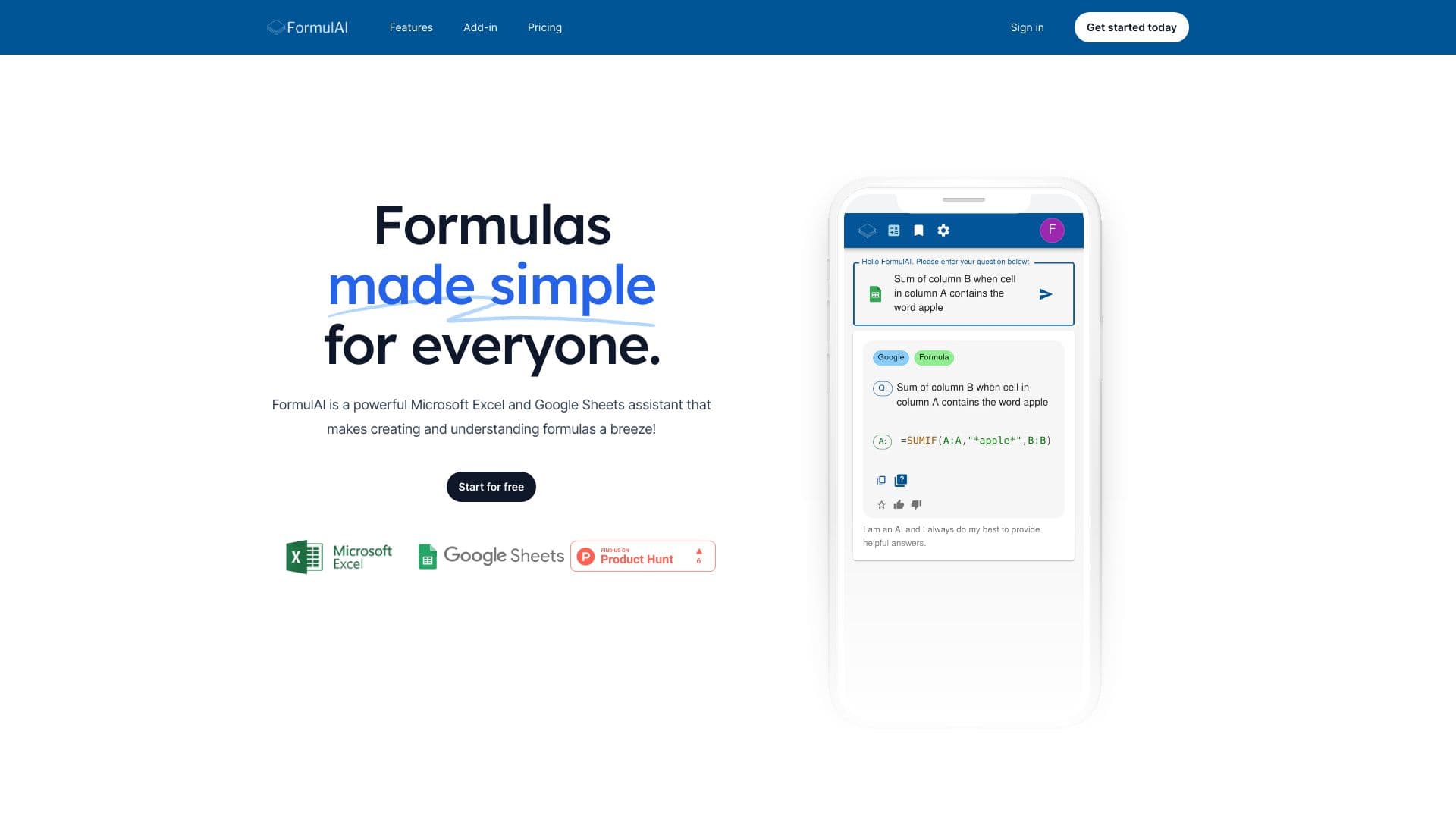
About FormulAI
FormulAI is a user-friendly and robust AI tool designed for Microsoft Excel and Google Sheets. It helps clarify formula syntax, explains complex functions, and generates formulas based on natural language descriptions. Key features include Formula Explainer, Formula Builder, Workbook Analyzer, and Data Simulator, enhancing your spreadsheet efficiency.
How to Use
Utilize FormulAI to understand complex formulas, generate new formulas from natural language prompts, analyze spreadsheets with natural language queries, and create synthetic datasets for testing and analysis.
Features
- Formula Explanation
- Data Generation
- Workbook Analysis
- Formula Creation
- Seamless Excel Integration
Use Cases
- Asking natural language questions about Excel workbooks
- Adding AI-assisted formula creation in spreadsheets
- Generating formulas from plain English descriptions
- Deciphering complex Excel formulas
- Creating test datasets for analysis
Best For
Pros
- Supports multiple languages including English, French, and Spanish for formula building
- Integrates directly with Microsoft Excel and Google Sheets
- Simplifies understanding and creating complex formulas
- Offers a free plan suitable for occasional users
- Provides detailed, step-by-step formula explanations
Cons
- Advanced features like Workbook Analyzer and Data Simulator require a paid subscription
- Free plan has request and data limits
- Over-reliance on AI may impact manual formula skills over time
Pricing Plans
Choose the perfect plan. All plans include 24/7 support.
Unlimited
Access all features including unlimited formula requests, data simulation, workbook analysis, Excel integration, bookmarks, with a 14-day free trial.
Get StartedFree
Send up to 10 requests per month. Data simulation limited to 2 columns and 10 rows. Supports 2 data queries monthly for Excel and Google Sheets.
Get StartedEnterprise
Includes all Unlimited plan features, plus customizable themes and volume discounts for large teams.
Get Started