

Free AI Deepfake Maker
An advanced online AI-powered tool for creating realistic deepfake face swaps in photos, GIFs, and videos with ease.
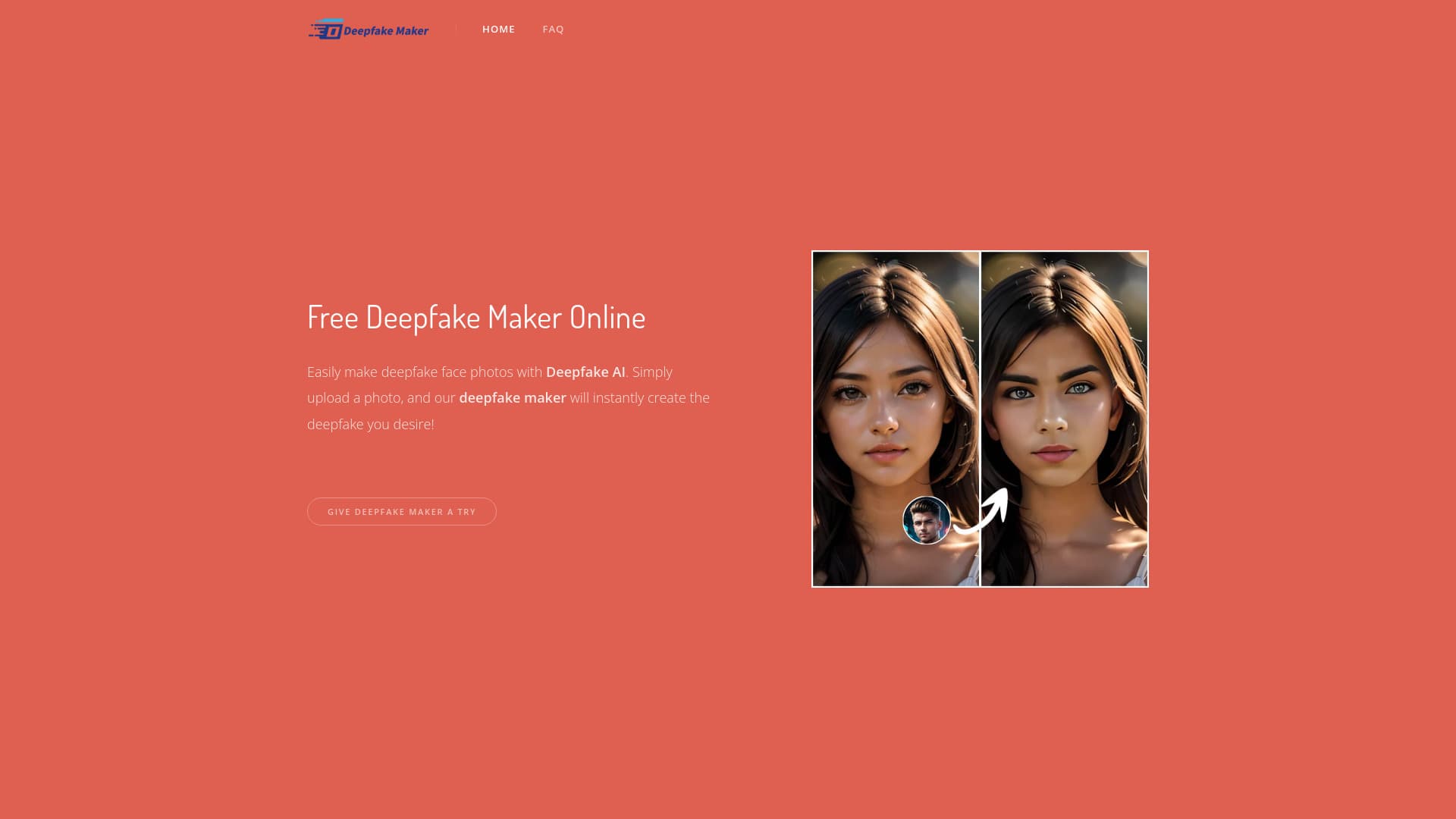
About Free AI Deepfake Maker
Deepfake Maker is a cutting-edge online AI tool that enables users to seamlessly create realistic face swaps in photos, GIFs, and videos. It offers a free, watermark-free service with quick processing, supporting multiple face swaps and video transformations. The platform includes additional AI tools like AI Face Morpher, NSFW AI Art Generator, and AI Clothes Remover. Committed to user privacy, it does not store uploaded images or generated content, ensuring data security and confidentiality.
How to Use
Upload a clear source image with a face and a target face photo. The AI will generate an accurate face swap within seconds. For optimal results, ensure both images are high quality. The process completes in approximately 2-5 seconds.
Features
- Realistic AI Face Swap
- Gender Transformation with AI
- GIF Face Swap
- Multiple Face Replacement
- Video Face Swapping
Use Cases
- Create engaging memes and social media content
- Generate realistic face swap videos and GIFs
- Perform gender swaps in photos for fun
- Produce entertaining face swap images
Best For
Pros
- Supports photos, GIFs, and videos for face swaps
- User-friendly with simple upload and processing
- Prioritizes privacy by not saving user data
- Fast processing time of 2-5 seconds
- Free to use without watermarks
Cons
- Image quality depends on the clarity of uploads
- Upcoming features include multiple face swaps and video deepfake creation
- Limited to JPG, PNG, and WEBP formats