

Free AI Image Upscaling
Free AI-powered image upscaler that enhances and enlarges images up to 4 times their original size.
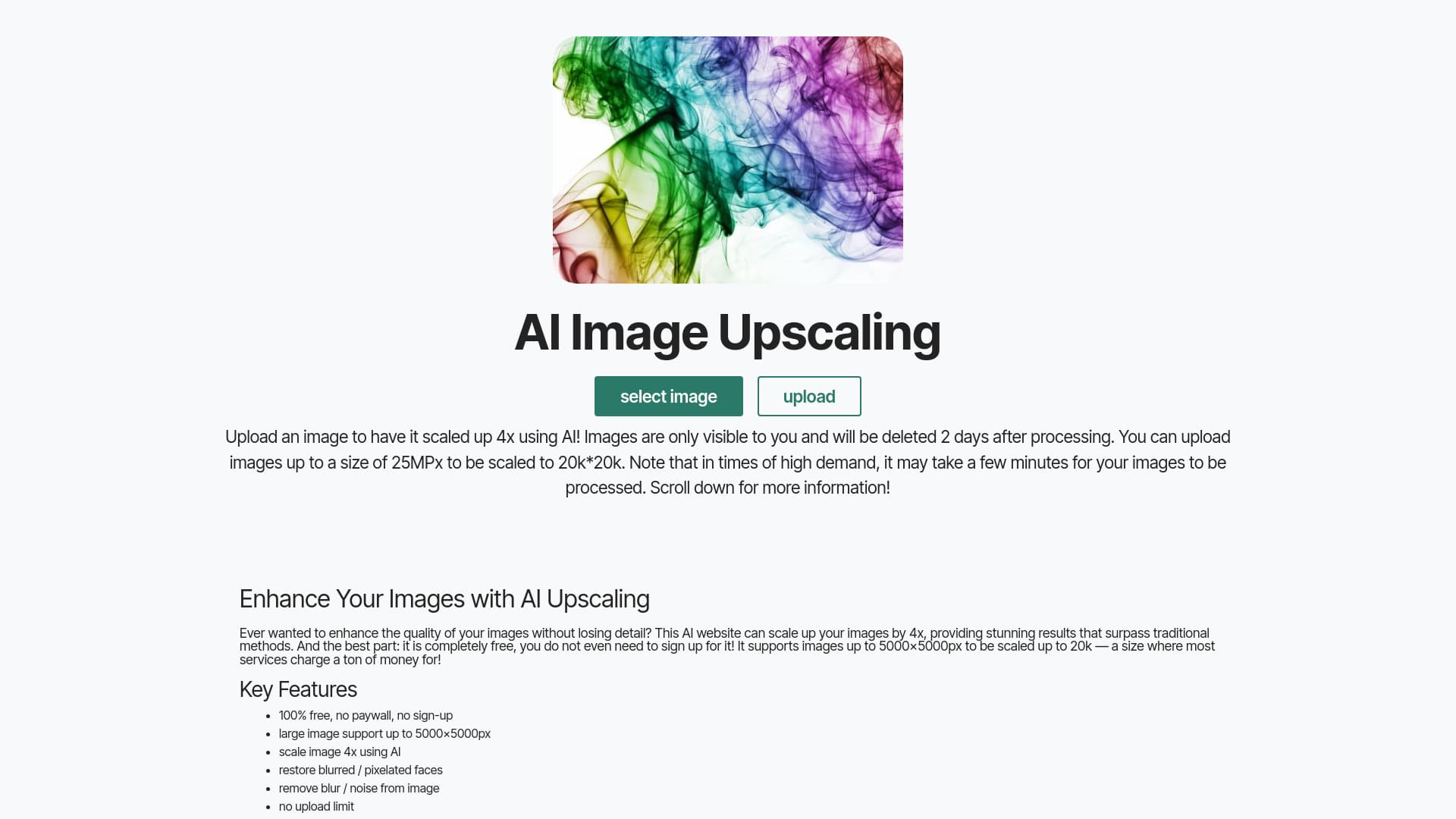
About Free AI Image Upscaling
image-upscaling.net offers a free AI-driven image enhancer that allows users to upscale their images online. It supports scaling images by 400%, reaching resolutions up to 20,000 pixels. The platform delivers high-quality results, is user-friendly, and requires no registration or subscriptions. It accommodates images up to 5000x5000 pixels for scaling up to 20,000 pixels and includes options for face restoration. Large images up to 4096x4096 pixels are supported for processing.
How to Use
Upload your image from your device (up to 16MP) to start. For 3x or 4x enlargement, images should be up to 2MP for optimal results with the premium model. For 1x or 2x scaling, images up to 8MP are suitable. The server processes your image, which may take a few moments. Return later to download your enhanced image. Uploaded images are automatically deleted after a few hours for privacy.
Features
- Free AI-based image enhancement
- Supports large images up to 16MP
- Enables up to 4x image scaling
- Includes face restoration options
- Easy-to-use online tool
Use Cases
- Reducing blur and noise in photos
- Upscaling images for printing or display
- Restoring blurred or pixelated faces
- Enhancing artwork, AI-generated images, and anime visuals
Best For
Pros
- Completely free with no registration needed
- Provides face restoration features
- User-friendly interface
- Produces high-quality results, especially for non-face images
- Supports large image files
Cons
- Maximum image size is 16MP
- Face images may not always be perfectly restored
- Processing times can be longer for larger images
- Results for faces may vary in quality