

Free AI Watermark Remover Online
An AI-powered tool designed to effortlessly remove watermarks from images and videos, enhancing your media cleanup process.
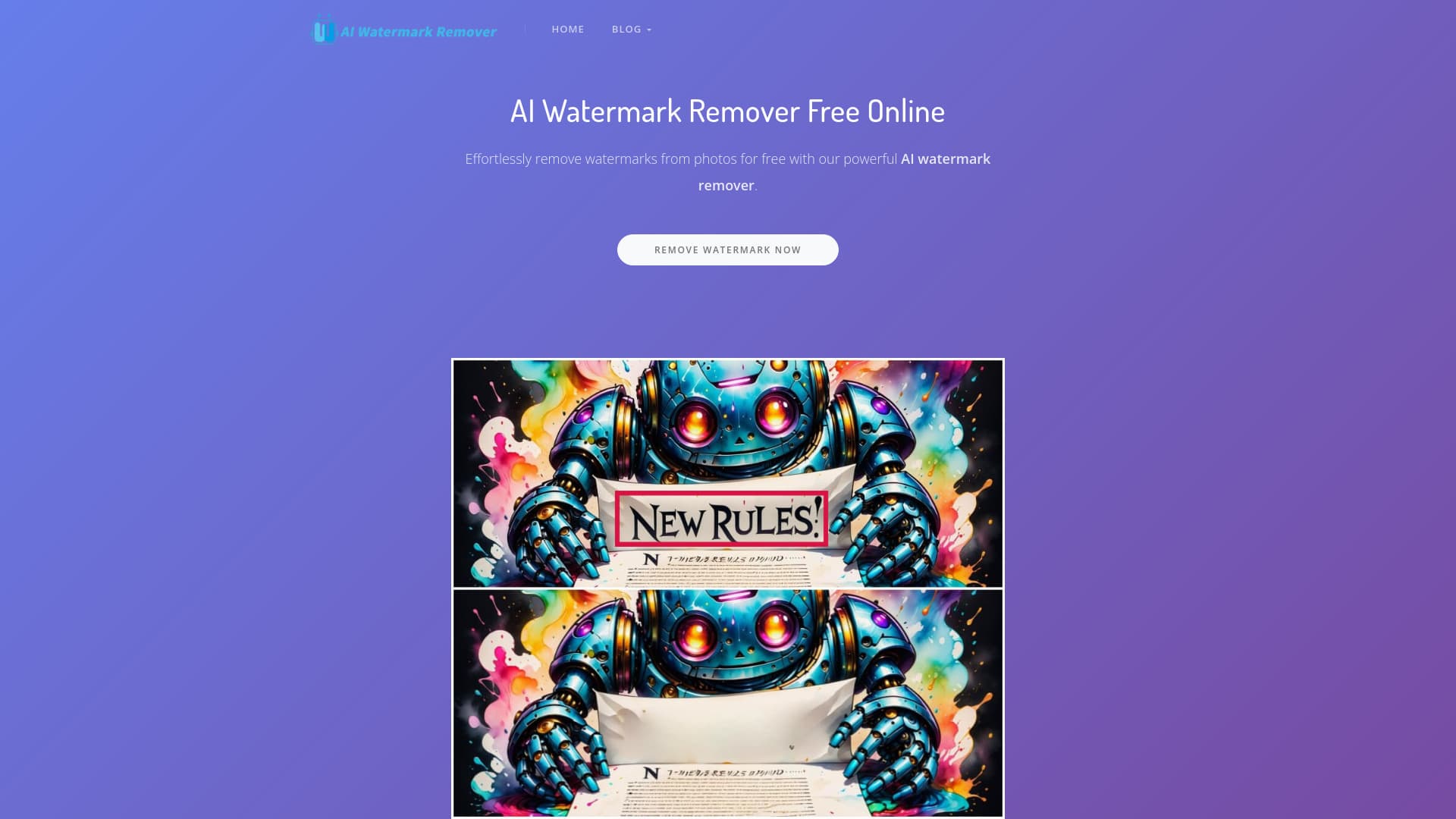
About Free AI Watermark Remover Online
AI Watermark Remover is an advanced AI-driven solution that simplifies removing watermarks from images and videos. Designed for both professionals and content creators, it offers automatic and manual editing options for precise results. The tool supports batch processing and integration with popular video platforms, making media editing faster and more efficient without requiring Photoshop skills.
How to Use
Upload your image or video to the platform, then choose automatic removal or manually highlight watermark areas with the brush tool. Once processed, download the clean, watermark-free media instantly.
Features
- Supports multiple platforms for video downloading (coming soon)
- Manual editing for precise watermark removal
- Automatic AI-powered watermark erasing
- Upcoming support for video watermark removal
- Planned batch processing capabilities
- Future smart watermark detection and removal
Use Cases
- Removing watermarks from professional photos
- Editing videos for content creation
- Cleaning downloaded TikTok and YouTube videos (coming soon)
Best For
Social media managersContent creatorsVideo editorsPhotographersDigital marketers
Pros
- Prioritizes user privacy with no data storage
- Fast, reliable watermark removal process
- Free to use without restrictions
- Offers both automatic and manual editing options
- User-friendly interface requiring no Photoshop skills
Cons
- Video downloader feature is upcoming
- Batch removal capabilities are coming soon
- Smart detection and video removal features are in development
FAQs
What is AI Watermark Remover?
AI Watermark Remover is a powerful tool that uses artificial intelligence to quickly and accurately eliminate watermarks from photos and videos, restoring original content with ease.
How do I remove watermarks using this tool?
Upload your media, then either let the AI automatically erase watermarks or manually highlight watermark areas with the brush tool. The AI then processes and removes the selected regions.
When will the smart mode and video watermark removal features be available?
These features are expected to be launched within the next one to two weeks.
How can I download images or videos after watermark removal?
Simply click the download button or long-press the media to save the watermark-free version.
Is watermark removal safe for sensitive content?
Yes, the tool prioritizes user privacy with no data storage, ensuring your media remains secure.