

Free Image Background Remover (No Ads & No sign-up)
Free AI-powered tool for removing image backgrounds to create transparent visuals effortlessly.
About Free Image Background Remover (No Ads & No sign-up)
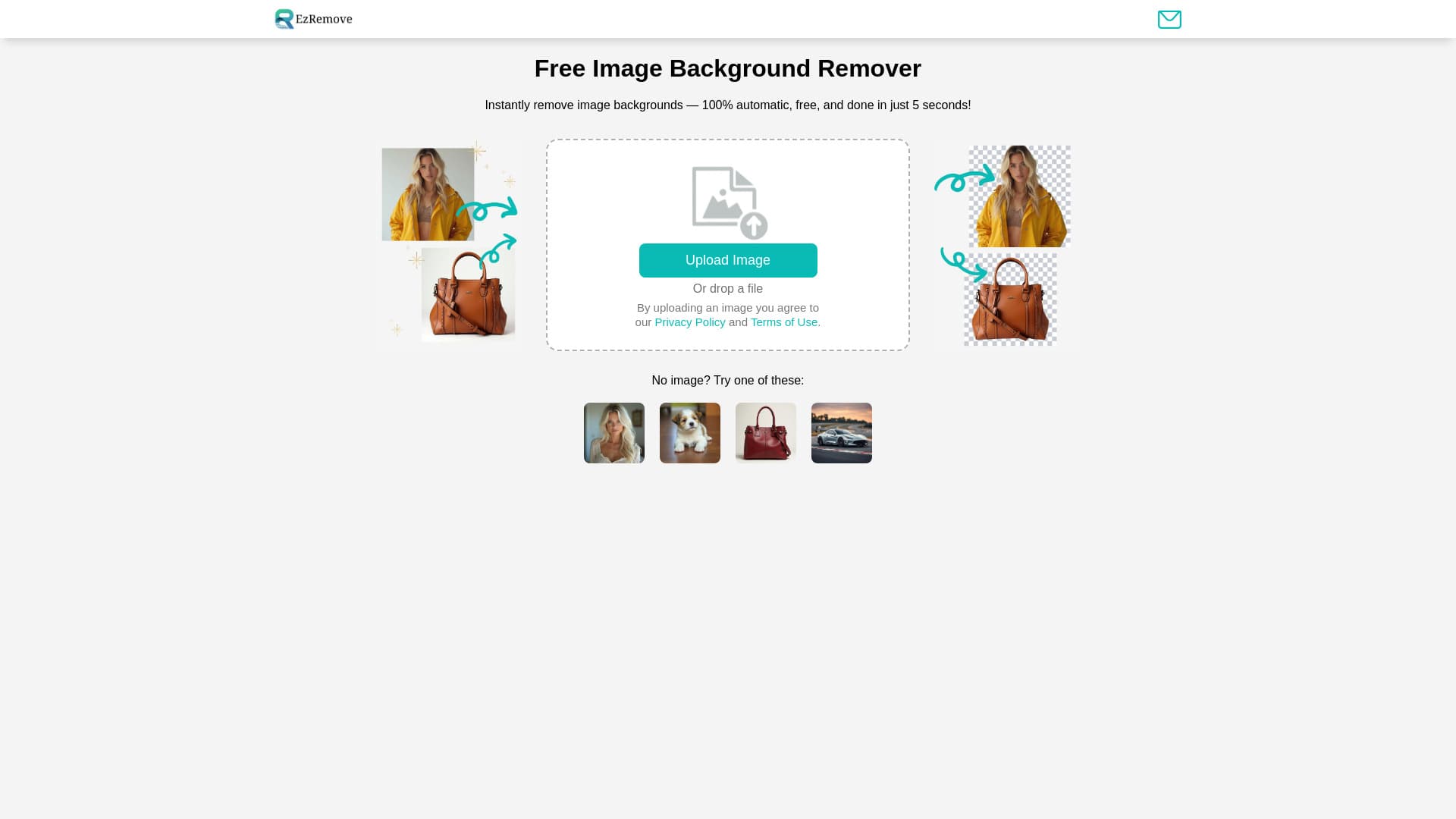
EzRemove is a free online tool that leverages AI technology to instantly remove backgrounds from images. It allows users to generate transparent backgrounds, edit photos, and create PNG files online. Designed for designers, photographers, online sellers, and social media influencers, it simplifies professional image editing.
How to Use
Upload your JPG or PNG image to EzRemove. The AI automatically removes the background, allowing you to download the transparent version in preferred formats and sizes. No complex steps involved.
Features
- Fast and intuitive image editing
- Customizable background options
- Automatic AI-based background removal
- Supports multiple image formats and devices
- Create transparent backgrounds in seconds
- Batch processing for multiple images
Use Cases
- Designing engaging social media posts
- Enhancing marketing visuals
- Improving product photos for eCommerce
Best For
Graphic designersOnline sellersDigital artistsProfessional photographersSocial media influencers
Pros
- User-friendly with no learning curve
- Processing completes in approximately 5 seconds
- Seamless transparent photo generation
- Free and accessible for all users
- Highly accurate AI technology
- Supports bulk image processing
Cons
- Limited customization options for bulk uploads, as noted by some users
FAQs
Can I remove backgrounds using my mobile device?
Yes, EzRemove is fully compatible with smartphones, allowing you to easily remove backgrounds directly from your mobile device for quick, on-the-go editing.
Is EzRemove similar to remove.bg?
Yes, EzRemove offers faster processing, refined edges, and free batch processing, providing high-quality transparent backgrounds comparable to remove.bg.
Can I replace or edit the background of my images?
Absolutely. Our tool enables you to remove and replace backgrounds with solid colors, custom images, or transparent PNGs, ideal for design and eCommerce projects.
What makes a good background remover?
A top background remover combines AI recognition with quick, precise results, ensuring your images have clean, seamless edges and high quality.
Is EzRemove a good alternative to Adobe’s background removal tools?
Yes, EzRemove provides simple, instant background removal without subscriptions, making it an easy alternative to Adobe’s more complex tools.
How do I create a transparent background with EzRemove?
Upload your image and let our AI automatically remove the background, resulting in a transparent PNG suitable for editing or design use.
Is the background removal service free?
Yes, EzRemove offers free background removal, providing high-quality results without any charges or hidden fees.
How does EzRemove maintain image quality?
Our advanced algorithms optimize each image during upload and processing to preserve clarity, detail, and overall quality.
Which image formats does EzRemove support?
EzRemove supports JPG, PNG, WEBP, and other common formats, with plans to include more formats based on user needs.
Can I process multiple images at once?
Yes, EzRemove supports batch processing, allowing you to remove backgrounds from several images simultaneously for efficiency.