

Funny Duck
Enhances voice assistant capabilities to seamlessly control computers, smart home devices, and IoT gadgets.
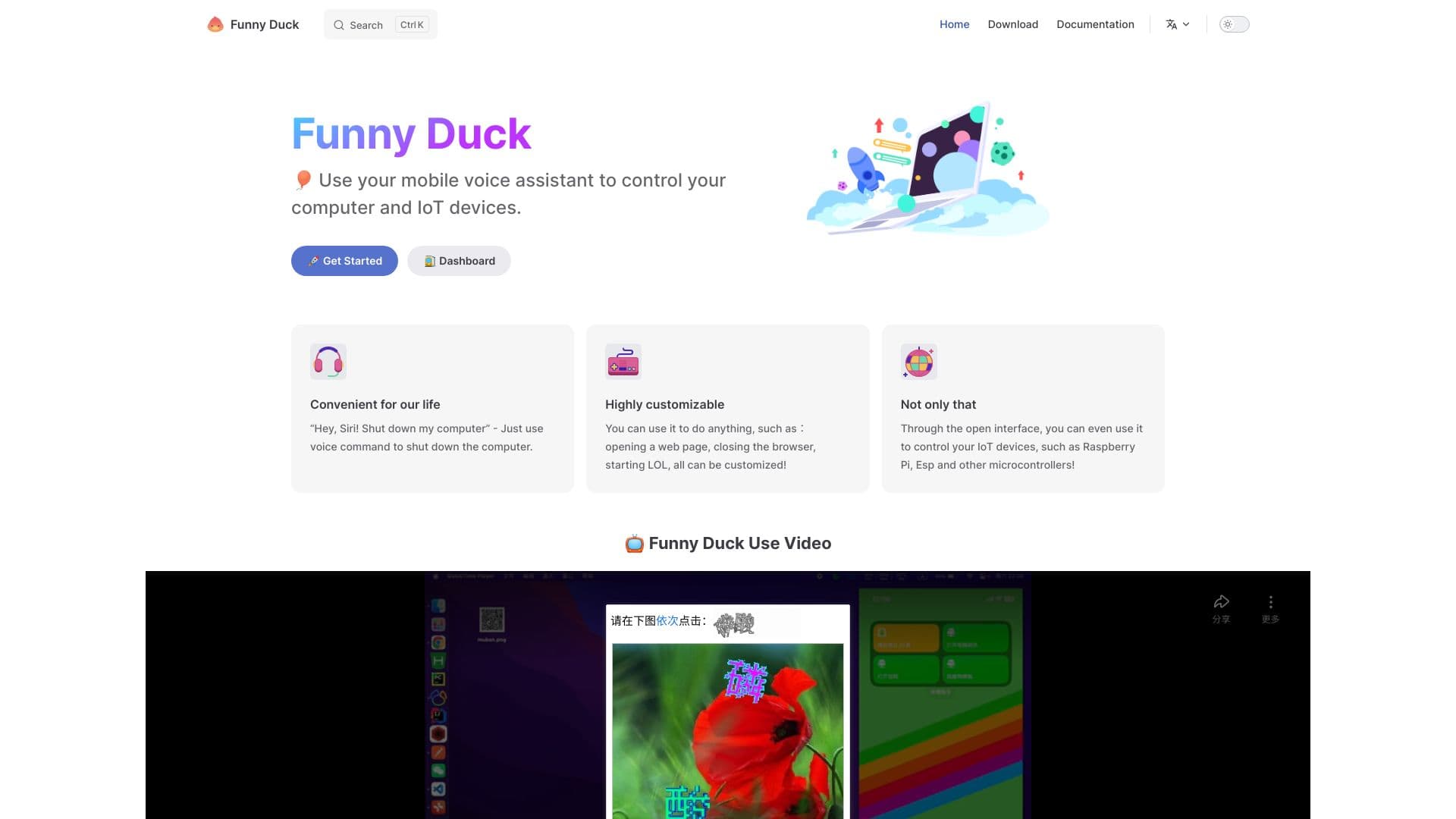
About Funny Duck
Funny Duck is an innovative platform that extends mobile phone voice assistants' functionality, enabling users to control computers, smart home systems, and DIY IoT devices effortlessly with voice commands via their smartphones.
How to Use
Activate your mobile voice assistant or smart speaker to control your devices with Funny Duck. Sign up, then configure your preferred commands and actions for seamless operation.
Features
- Enable voice control for DIY IoT devices
- Manage smart home appliances with voice commands
- Control computers using voice assistant integration
- Highly customizable voice actions for various devices
Use Cases
- Open specific websites with Google Assistant
- Control smart devices like lights and thermostats via voice
- Shut down your computer using Siri
Best For
IoT developersTechnology enthusiastsDIY hobbyistsSmart home owners
Pros
- Supports popular voice assistants like Siri, Xiao Ai, Tmall Genie, and Baidu DuerOS
- Offers extensive customization options
- Compatible with a wide range of devices including PCs, smart home systems, and DIY IoT gadgets
- Enhances existing voice assistant functionalities
Cons
- Initial setup and configuration are required
- Dependent on the stability and accuracy of the voice assistant platform
- May require technical skills for integrating DIY IoT devices
FAQs
Which voice assistants are compatible with Funny Duck?
Funny Duck supports most major mobile voice assistants, including Siri, Xiao Ai, Tmall Genie, and Baidu's DuerOS.
What devices can I control with Funny Duck?
You can manage computers, smart home devices, and DIY IoT gadgets, including turning off computers, opening websites, and controlling lights.
Is Funny Duck user-friendly?
While setup may require some initial configuration, Funny Duck provides extensive customization to simplify ongoing voice control of your devices.
Do I need technical knowledge to set up Funny Duck?
Some technical understanding is helpful, especially for integrating DIY IoT devices, but detailed guides are available to assist with setup.
Can I control multiple devices with Funny Duck?
Yes, Funny Duck allows simultaneous control of multiple devices, making your automation workflows more efficient.