

G-Data Screen Data
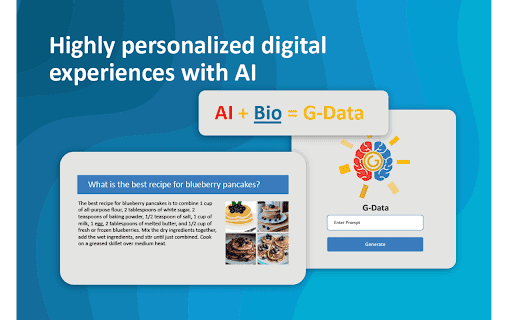
A Chrome extension that delivers personalized AI experiences by leveraging screen capture and biometric data collection.
About G-Data Screen Data
G-Data Screen Data, developed by G-Data Labs, is a Chrome extension that combines AI technology and biometric data to create customized digital experiences. It captures screen activity and webcam input, allowing users to control their data and enhance AI personalization securely.
How to Use
Download and install the G-Data Screen Data Chrome extension. It captures your screen and webcam activity during AI interactions. Manage your data preferences and consent via the G-Data Platform for full control.
Features
- Real-time screen recording and webcam integration
- AI-powered personalization based on user data
- Comprehensive data privacy and control settings
Use Cases
- Tailoring AI responses with biometric insights
- Training AI systems with user-specific data
- Managing data sharing and user consent for AI applications
Best For
AI developersGenerative AI enthusiastsPrivacy-focused usersUX/UI designersData scientists
Pros
- Enables smarter AI models with user data
- Enhances personalization through biometrics
- Seamless integration with advanced AI systems
- Empowers users with data control and privacy options
Cons
- Relies on the G-Data platform for data management
- Biometric data may raise privacy concerns
- Requires user consent for data collection
- Necessitates Chrome extension installation
FAQs
What is G-Data Screen Data?
G-Data Screen Data is a Chrome extension that captures screen and webcam data to personalize digital experiences using AI and biometrics.
How does G-Data Screen Data protect my privacy?
You control your data and consent preferences through the G-Data Platform, allowing you to decide what information to share.
In what ways does G-Data improve AI models?
The data collected helps train AI systems to deliver more accurate and personalized responses based on your input.
Is biometric data collection secure?
Yes, biometric data is handled with strict privacy controls and user consent to ensure security and compliance.
What are the system requirements for using this extension?
You need a compatible Chrome browser and an active internet connection to install and operate the extension effectively.