

Gemini Code Assist
AI-powered coding assistant that enhances productivity through code completion, generation, and review within IDEs and GitHub.
About Gemini Code Assist
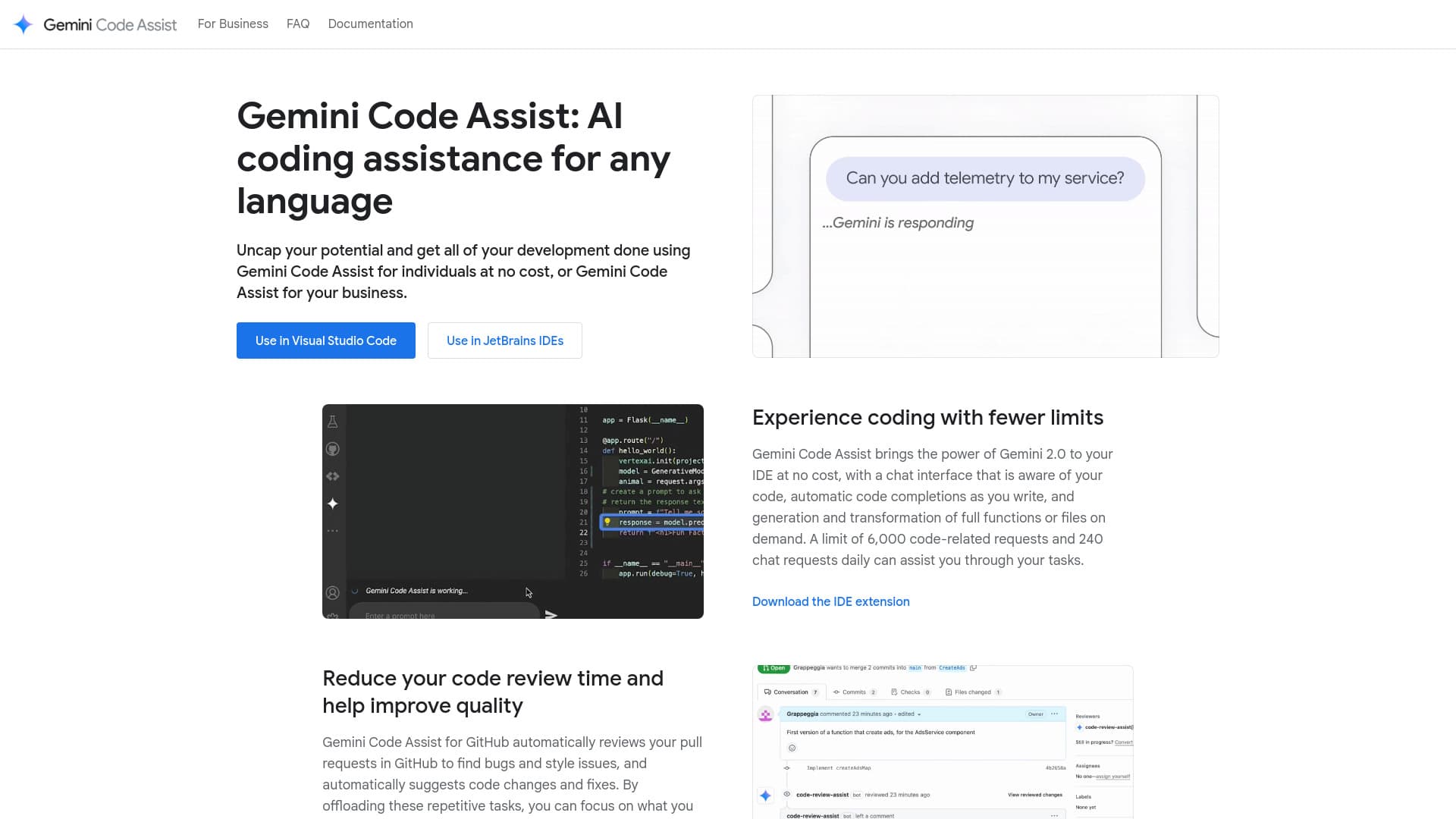
Gemini Code Assist offers advanced AI-driven coding support directly in popular IDEs like Visual Studio Code and JetBrains. It provides intelligent code suggestions, generation, and transformation, along with an integrated chat interface that understands your code context. Additionally, it facilitates pull request reviews on GitHub by recommending code improvements. Available in Free, Standard, and Enterprise editions, Gemini Code Assist caters to individual developers, teams, and enterprises with tailored features and security options.
How to Use
Install the extension from the Visual Studio Marketplace or JetBrains Marketplace. Connect your GitHub account for pull request reviews. Use the chat feature within your IDE or add '/gemini' comments on pull requests to receive AI assistance.
Features
- Automated code reviews on GitHub for faster feedback
- Customizable code suggestions from private repositories (Enterprise edition)
- Interactive chat interface integrated into IDEs
- AI-powered code completion and automated generation
- Seamless integration with Google Cloud services like Firebase, BigQuery, and Apigee
Use Cases
- Speed up code reviews and enhance code quality
- Accelerate development with intelligent suggestions
- Convert natural language into SQL queries efficiently
- Build AI-assisted integrations with Google Cloud platforms
Best For
Pros
- Enterprise-grade security and management tools in paid plans
- Indemnification for intellectual property
- Large context window of 128K tokens for deep analysis
- Free version available for individual developers
- Supports multiple IDEs including VS Code and JetBrains tools
Cons
- Enterprise features require the paid edition
- Requires a Google Cloud account for paid plans
- Request limits in the free version can restrict usage
Pricing Plans
Choose the perfect plan. All plans include 24/7 support.
Gemini Code Assist for Individuals (Preview)
Free for individual developers, no credit card required.
Get StartedGemini Code Assist Standard
Business-grade AI coding support with enterprise security and management features.
Get StartedGemini Code Assist Enterprise
Comprehensive AI-powered development platform with private code repository integration.
Get Started