

GIF with Sound
An innovative online tool that leverages artificial intelligence to add captivating sound effects to GIFs, perfect for sharing across social media platforms.
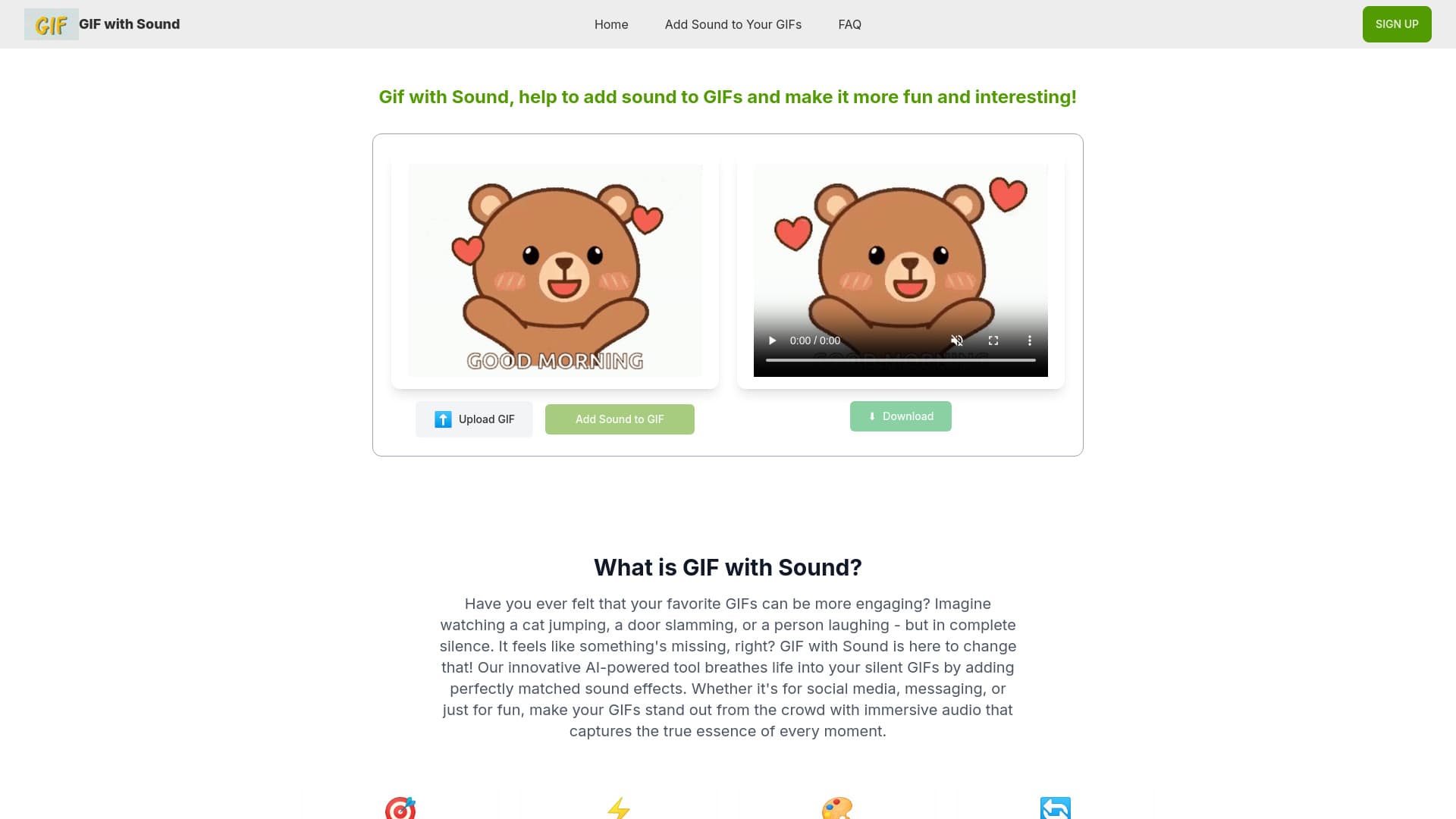
About GIF with Sound
GIF with Sound is a user-friendly online platform that automatically enhances your GIFs by adding intelligent sound effects. Using advanced AI technology, it analyzes the content and movement within each GIF to generate perfectly synchronized audio, making your animations more engaging and fun. The tool converts the GIF into a high-quality MP4 video with sound, ready to share on platforms like Instagram, TikTok, Twitter, Facebook, WhatsApp, and Snapchat, boosting your social media impact.
How to Use
Upload your GIF file to our website, allow the AI to automatically generate matching sound effects, then download the resulting MP4 video to share on your favorite social media channels with ease.
Features
- AI-driven sound effect generation for GIFs
- Automatic matching of audio to GIF content
- Seamless sharing on social media platforms
- Conversion of GIFs into high-quality MP4 videos
Use Cases
- Enhancing a boxing cat GIF with punch sound effects
- Adding engaging sounds to a jumping cat GIF
- Boosting holiday GIFs with festive trumpet and jingle sounds
Best For
Pros
- AI intelligently selects suitable sound effects
- Free usage for limited GIFs
- Creates immersive audio for GIFs
- Simple drag-and-drop interface for ease of use
- Supports sharing across multiple social platforms
Cons
- AI may not always select perfect sounds
- Outputs MP4 videos, not GIFs
- Limited to GIFs under 5MB in size
- No option yet for custom sound effect choices