

GitHub Copilot
AI-powered coding assistant that offers intelligent code suggestions and functions within IDEs, leveraging OpenAI Codex and GPT models for enhanced development workflow.
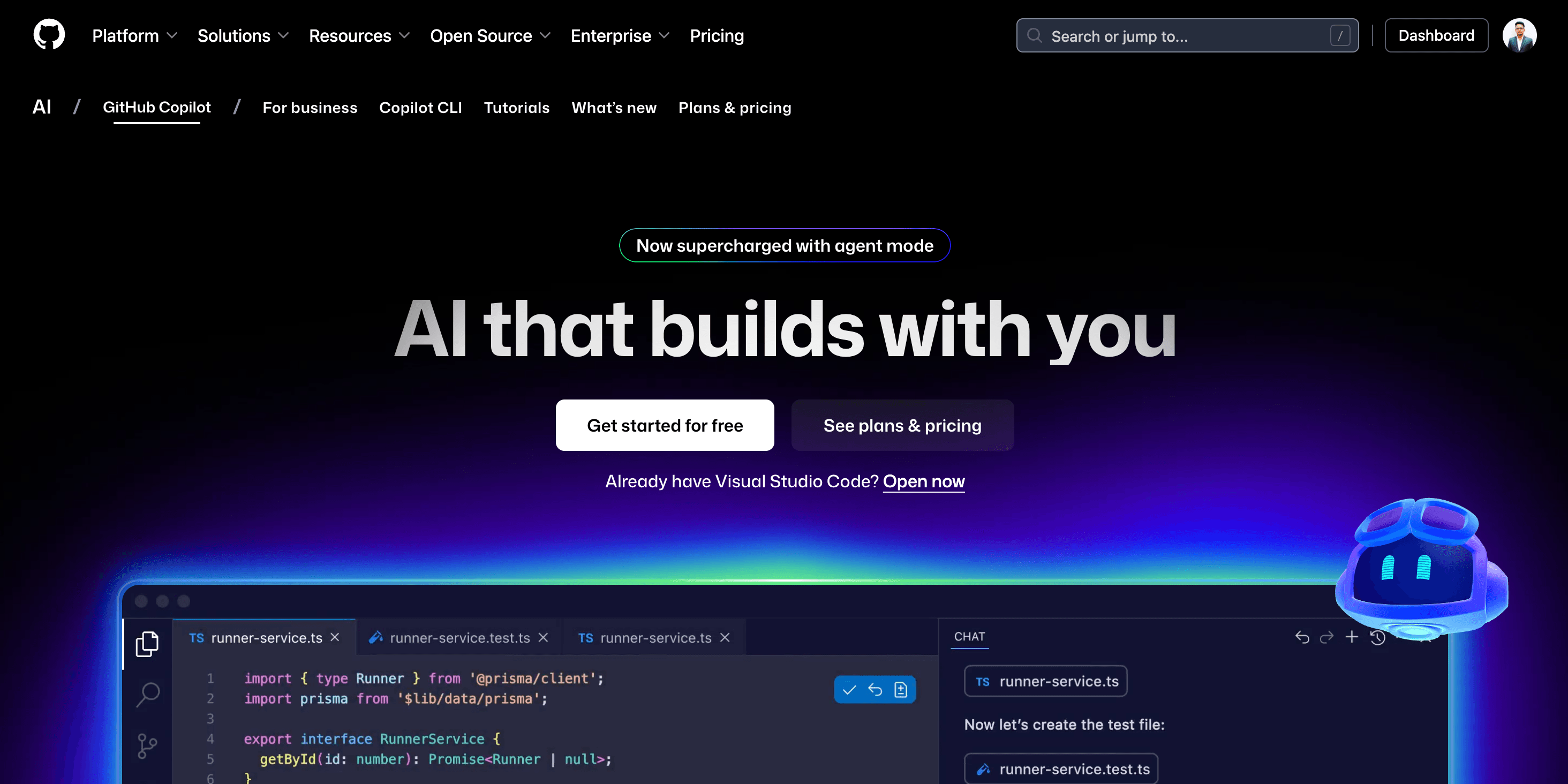
About GitHub Copilot
GitHub Copilot utilizes advanced OpenAI models to accelerate coding by providing intelligent suggestions, code explanations, and automated test generation, enhancing developer productivity.
How to Use
Install the extension, sign in, and begin coding to receive AI-powered suggestions in your IDE.
Features
- Automated test case generation
- Convert comments into code
- Real-time code completion
Use Cases
- Assisting code development
- Learning new programming concepts
- Debugging and troubleshooting
Best For
Software developersProgramming studentsTechnical teamsCode learners
Pros
- Enhances coding productivity
- Seamless integration with VS Code
- Provides accurate and relevant suggestions
Cons
- Requires a paid subscription
- Occasionally suggests outdated code
FAQs
Is GitHub Copilot free to use?
GitHub Copilot offers a free trial; after that, it requires a subscription.
Which IDEs are compatible with GitHub Copilot?
It supports IDEs like Visual Studio Code, JetBrains IDEs, Neovim, and others.
How does GitHub Copilot improve coding?
It provides real-time code suggestions, auto-completion, and code explanations to accelerate development.
Can GitHub Copilot generate test cases?
Yes, it can automatically generate test cases to streamline testing processes.
Is there a free version of GitHub Copilot?
It offers a free trial period; continued use requires a paid subscription.