

GOAT AI
GOAT AI provides instant AI-powered summaries for diverse content types, helping users grasp information quickly and efficiently.
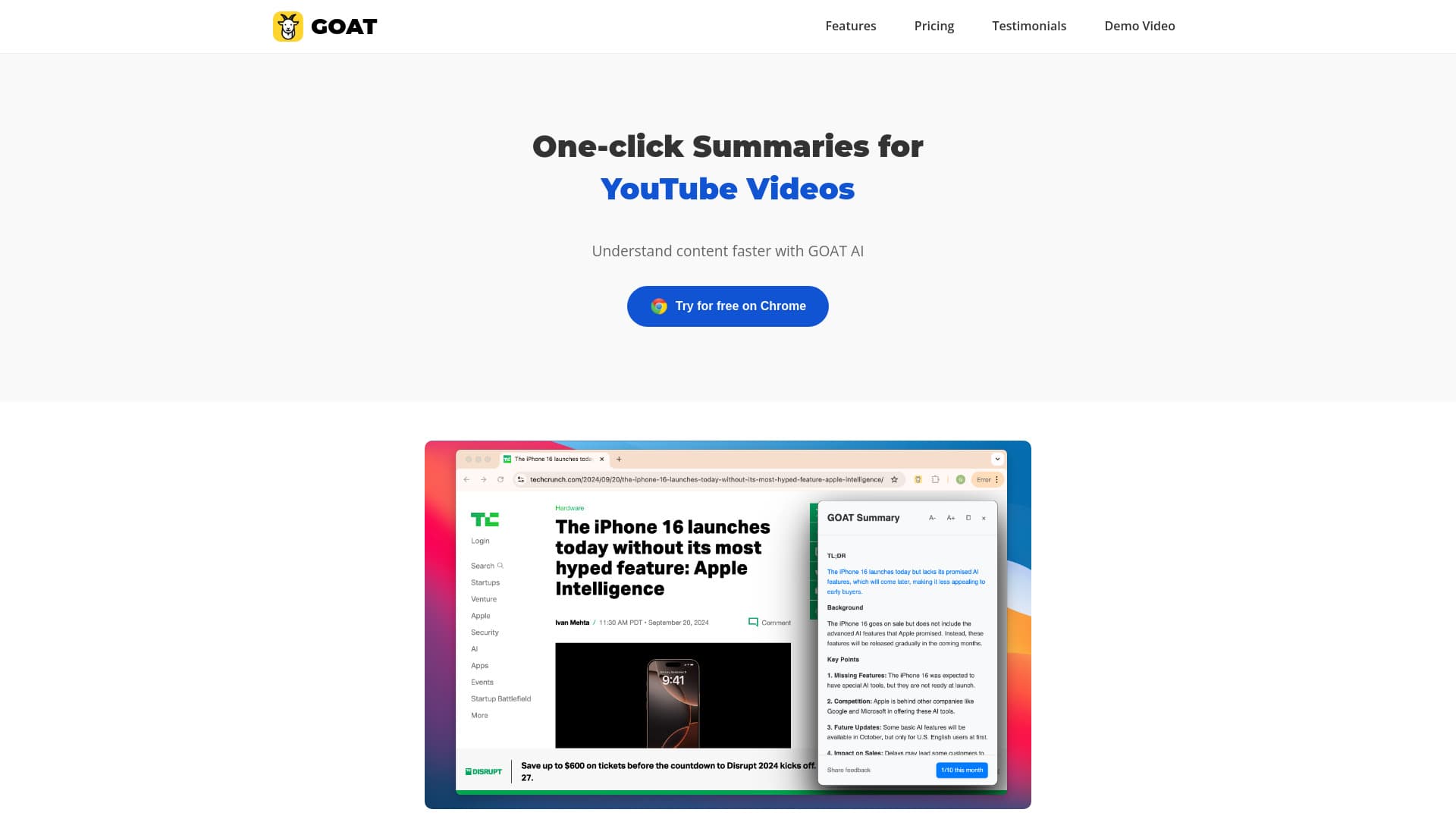
About GOAT AI
GOAT AI offers one-click summaries for news articles, research documents, YouTube videos, and various content formats. It enables faster content comprehension, making it ideal for professionals, students, and researchers seeking quick insights.
How to Use
Install the GOAT AI extension on Chrome or Edge. Click the icon to generate quick summaries for news, research papers, videos, and other content with a single click.
Features
- Instant AI-generated summaries with a single click
- Supports news, research, and video content
- Available as Chrome and Edge browser extensions
Use Cases
- Quickly digest lengthy reports and articles
- Stay informed on trending topics efficiently
- Understand complex research papers with ease
Best For
Business decision makersResearch analystsExecutivesStudentsAcademic researchers
Pros
- Seamless integration into daily workflow
- Rapid content summarization
- Saves time on information processing
Cons
- Advanced features require a paid subscription
- Free plan offers limited summaries
Pricing Plans
Choose the perfect plan. All plans include 24/7 support.
Most Popular
Premium
$14.99/month
Unlimited summaries, advanced AI capabilities, priority customer support
Get StartedFAQs
How many summaries can I generate with the free plan?
The free Basic plan allows up to 10 summaries each month.
What features are included in the Premium plan?
The Premium plan offers unlimited summaries, advanced AI summarization, and priority support for $14.99 monthly.
Which browsers are compatible with GOAT AI?
GOAT AI is available as extensions for both Chrome and Microsoft Edge browsers.
Can I use GOAT AI for research papers and videos?
Yes, GOAT AI supports summarizing research articles, YouTube videos, news articles, and other content types.
Is the extension easy to install and use?
Yes, simply install the extension on Chrome or Edge and click the button to generate summaries instantly.