

Goodnotes
A versatile multi-platform note-taking application featuring AI-powered handwriting recognition and annotation tools.
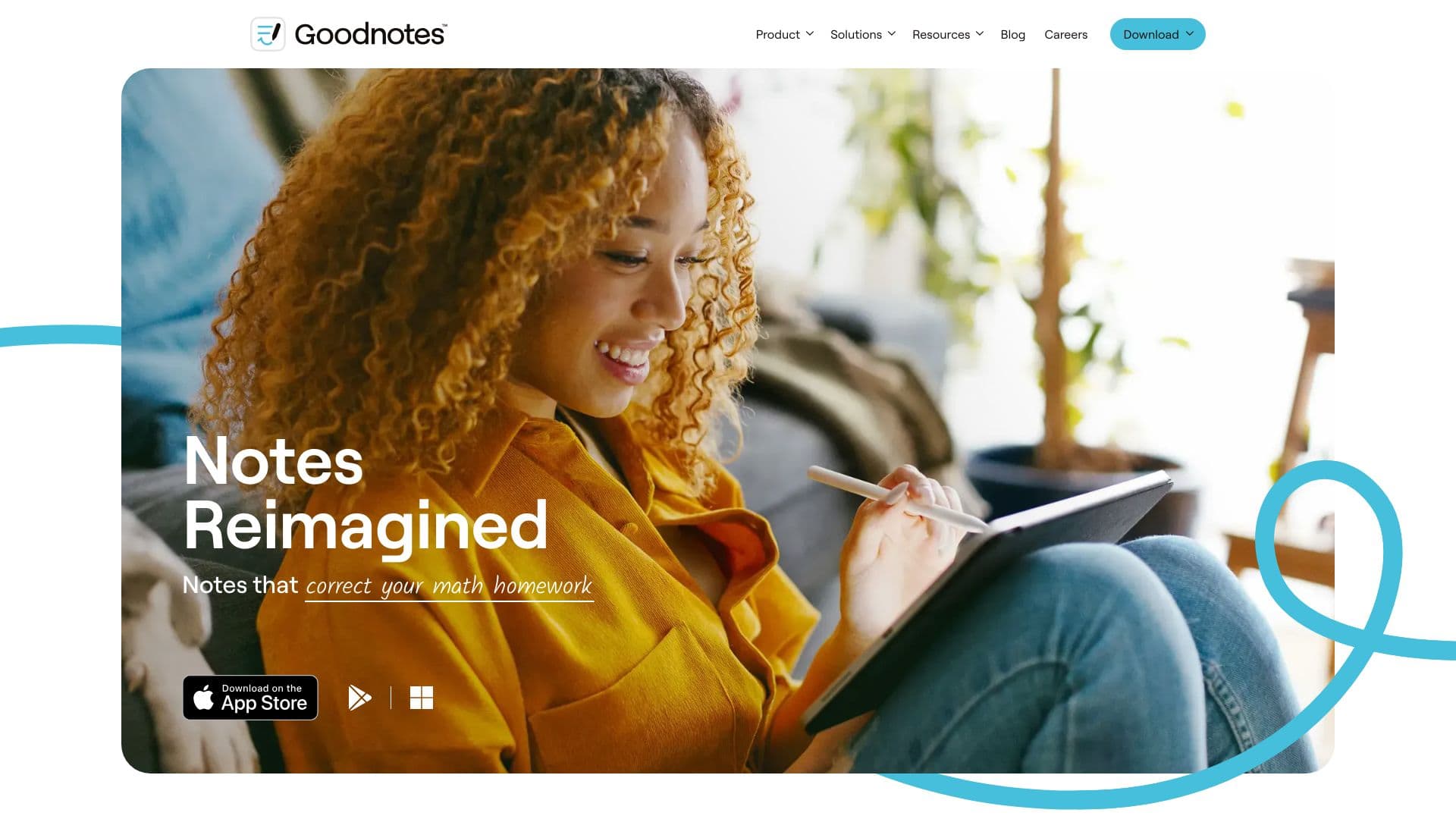
About Goodnotes
Goodnotes is a comprehensive note-taking solution compatible with iOS, Mac, Windows, Android, and web platforms. Its intuitive interface supports AI-enhanced handwriting recognition, seamless PDF annotation, and effortless synchronization across devices. Trusted by millions, it helps users organize notes, create digital planners, and enhance productivity across all their devices.
How to Use
Download Goodnotes on your preferred device—iOS, Mac, Windows, Android, or Web. Create digital notebooks, jot down or type notes, import PDFs for annotation, and synchronize your notes across all devices. Upgrade to a paid plan to unlock unlimited notebooks and premium features.
Features
- Advanced PDF annotation tools
- AI-powered handwriting recognition
- Spellcheck for handwritten notes
- Seamless cross-device synchronization
- Organized digital notebooks
Use Cases
- Brainstorming ideas effectively
- Annotating research papers and PDFs
- Designing digital planners and journals
- Taking organized notes in classes or meetings
- Managing and tracking to-do lists
Best For
Pros
- Robust PDF annotation capabilities
- Intuitive and easy-to-use interface
- Reliable cloud synchronization
- Advanced AI handwriting recognition
- Available on multiple platforms
Cons
- Certain features limited to specific platforms (e.g., audio recording on Apple devices)
- AI functionalities may vary by region
- Full feature access requires a subscription
Pricing Plans
Choose the perfect plan. All plans include 24/7 support.
All Platforms Annual Subscription
Unlimited notebooks, note sharing, export options without watermarks, plus AI handwriting and typing features. Includes access to Apple, Android, Windows, and Web platforms, along with bonus stickers, templates, and digital stationery.
Get StartedOne-Time Payment for Apple Devices
Unlimited notebooks, sharing, exporting, and AI features. Full access to all Apple device functionalities, including advanced annotation and editing tools.
Get StartedAndroid & Windows Annual Plan
Unlimited notebooks, note sharing, and export features. Supports files up to 250MB, with access on Android and Windows devices.
Get Started