

Google Gemini
Google's advanced multimodal AI assistant that seamlessly integrates text, images, code, and data processing capabilities for enhanced productivity.
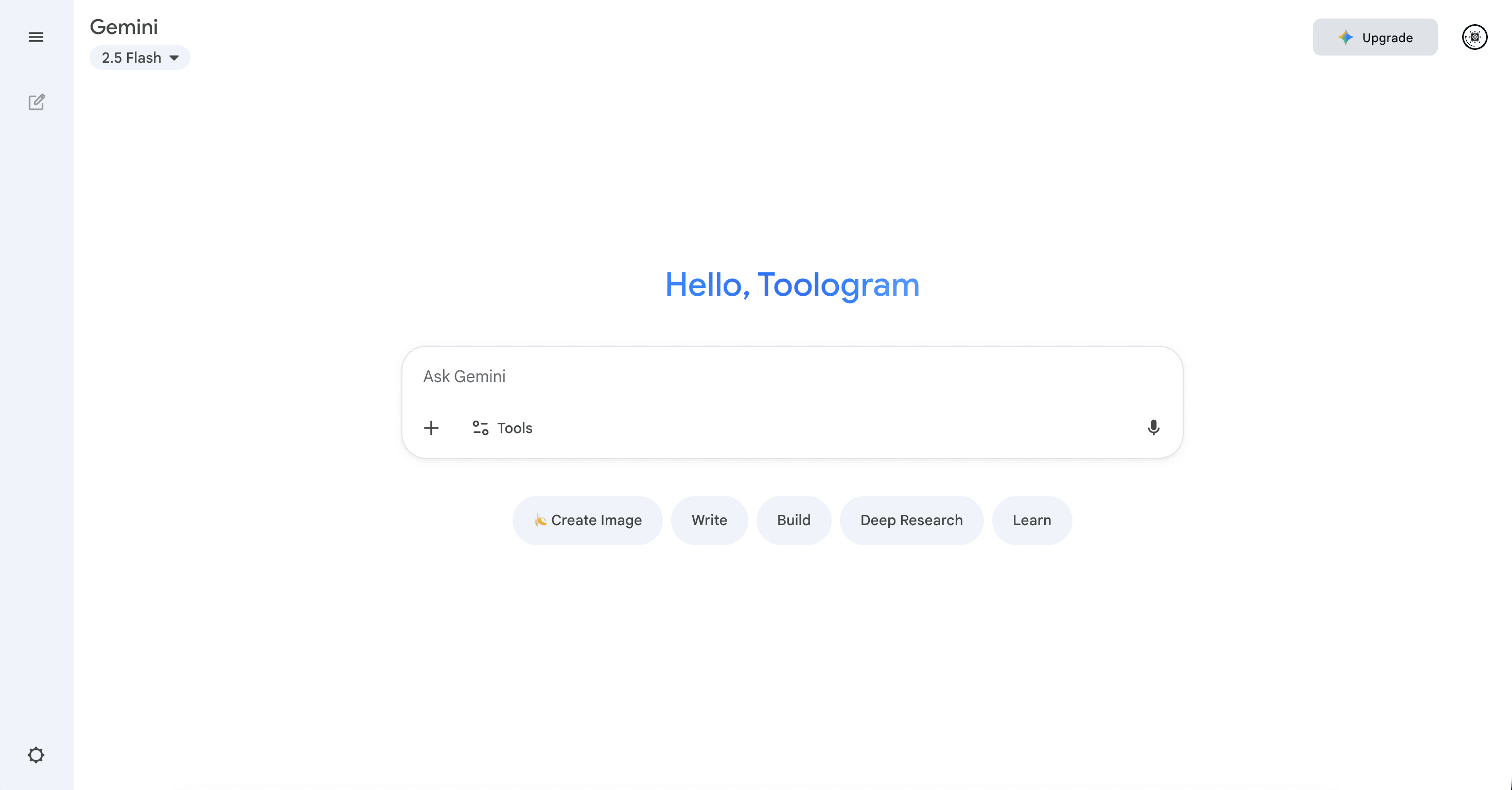
About Google Gemini
Gemini is Google's cutting-edge AI assistant that combines multimodal understanding of text, images, code, and documents, all integrated with Google services for versatile support.
How to Use
Sign in to your Google account, ask questions or upload content, and let Gemini generate intelligent responses.
Features
- Code generation and debugging
- Seamless integration with Google Workspace
- Research and analysis mode
- Supports multiple input types including text and images
Use Cases
- Educational learning
- In-depth research
- Content creation
- Enhancing work productivity
Best For
DevelopersStudentsProfessional teamsContent creators
Pros
- Supports image and code inputs
- Provides quick, accurate responses
- Deeply integrated with Google services
Cons
- Limited access to API features
- Requires a Google account for use
FAQs
Is Gemini available for free?
Yes, Gemini offers free access with optional premium features for Google One AI Premium users.
Can Gemini generate and debug code?
Absolutely, Gemini supports code writing, debugging, and programming assistance.
What types of inputs does Gemini accept?
Gemini can process text, images, and code inputs for comprehensive understanding.
How does Gemini integrate with Google Workspace?
Gemini seamlessly connects with Google Docs, Sheets, and other Workspace apps to enhance productivity.
What are the main benefits of using Gemini?
It offers multimodal understanding, fast responses, and deep Google service integration for various tasks.