

GPT Diagram Maker
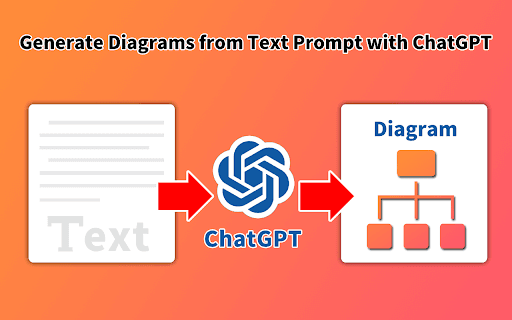
A powerful tool that transforms text prompts into clear, visual chart images for effortless data representation.
About GPT Diagram Maker
GPT Diagrams Generator allows users to quickly convert textual descriptions into visual diagrams. It supports creating flowcharts, entity-relationship diagrams, UML class diagrams, object diagrams, and sequence diagrams. Designed to simplify complex data visualization, it enhances presentations, reports, and project documentation. Seamless integration with Google Slides™ and Google Docs™ makes inserting generated charts effortless and efficient.
How to Use
Enter a detailed text description of the diagram you need. The tool then converts your input into a visual chart, which you can easily insert into Google Slides™ or Google Docs™ for professional presentations and reports.
Features
- Seamless integration with Google Slides™ and Google Docs™
- Supports multiple diagram types including flowcharts, ERDs, and UML diagrams
- Generates accurate visual charts from text prompts
- Streamlines visualization of complex concepts and relationships
Use Cases
- Creating UML diagrams for software development
- Visualizing data in reports and presentations
- Designing flowcharts to map processes
- Building entity-relationship diagrams for databases
Best For
Pros
- Easy integration with Google Slides™ and Google Docs™
- Rapidly converts text into professional diagrams
- Data remains secure and private within your Google account
- Supports a wide variety of diagram types
Cons
- Limited details on diagram customization options
- Accuracy depends on the clarity of the input text
- Pricing details are not specified