

GPT Workspace
AI-powered assistant for Google Workspace, enabling efficient writing, editing, translating, summarizing, and more within Google Sheets, Docs, Slides, and Gmail.
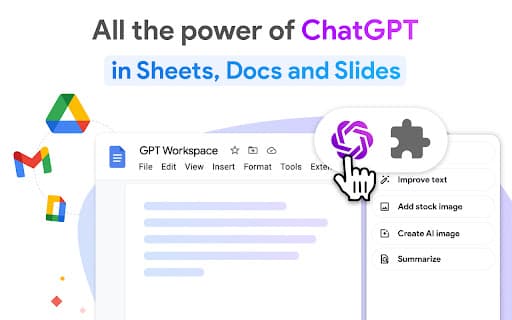
About GPT Workspace
GPT for Google Sheets, Docs, Slides, and Gmail is a powerful AI assistant integrated into Google Workspace. Utilizing OpenAI's GPT-4 and Bard™ models, it streamlines tasks such as writing, editing, translating, summarizing, outlining, and data cleaning. This tool enhances productivity by working seamlessly within your familiar Google applications, making complex tasks faster and easier.
How to Use
Open your Google Sheets, Docs, or Slides file. Launch the GPT Workspace extension and pin it for quick access. Use the available functions within the Chrome extension to perform your desired tasks efficiently.
Features
- Automates email replies in Gmail for faster communication
- Generates and edits content directly in Sheets, Docs, and Slides
- Provides AI-driven text and data analysis within Google Workspace
- Performs data cleaning and transformation tasks in Sheets
Use Cases
- Creating outlines in Google Docs
- Automating email responses in Gmail
- Writing paragraphs and procedures in Sheets
- Summarizing reviews and feedback in Sheets
- Cleaning and organizing lists of names, addresses, and emails in Sheets
- Designing presentations with images and animations in Slides
Best For
Pros
- No need to sign up or use an API key
- Free access with optional premium upgrades
- Versatile tools for text and data processing
- Seamless integration with Google Workspace apps
Cons
- Free tier may have usage limitations
- Performance depends on the quality of prompts
- Relies on OpenAI GPT-4 and Bard™ models for accuracy
Pricing Plans
Choose the perfect plan. All plans include 24/7 support.
Unlimited Premium Plan
Unlock unlimited access to all premium features
Get Started