

GPTalk: ChatGPT on iPhone Keyboard!
GPTalk seamlessly integrates ChatGPT into your browser and iPhone keyboard, providing intelligent AI assistance wherever you work or browse.
About GPTalk: ChatGPT on iPhone Keyboard!
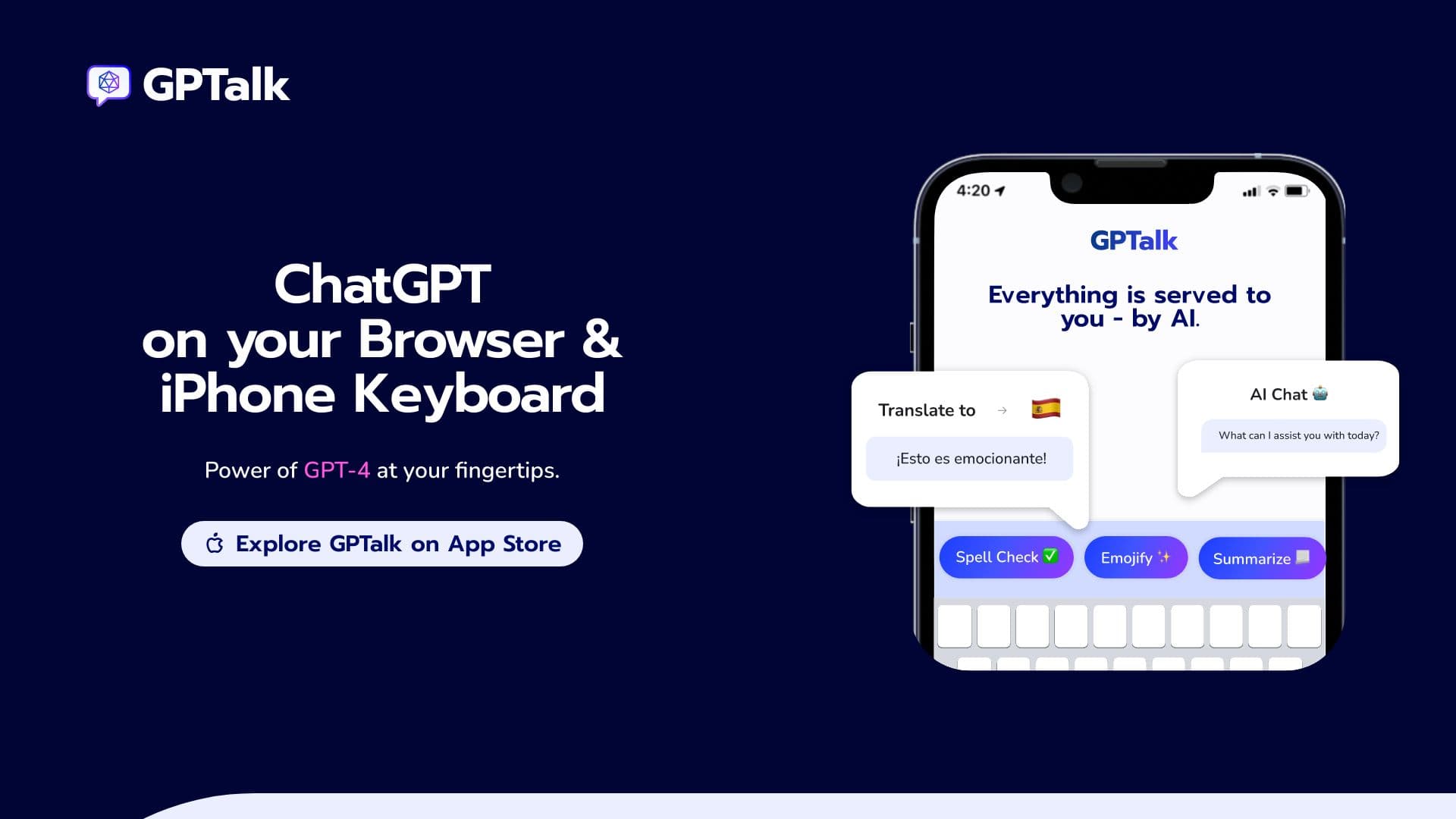
GPTalk is a versatile application that embeds ChatGPT into your browser and iPhone keyboard, enabling quick access to GPT-4’s capabilities across multiple apps. It facilitates efficient communication through AI-generated replies, content summarization, and translation, all without disrupting your workflow or browsing experience.
How to Use
Download the GPTalk Chrome extension or install the iPhone app. Once installed, activate ChatGPT features directly from your keyboard to reply, summarize, or translate text within any app.
Features
- Content summarization for quick insights
- Seamless integration with browser and iPhone keyboard
- Real-time translation of text
- AI-powered reply suggestions for faster messaging
Use Cases
- Translating text across apps
- Quickly summarizing articles while browsing
- Generating alternative replies in email and social media platforms
Best For
Students seeking efficient study toolsCustomer service teamsContent creators and marketersProfessionals engaging in frequent online communicationSocial media managers managing multiple platforms
Pros
- Enhances communication efficiency and productivity
- Easy access to ChatGPT features within your favorite apps
- Saves time with AI-generated reply suggestions
- Simplifies content summarization and translation tasks
Cons
- Requires installing a Chrome extension or iPhone app
- Dependence on AI may lessen personal communication touch
- Full GPT-4 features might require a subscription (not explicitly confirmed)
FAQs
Which platforms support GPTalk?
GPTalk is available on Chrome browser and iPhone devices.
What features does GPTalk include?
GPTalk provides AI-generated reply options, content summarization, and language translation.
Is GPTalk free to use?
Basic features are available for free, but full GPT-4 access may require a subscription.
Can I use GPTalk in multiple apps?
Yes, GPTalk works across various apps like Gmail, Instagram, Twitter, and more.
How do I install GPTalk?
Download the Chrome extension or iPhone app, then follow setup instructions to activate AI features.