

GPTBox
GPTBox seamlessly combines ChatGPT and DeepSeek directly into the Windows taskbar, providing AI assistance across all applications for enhanced productivity.
About GPTBox
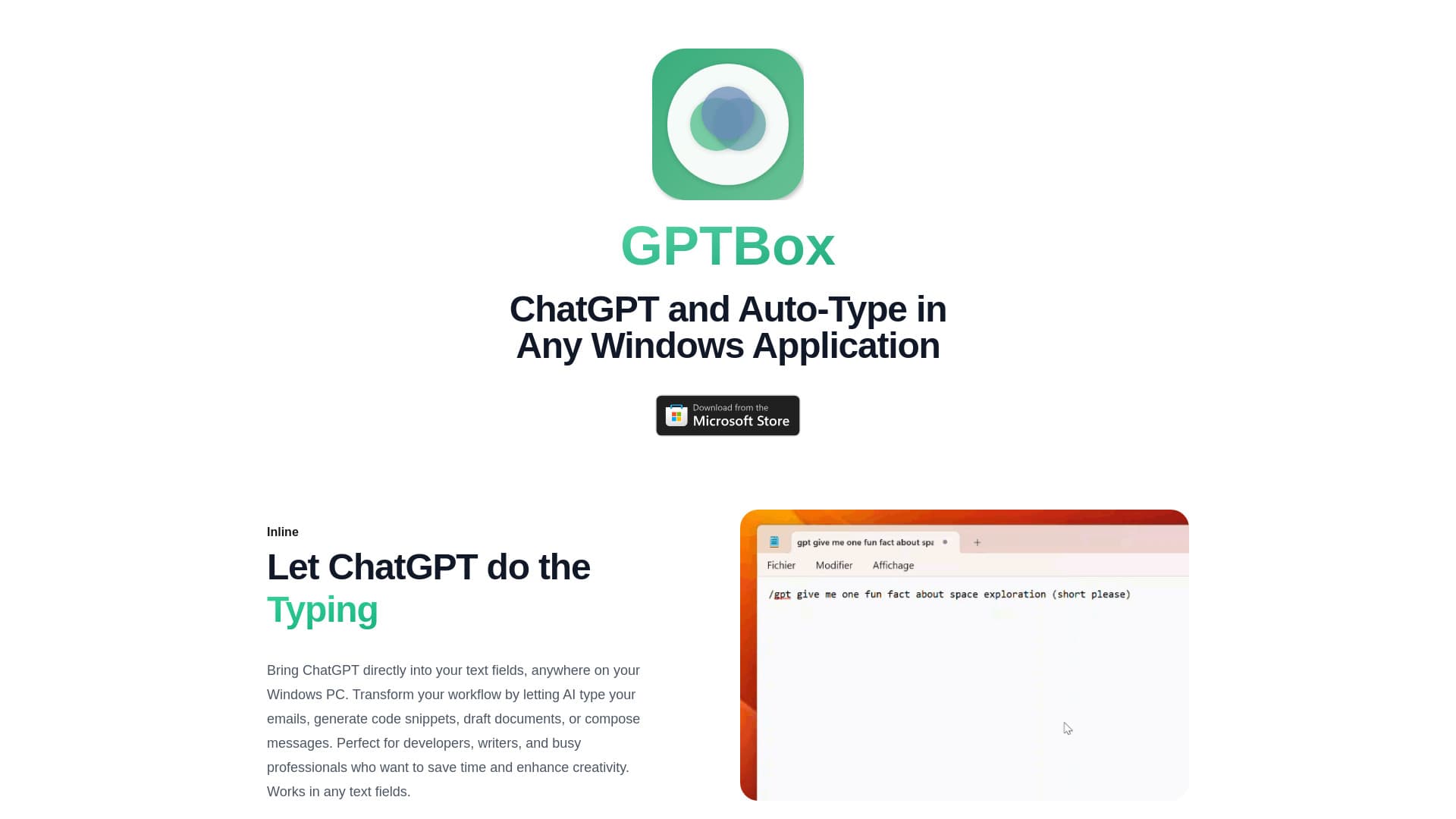
GPTBox is a powerful Windows application that embeds ChatGPT and DeepSeek into the taskbar, enabling users to access AI-driven text generation within any application. It boosts efficiency by allowing AI to draft emails, generate code snippets, create documents, and compose messages seamlessly. Features include inline typing support and global keyboard shortcuts, making AI assistance instantly accessible across your Windows environment.
How to Use
After installing GPTBox, access AI features via inline typing in any app or by using a global keyboard shortcut to open a quick dialog. Enter your OpenAI API key for ChatGPT and DeepSeek API key in the settings to activate the integrations.
Features
- Quick access through keyboard shortcuts
- Inline AI typing in any Windows app
- Seamless integration of ChatGPT and DeepSeek
- Supports multiple AI models for versatile use
Use Cases
- Writing messages swiftly and effectively
- Generating code snippets within IDEs
- Composing emails with AI assistance
- Drafting and editing documents with AI support
Best For
Pros
- Boosts productivity with inline typing and quick access
- Supports multiple AI models including ChatGPT and DeepSeek
- Integrates smoothly with Windows OS
- Affordable API usage costs
- Easy to access AI tools from any application
Cons
- Requires purchasing a license after a 7-day trial
- Needs API keys for OpenAI and DeepSeek integrations
- Potential technical issues may need troubleshooting