

GPTEverywhere
A Chrome extension that enables seamless use of ChatGPT within any web text input box.
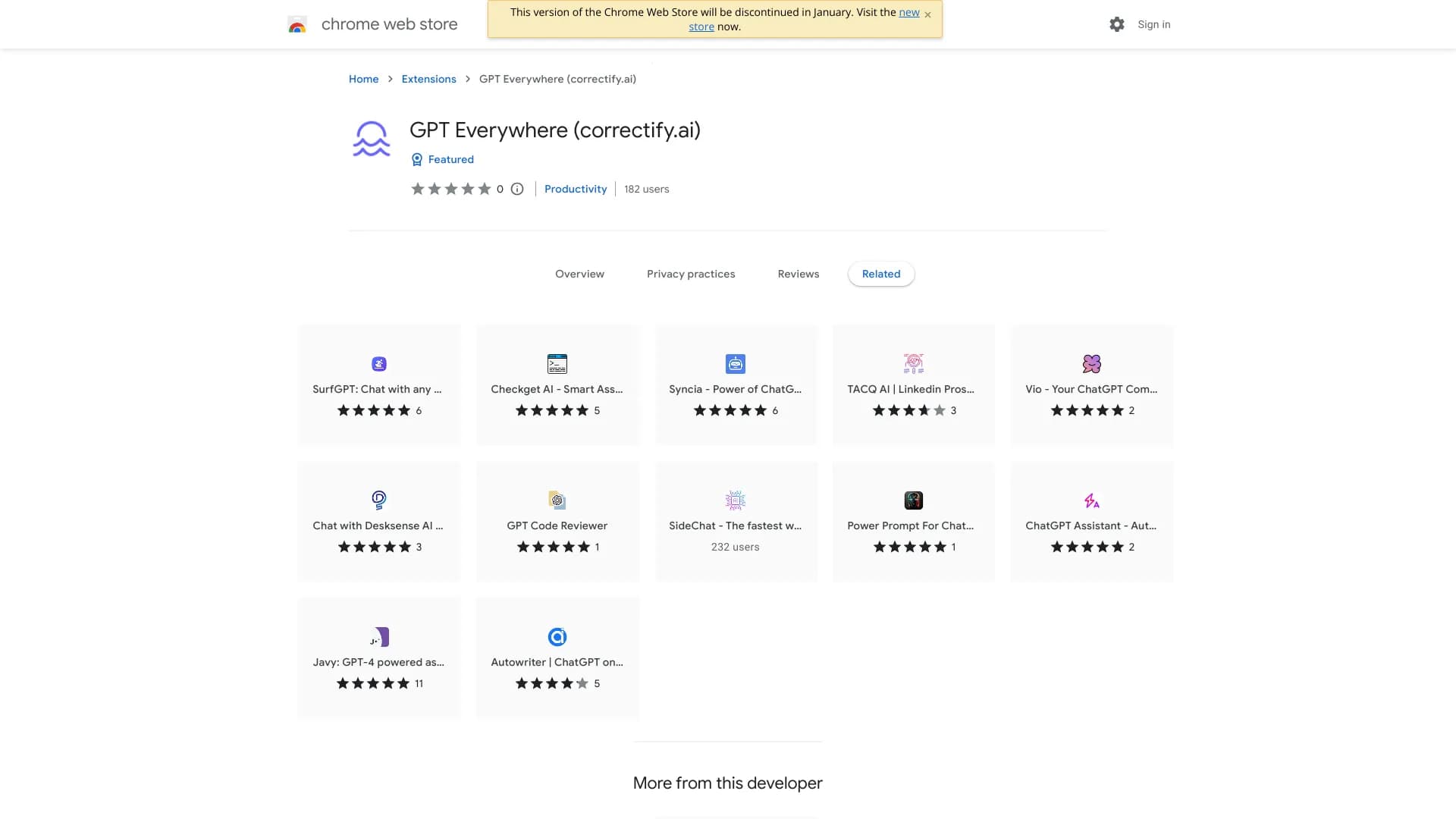
About GPTEverywhere
GPT Everywhere (correctify.ai) is a Chrome extension that simplifies access to ChatGPT in any web text input. With your OpenAI API token, it allows instant content generation across all websites, including Gmail and Google Sheets, enhancing your productivity and workflow.
How to Use
Install the GPT Everywhere Chrome extension. Once installed, click the button to activate ChatGPT in any web text box. Enter your OpenAI API token to enable the service.
Features
- Works on all websites, including Gmail and Google Sheets
- Prioritizes user privacy with your own OpenAI API token
- Enables ChatGPT access in any web text input
Use Cases
- Creating content in Google Sheets
- Drafting emails in Gmail
- Generating text in any website input box
Best For
WritersBusiness professionalsStudentsContent creatorsResearchers
Pros
- Compatible with all websites
- Ensures user privacy with personal API token
- Simple and intuitive to use
Cons
- Requires a personal OpenAI API key
- Limited features compared to the full ChatGPT interface
FAQs
How does GPT Everywhere integrate with web browsers?
It installs as a Chrome extension that allows you to access ChatGPT directly within any web text input.
Is GPT Everywhere secure and privacy-focused?
Yes, it uses your own OpenAI API token, ensuring your data remains private and secure.
Which websites are compatible with GPT Everywhere?
It supports all websites, including popular platforms like Gmail and Google Sheets.
What do I need to start using GPT Everywhere?
You need to install the extension and provide your OpenAI API token to activate ChatGPT features.
Can I use GPT Everywhere without an OpenAI account?
No, you must have an OpenAI API key to enable the extension's content generation capabilities.