

Gradient Generator
An intuitive online tool for designing sophisticated CSS gradients easily.
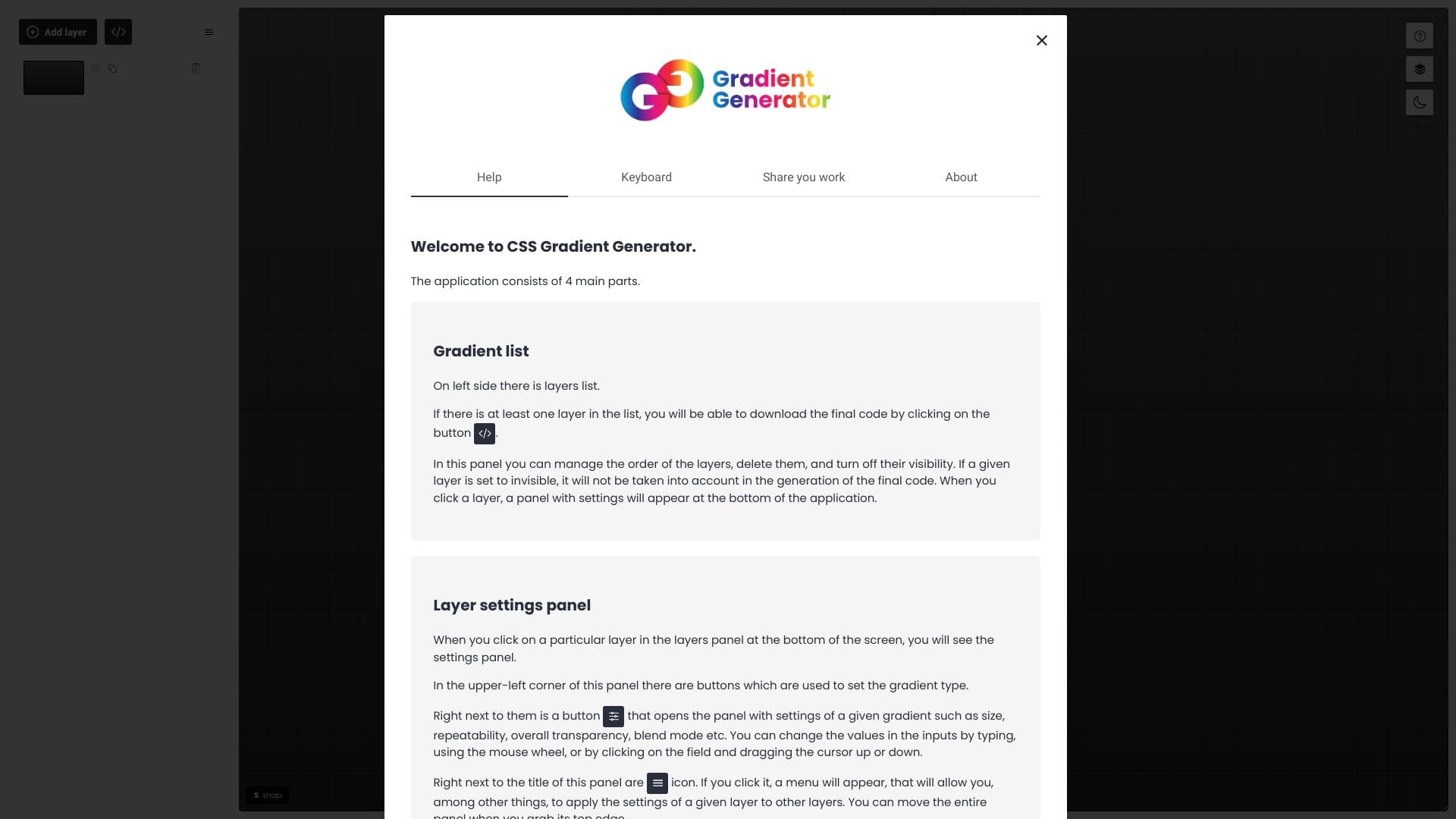
About Gradient Generator
The CSS Gradient Generator is a powerful online platform that enables users to craft complex and customizable CSS gradients. It offers an array of tools to design, adjust, and preview gradients for seamless integration into websites and web applications.
How to Use
Use the interactive interface to select colors, adjust gradient positions, and choose gradient types. Preview your design in real-time, then copy the generated CSS code to apply it directly to your web projects.
Features
- Supports advanced CSS gradient creation with multiple stops
- Real-time preview and customization options
- Export ready-to-use CSS code for seamless web integration
Use Cases
- Designing unique website backgrounds with custom gradients
- Creating eye-catching buttons and interface elements
- Enhancing visual appeal of web pages with gradient effects
- Generating CSS gradients for banners and headers
Best For
Front-end developersWeb designersUI/UX professionalsWeb developersCreative agencies
Pros
- User-friendly interface simplifies complex gradient creation
- Offers extensive customization for precise designs
- Speeds up development by generating ready-to-use CSS code
- Supports multiple gradient types and color stops
Cons
- Requires basic understanding of CSS gradients for optimal use
- Limited to CSS gradient generation without additional features
FAQs
What is a CSS Gradient generator?
It is an online tool that helps you create and customize CSS gradients for web design projects.
Can I preview gradients before applying them?
Yes, the tool provides real-time previews to visualize your gradient designs instantly.
Is this tool free to use?
Absolutely, it is a free online resource for designers and developers.
What types of gradients can I create?
You can design linear, radial, and conic gradients with multiple color stops.
How do I use the generated CSS code?
Simply copy the CSS code from the tool and paste it into your website's stylesheet or inline styles.