

grain.co
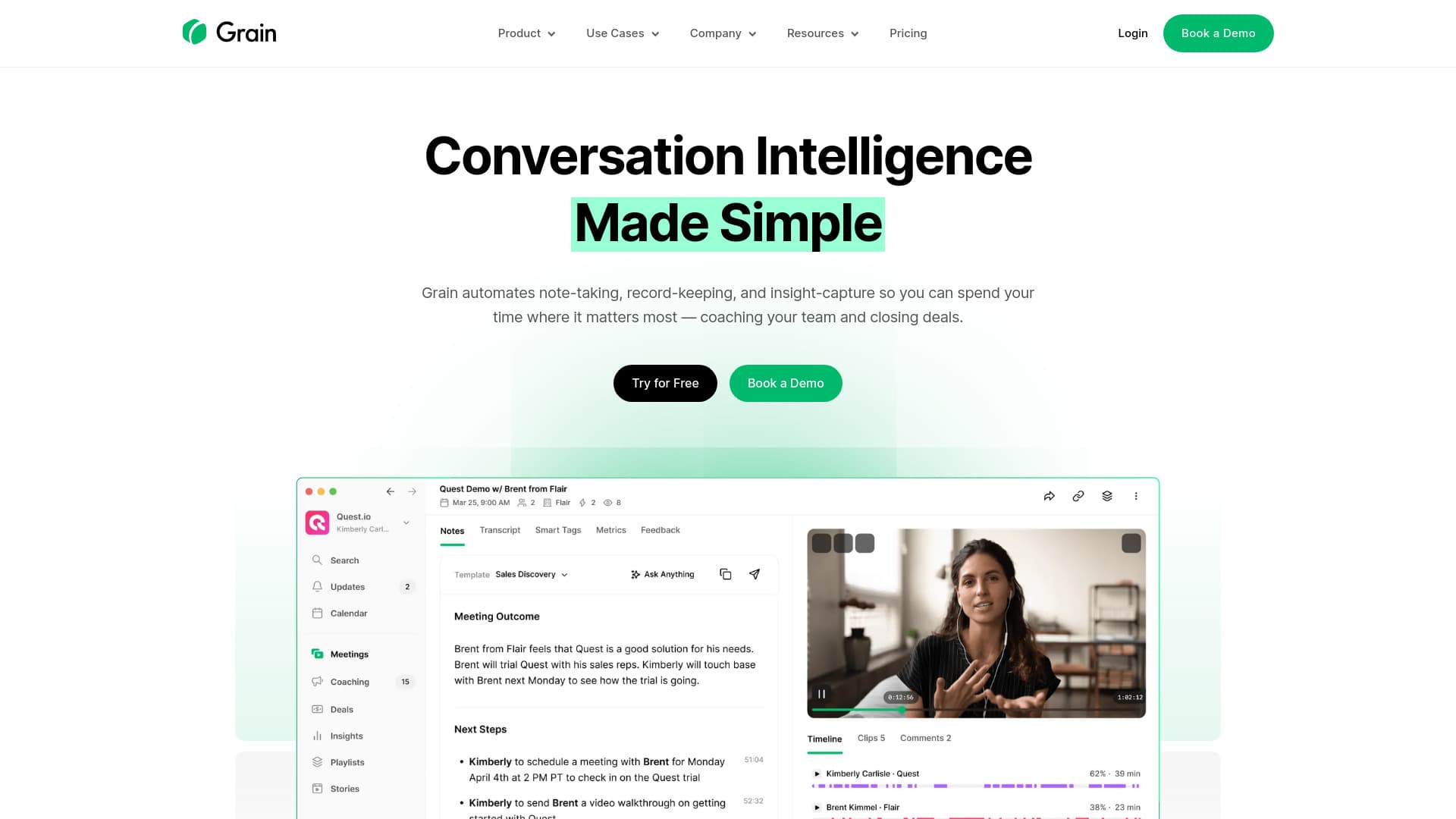
AI-powered meeting notetaker for comprehensive summaries, insights, and coaching support.
About grain.co
Grain is an AI-driven notetaking platform designed for growing teams, offering precise meeting summaries, actionable insights, and coaching suggestions. It seamlessly integrates with platforms like HubSpot, Salesforce, Zapier, and Slack to securely record, transcribe, highlight, and share your video calls for enhanced team collaboration.
How to Use
Grain records, transcribes, and highlights your video calls securely. Create clips, playlists, and stories to share key insights, and connect with CRMs for automatic updates and seamless workflow integration.
Features
- Intelligent AI Meeting Notes
- Automatic Customer Relationship Management (CRM) Updates
- Meeting Trackers and Analytics
- Custom Clips, Playlists, and Shared Stories
- Instant Action Items and Follow-up Tasks
- Easy Highlight Sharing for Teams
- AI-driven Follow-up Automation
Use Cases
- Remote teams stay aligned across all meetings.
- Sales teams leverage conversation insights and coaching.
- Customer success improves interactions and tracks key terms.
- Recruiters record and analyze interviews efficiently.
- Product teams capture user feedback for development.
Best For
Pros
- Supports sales coaching and team collaboration features
- Seamless integration with CRM and productivity tools
- Accurate AI-generated meeting summaries and transcriptions
- Free plan available for basic users
Cons
- Premium features require a paid subscription
- Dependent on AI accuracy for note quality
- Some integrations may need additional setup
Pricing Plans
Choose the perfect plan. All plans include 24/7 support.
Free Plan
Unlimited meetings, one notetaker seat, basic AI notes, unlimited viewer seats, collaborative workspace.
Get StartedStarter Plan
Includes all Free features plus 10 uploads per month, advanced AI notes, custom prompts, admin controls, Slack, Productboard, and Zapier integrations. No 45-minute recording or 90-day viewing limits.
Get StartedBusiness Plan
Includes Starter features plus HubSpot, Salesforce integrations, AI follow-up emails, coaching, trackers, deal dashboards, team insights, unlimited uploads, and Aircall integration.
Get StartedEnterprise Plan
All Business features plus SAML SSO, API access (beta), custom invoicing, and dedicated customer success management.
Get Started