

Green Card & Visa Photo Maker
A comprehensive passport photo editor, resizer, and background removal tool for official identification documents.
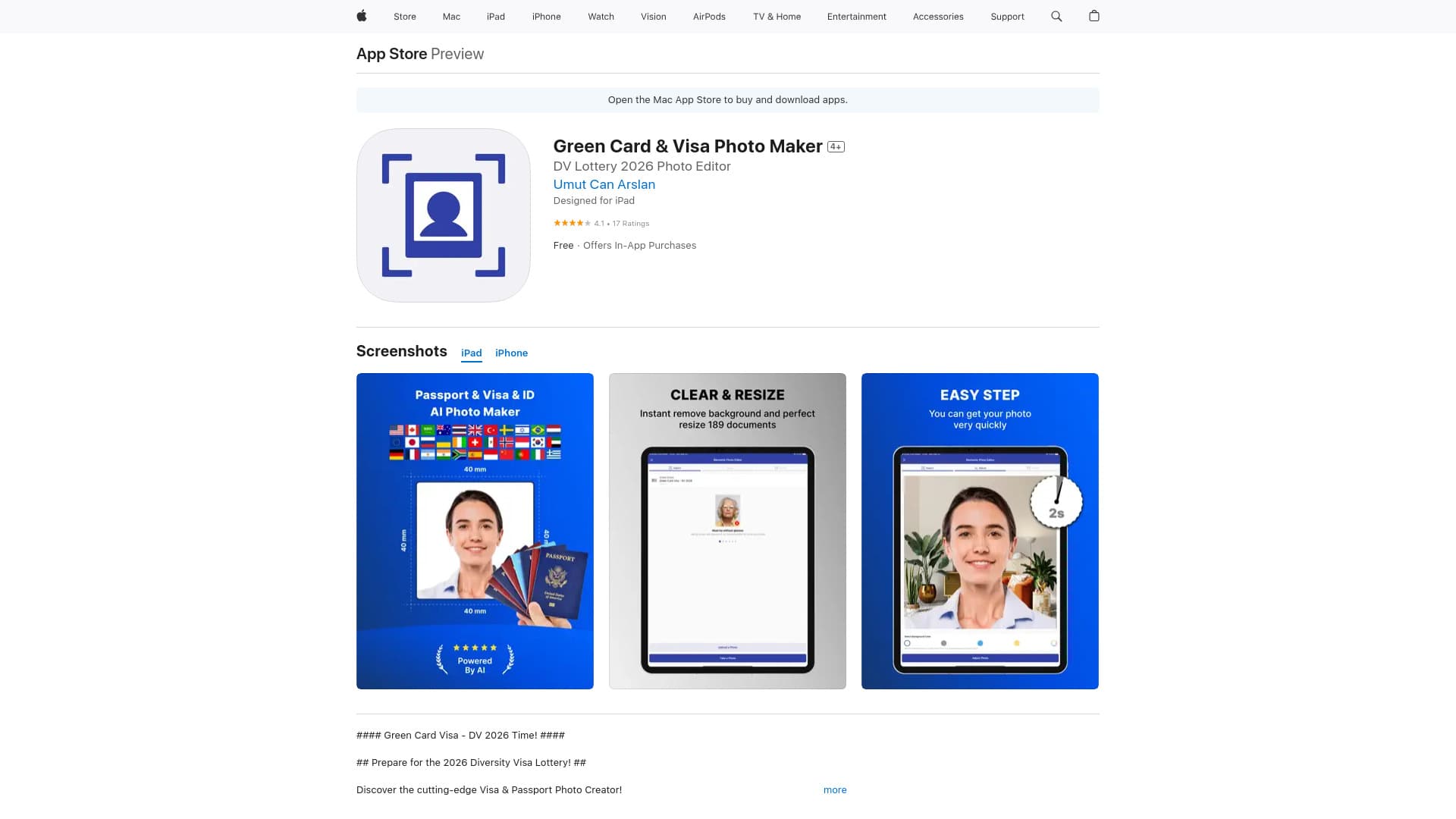
About Green Card & Visa Photo Maker
GreenCard Photo Maker streamlines the process of creating compliant passport, visa, and ID photos. It features automatic background removal, precise sizing, AI-based enhancements, and customizable options to produce official document photos effortlessly.
How to Use
Capture or upload your photo within the app, then apply automatic background removal, resize for compliance, and enhance with AI features. Save or share the finished photo easily.
Features
- Crop and adjust images precisely
- Save and share high-quality photos
- AI-powered photo enhancement
- Automatic photo sizing for documents
- Background removal for clean results
Use Cases
- Creating green card application photos
- Generating passport and visa photos
- Designing driver’s license images
- Preparing official ID card pictures
- Producing student ID photos
- Making travel and visa documentation photos
Best For
Job applicantsImmigrants and visa applicantsStudents preparing ID photosTravelers needing official photosIndividuals applying for green cardsPeople creating driver’s license images
Pros
- Easy options to save and share photos
- Supports photo creation for 189 countries
- Compatible with over 500 document types
- Automatic face detection and background removal
- Simplifies passport photo creation process
Cons
- Full features require in-app purchases
- Requires iOS 14.0 or newer
- Subscription needed for unlimited access
Pricing Plans
Choose the perfect plan. All plans include 24/7 support.
FAQs
What types of official documents can I create photos for?
You can generate photos for green cards, passports, driver’s licenses, IDs, visas, and student cards.
Does the app support international photo standards?
Yes, it supports photo requirements for 189 countries and over 500 document types.
Is there a free version of the app?
The app is free to download and use, with optional in-app purchases for additional features.
Can I use the app on my iOS device?
Yes, the app is compatible with iOS 14.0 and later versions.
How does automatic background removal work?
The app uses AI technology to detect faces and automatically remove backgrounds for a clean, professional look.