

Harmony AI Email Assistant
AI-powered voice assistant for hands-free, eyes-free email management, enhancing productivity and accessibility.
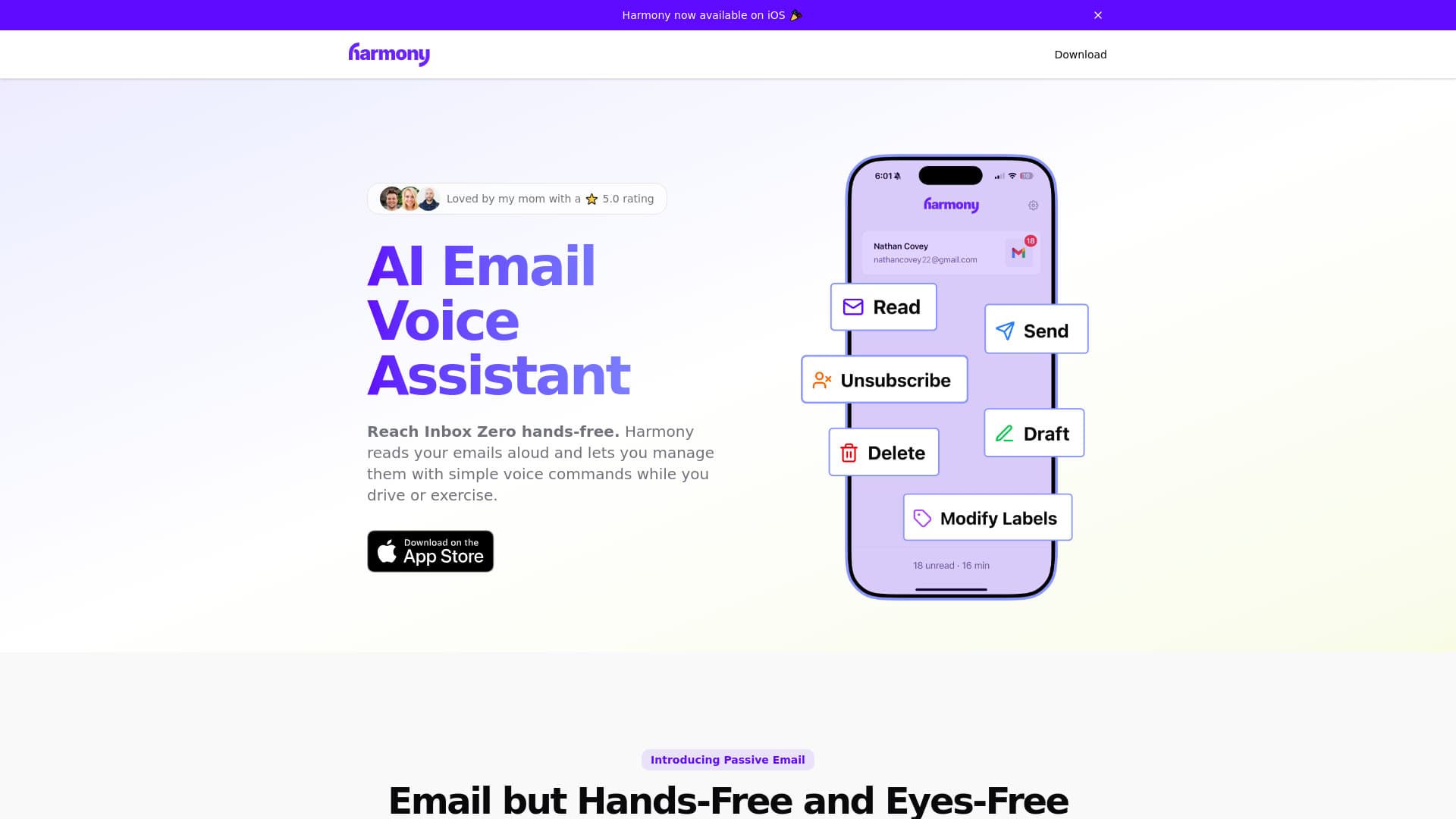
About Harmony AI Email Assistant
Harmony is an AI-driven voice assistant designed to simplify email management without using your hands or eyes. It enables users to listen to emails aloud, manage their inbox through voice commands, and perform actions like sending, deleting, or organizing emails—perfect for activities such as driving, exercising, or multitasking.
How to Use
Interact with Harmony by issuing voice commands. It reads your emails aloud, allowing you to reply, delete, categorize, or compose messages hands-free. You can instruct it to send emails, draft new messages, or manage your inbox efficiently, just like talking to a colleague.
Features
- Delete emails using voice commands, including batch deletions
- Compose and send emails via voice input
- Listen to emails with thread recognition and concise summaries
- Manage labels by moving emails, marking as unread, or adding tags
- Prioritizes user privacy with encrypted communication and no email storage
- Unsubscribe from newsletters through simple voice commands
- Draft new emails hands-free for quick communication
- Complete voice-controlled email management system
Use Cases
- Managing emails during a walk or commute
- Handling emails while exercising or doing chores
- Managing inbox hands-free while driving
Best For
Visually impaired usersBusy professionalsFitness enthusiastsMultitaskers and commutersAnyone seeking hands-free email productivity
Pros
- Enhances productivity during activities like driving, exercising, or chores
- Provides smart email summaries and thread-aware reading
- Enables complete hands-free and eyes-free email management
- Strong privacy with encrypted data and no email storage
- Supports essential email actions through intuitive voice commands
Cons
- Currently limited to Gmail; support for Outlook and other providers is upcoming
FAQs
Which email services does Harmony support?
Harmony currently supports Gmail. Support for Outlook and other email providers will be added soon.
How does Harmony protect my privacy and data security?
Harmony is designed with privacy in mind. It does not store your emails, uses encrypted communications, and has passed independent security audits to ensure your data remains secure.
Can I send emails using voice commands with Harmony?
Yes, you can compose, review, and send emails using voice commands. Harmony can read your draft emails aloud before sending for confirmation.
What voice commands are available for managing emails?
You can instruct Harmony to read emails, send new messages, delete emails individually or in groups, modify labels, mark as unread, and unsubscribe from newsletters.
Is Harmony easy to set up and use?
Yes, Harmony is designed for simple setup and intuitive voice interactions, making hands-free email management accessible for all users.