

Hatch Canvas
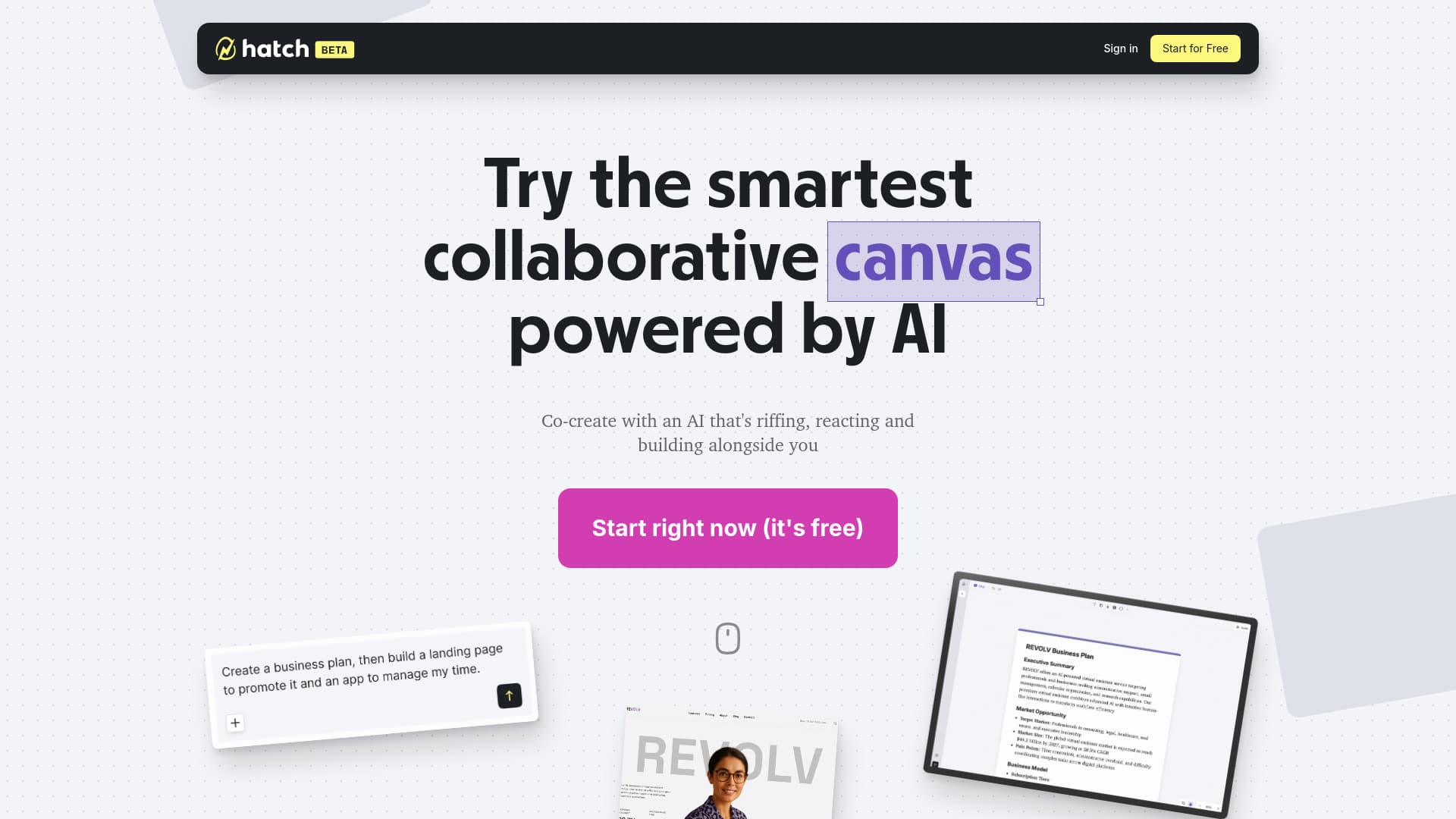
Hatch seamlessly combines AI-powered chat with an expansive, infinite canvas for collaborative creativity. Design websites, web applications, games, and produce multiple images simultaneously—all within a unified, interactive workspace.
About Hatch Canvas
Hatch merges intuitive AI chat functionality with an infinite canvas, enabling dynamic collaboration and creative exploration. Users can extend beyond traditional chat interfaces, drawing, editing, and experimenting on an endless digital workspace where every interaction helps the AI learn and improve. This powerful platform supports generating multiple images at once, building complete websites, web applications, and interactive games within a single collaborative environment. Users can sketch on a browser-based canvas, add interactive effects, and publish their creations as live webpages, apps, or multimedia stories. The AI understands user descriptions to automatically generate code, streamlining the development process for both beginners and experts.
How to Use
Start by opening Hatch's browser-based platform. Use the AI chat to describe your project or idea. Draw, add media, and customize your workspace. Generate code automatically with AI assistance. Publish your finished website, app, or interactive story directly from the platform.
Features
- Expansive, infinite digital canvas for collaboration
- Simultaneous generation of multiple images
- Support for multi-modal content creation
- Integrated AI chat for interactive assistance
- Easy publishing and hosting options
- Tools for building websites, web apps, and interactive games
- Real-time collaborative environment for teams
Use Cases
- Simultaneous multi-image generation
- Web development and publishing
- Team collaboration and content sharing
- Creative content production across media types
- Interactive design and prototyping
Best For
Pros
- Empowers users to transition from stuck to creating actively
- AI-driven collaborative canvas enhances productivity
- Supports diverse professional and personal projects
- Provides an expansive space for visual and spatial organization
- Integrates leading AI models for creative versatility
- Facilitates quick development and sharing of interactive content
- Enhances educational and classroom activities through real-time teamwork
- Seamlessly shifts between chat and creative workspace
Cons
- Requires stable internet connection for optimal performance
- Advanced features may have a learning curve for beginners
- Limited free tier with potential restrictions on usage
Pricing Plans
Choose the perfect plan. All plans include 24/7 support.