

HeyGen
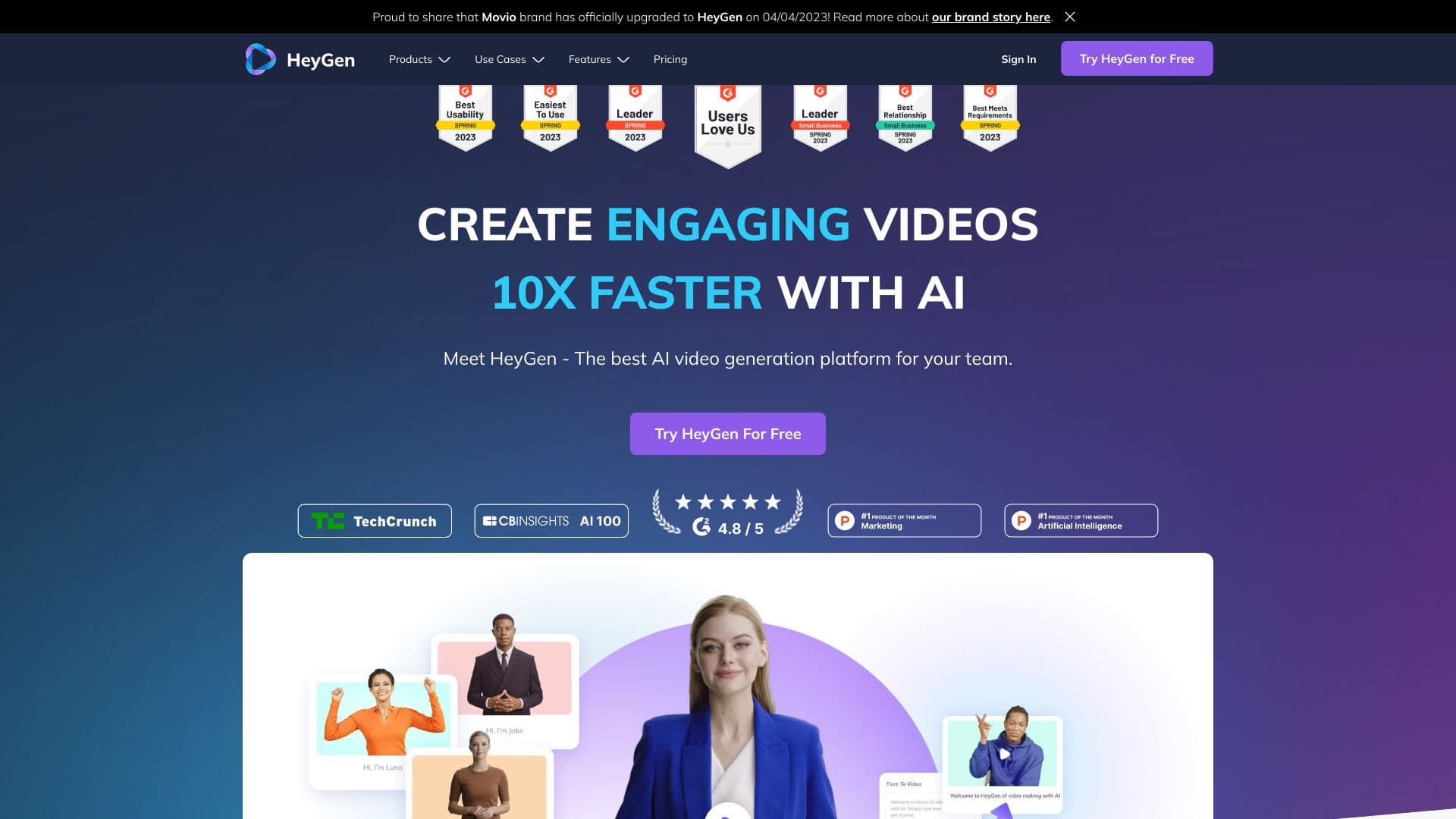
HeyGen is an advanced AI-powered platform designed for rapid creation of engaging business videos with ease and professionalism.
About HeyGen
HeyGen is a versatile AI video creation platform that empowers users to produce professional, engaging videos swiftly. It features customizable AI avatars, realistic voice cloning, seamless text-to-video conversion, and multi-language video translation. Perfect for marketing campaigns, sales outreach, staff training, and onboarding, HeyGen eliminates the need for cameras, crews, or editing skills, enabling quick, high-quality video production with minimal effort.
How to Use
To create videos with HeyGen, select or create a custom AI avatar, input your script, choose from over 300 voices in more than 40 languages, and generate your video. The platform also supports text-to-video conversion, audio uploads, and multi-scene video creation for diverse content needs.
Features
- Text-to-Video Conversion for quick content creation
- Customizable AI Avatars for personalized branding
- FaceSwap technology for realistic face replacements
- AI-powered Avatar Video Generation
- API access for seamless integrations
- Generative Outfit customization
- TalkingPhoto feature for dynamic images
- Advanced Voice Cloning technology
- Create and upload Custom Avatars
- Integrate with Zapier for automation
- Multi-language Video Translation
- Text to Speech for narration
Use Cases
- Social Media Video Content
- Real-time News Updates
- E-learning Course Videos
- Personalized Sales Outreach Videos
- Marketing and Promotional Videos
- Explainer and How-to Tutorials
- Training and Onboarding Materials
- Video Localization for Global Audiences
Best For
Pros
- Collaborative workspace features for teams
- Secure multi-factor authentication
- Lip-sync with over 300 voices across 40+ languages
- Fast text-to-video creation in minutes
- Diverse, realistic, and customizable avatars
- Intuitive interface requiring no editing skills
- Brand kit support for consistent branding
- High-resolution videos up to 4K in select plans
Cons
- Advanced functionalities limited to higher-tier plans
- Some features restricted in the free version
- Custom avatar and voice cloning setup may require additional time
- Team plans require a minimum of two seats
Pricing Plans
Choose the perfect plan. All plans include 24/7 support.
Creator
Unlimited short-form videos tailored for individual creators.
Get StartedTeam
Enhance your team’s video production capabilities with collaborative features (minimum 2 seats).
Get StartedEnterprise
Custom studio-quality videos designed for large-scale projects and enterprise needs.
Get Started