

HooksAI
HooksAI streamlines file preparation for perfect prints, reducing errors and conserving resources.
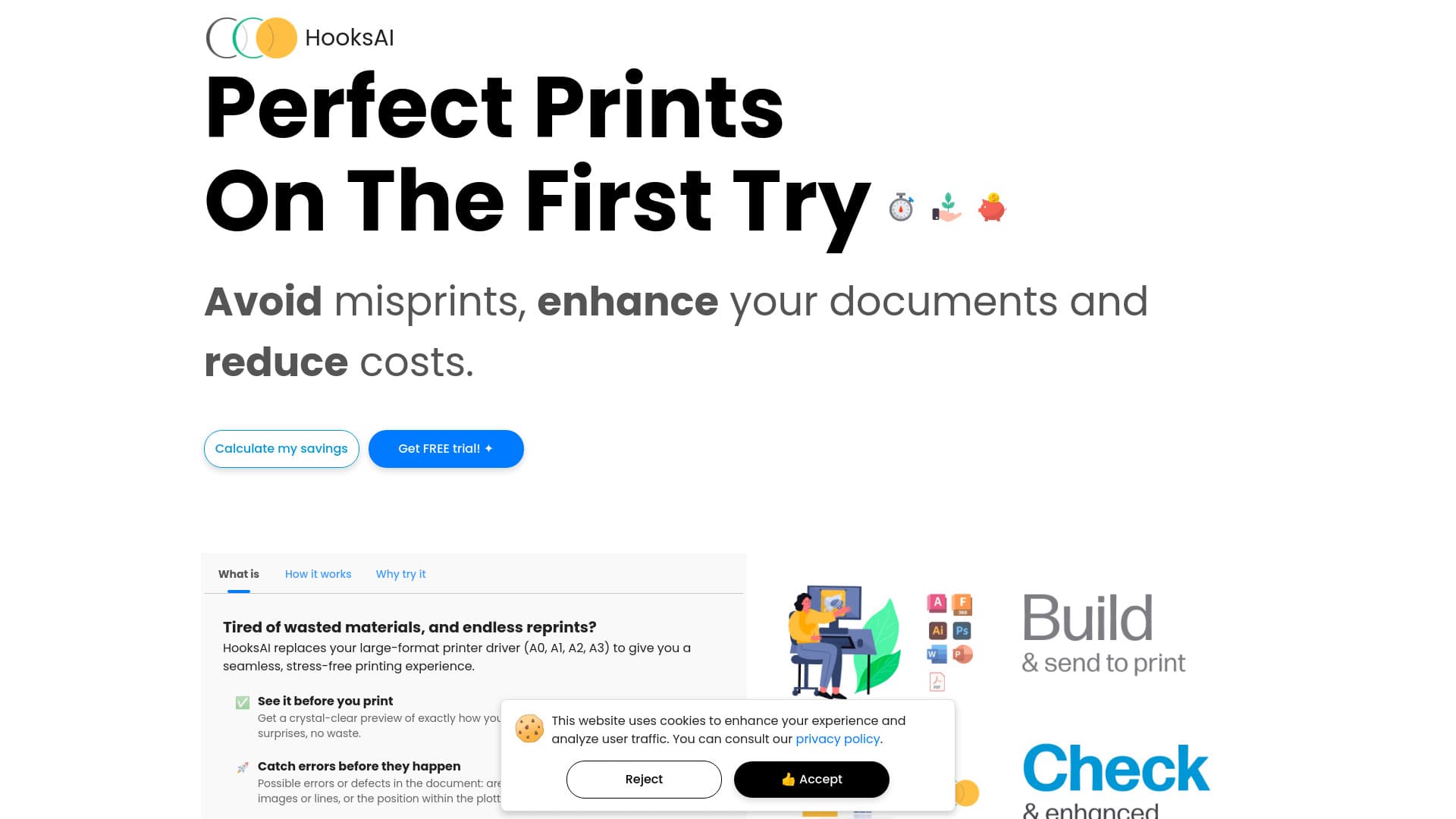
About HooksAI
HooksAI ensures high-quality printing by optimizing and accurately rescaling files without quality loss. It helps prevent misprints, reduces waste, and saves costs. With automatic error detection and easy-to-use features, HooksAI provides a seamless printing experience. It offers a driver for direct printing from Windows 11 programs and a versatile application for Windows and Mac with real-time print preview, simplifying the entire process.
How to Use
Install the HooksAI Driver to print directly from Windows 11 applications or use the HooksAI Application on Windows and Mac. The app offers real-time print preview and driverless printing. Simply drag and drop files to start your project with ease.
Features
- Supports Windows and Mac platforms
- Automatic error detection during printing
- Driver compatible with Windows 11
- Real-time print preview for accuracy
- Lossless scaling for detailed images
- PDF export and saving options
Use Cases
- Printing from CAD software
- Reducing material waste during printing
- Preventing misprints and material loss
- Printing and saving files as PDFs
- Preparing images for large-format printing
Best For
Pros
- Ensures first-time flawless prints
- Provides real-time error detection
- Seamless integration with Windows 11 drivers
- User-friendly with drag-and-drop features
- Compatible with Windows and Mac
- Conserves paper, ink, and costs
Cons
- Requires installation on Windows and Mac
- Driver compatibility limited to Windows 11