

HTML Recorder
A Chrome extension designed for seamless conversion of web content into plain text, enabling efficient integration with large language models.
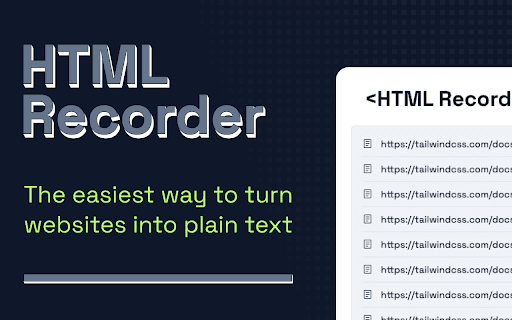
About HTML Recorder
HTML Recorder is a powerful Chrome extension that simplifies the process of feeding up-to-date web content into large language models (LLMs). Whether you are a researcher, developer, or AI enthusiast, this tool streamlines web scraping and data collection, making it easier to extract and convert web pages into plain text for AI applications.
How to Use
Install the HTML Recorder extension from Chrome Web Store. Visit your target web page, then click the extension icon to quickly capture and convert the HTML into a plain text file with just a few clicks.
Features
- Simple, one-click web page to text conversion
Use Cases
- Enrich large language models with current web content
- Streamline web data collection for AI projects
- Extract plain text from complex web pages efficiently
Best For
Pros
- Easy to use without coding skills
- One-time payment grants lifetime updates
- Quick and accurate web page to text conversion
- Prioritizes user privacy with local data processing
Cons
- Requires Google Chrome browser
- Limited to HTML to plain text conversion
Pricing Plans
Choose the perfect plan. All plans include 24/7 support.
Lifetime Access
Includes lifetime updates, dedicated email support, and a full money-back guarantee.
Get Started