

HueWheel
AI-powered color palette generator designed to craft striking and harmonious color combinations for creative projects.
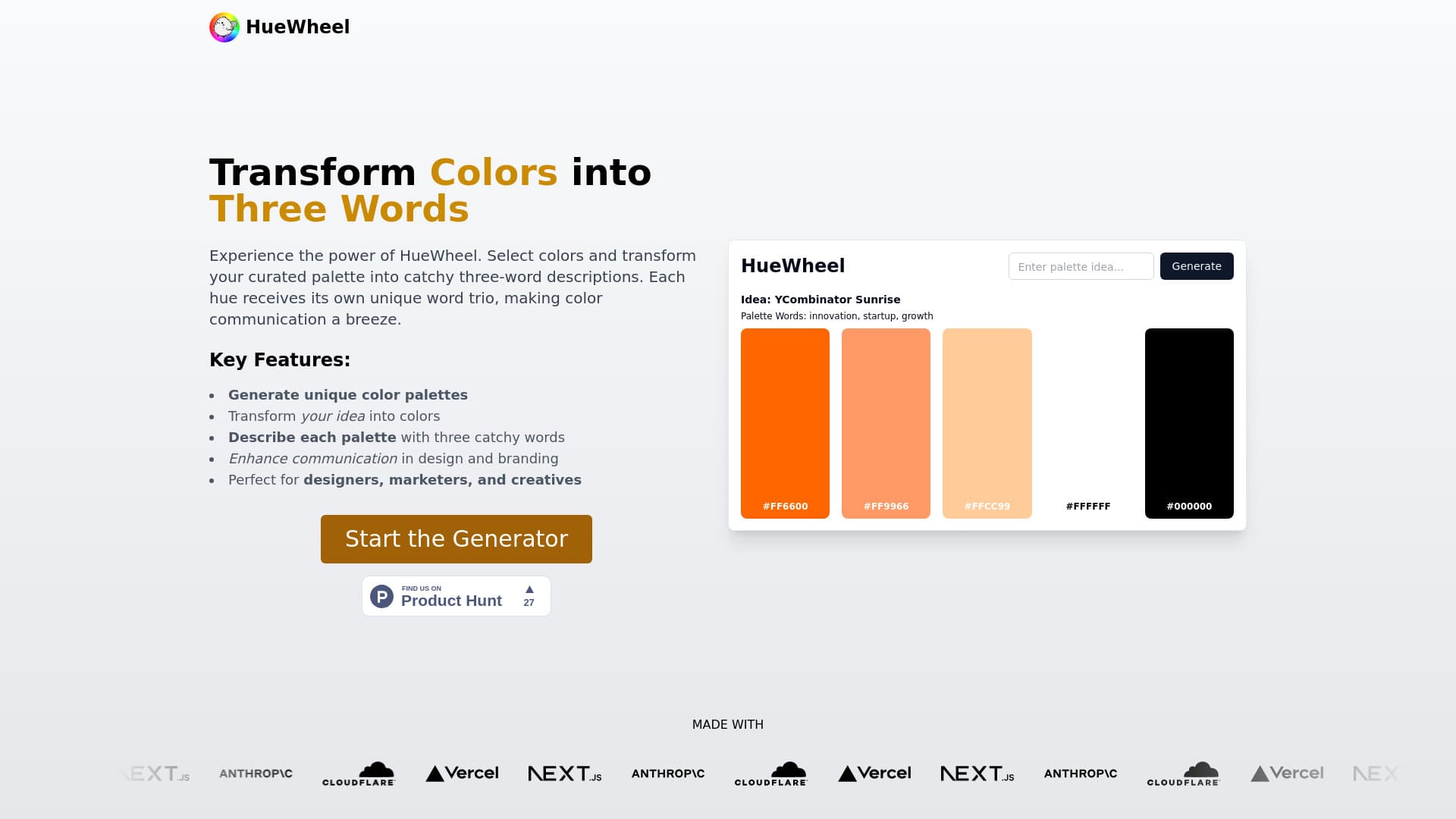
About HueWheel
HueWheel is an advanced AI-driven color palette generator that helps designers and artists create beautiful, balanced color schemes. It leverages artificial intelligence and color theory to produce custom palettes from natural language descriptions or uploaded images. Users can refine their palettes, explore trending combinations, and visualize colors in practical contexts, making it an invaluable tool for creative professionals.
How to Use
Describe your desired color scheme or upload an image to HueWheel. The AI instantly creates a unique color palette. You can then adjust colors with intuitive tools, preview the results, and share your palettes with team members.
Features
- Trending color palettes
- AI-driven color generation
- Advanced color search
- Comprehensive color editing tools
- Mockup and preview generator
- AI assistant for color advice
Use Cases
- Inspiring color mood boards
- Designing web color schemes
- Developing branding color palettes
- Creating color combinations for graphic projects
Best For
Pros
- Personalized color advice with AI assistant
- Generate palettes from text or images
- Access to trending community-curated palettes
- Powerful AI-based palette creation
- Preview palettes with mockup generator
- Easy color fine-tuning and editing
- User-friendly interface for creative exploration
Cons
- Incomplete content in 'About Us', Careers, and Blog sections
- Dependence on AI may limit some users' creative freedom