

ID Photo Editor
ID Photo Editor is a user-friendly iOS application that simplifies creating and editing official ID photos using AI technology and country-specific standards.
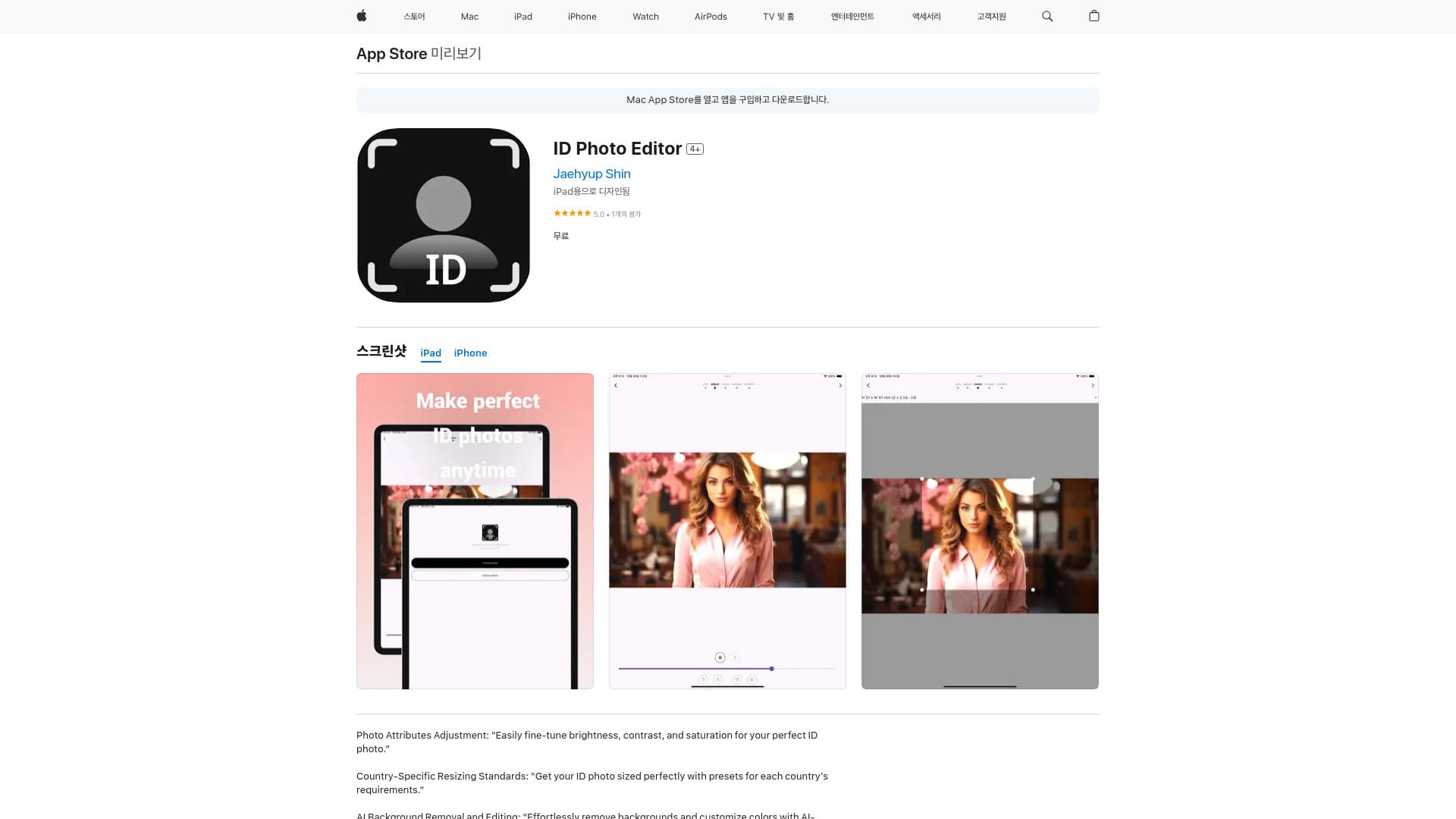
About ID Photo Editor
ID Photo Editor, developed by Jaehyup Shin, is an intuitive iOS app designed to help users easily create and modify ID photos. It features tools for adjusting photo qualities like brightness and contrast, supports country-specific sizing standards, and leverages AI for seamless background removal and editing.
How to Use
Download the ID Photo Editor from the App Store. Capture a new photo or upload an existing one, then adjust attributes such as brightness and contrast. Select the appropriate country-specific size, use AI features to remove or edit the background, and save your finalized ID photo.
Features
- AI-powered background removal and editing
- Adjustable photo attributes like brightness and contrast
- Supports country-specific ID photo standards
Use Cases
- Generating passport, visa, and official ID photos
Best For
Job seekersStudentsIndividuals needing official ID photosTravelersVisa applicants
Pros
- User-friendly interface
- Comprehensive photo adjustment options
- Supports country-specific ID standards
- AI-driven background removal
Cons
- AI background removal accuracy can vary
- Full features may require in-app purchases
- Exclusive to iOS devices
FAQs
What features are included in ID Photo Editor?
It offers photo adjustments like brightness and contrast, country-specific resizing, and AI-powered background removal and editing.
Can I use ID Photo Editor on Android devices?
No, ID Photo Editor is currently available exclusively on iOS devices such as iPhone, iPad, and Mac.
Is background removal accurate in ID Photo Editor?
The AI background removal feature provides good results but may vary depending on the photo quality.
Do I need to pay for all features in the app?
Some advanced features or full functionality may require in-app purchases.
How do I create an ID photo with this app?
Capture or upload a photo, adjust attributes, select the correct country size, use AI tools to remove or edit the background, then save your ID photo.