
Imagecolorizer

Imagecolorizer

AI-driven platform for colorizing, restoring, and enhancing vintage photos with precision and detail.
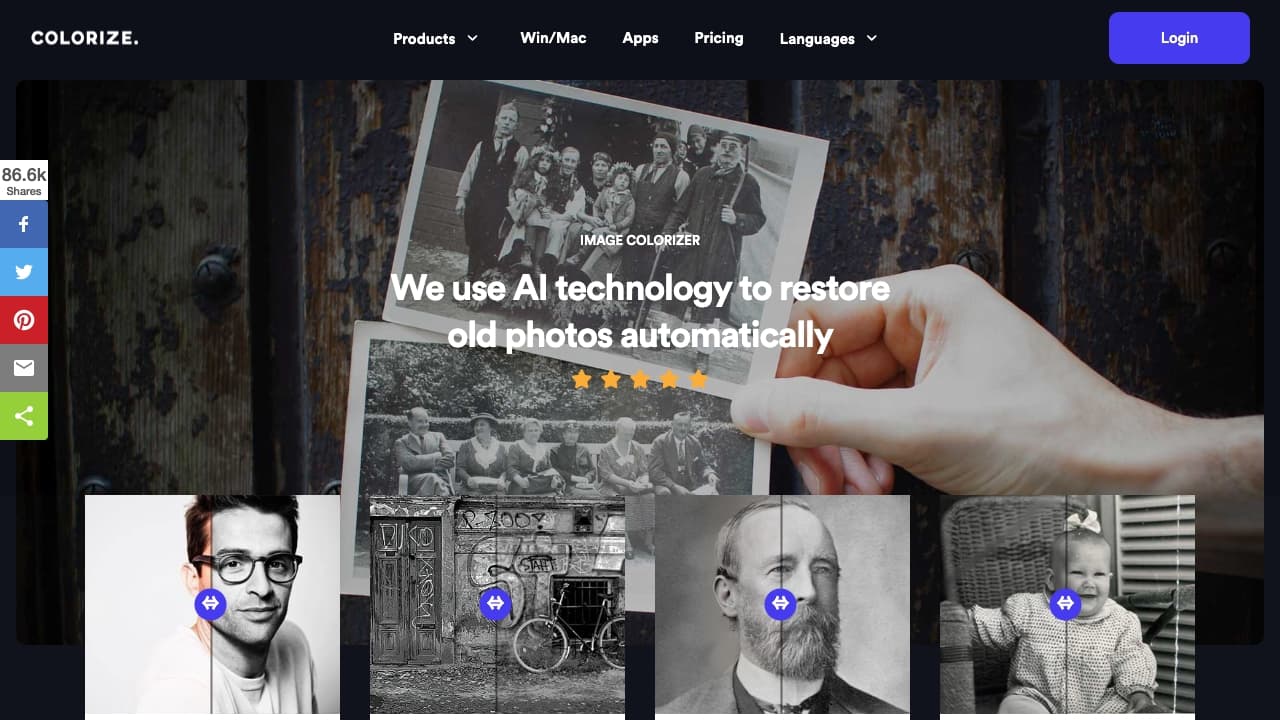
About Imagecolorizer

ImageColorizer harnesses advanced AI technology to accurately colorize black-and-white photos. It also offers tools for enhancing, retouching, repairing, and removing objects from vintage images, helping you bring old photos back to life with stunning clarity.

How to Use

Upload your vintage photo to the ImageColorizer website. The AI automatically analyzes and applies realistic color and enhancements. Download the improved image instantly.

Features

  • Advanced photo enhancement
  • AI-based colorization of black-and-white photos
  • Restoration of damaged old images
  • Scratch and blemish repair
  • Object removal from photos
  • Portrait retouching and smoothing

Use Cases

  • Removing unwanted objects from photos
  • Restoring damaged historical images
  • Colorizing black-and-white family photos
  • Enhancing blurry or low-quality portraits

Best For

Genealogists tracing family historyPhotography enthusiastsHistorians restoring archivesFamilies preserving old photosGraphic designers working on vintage projects

Pros

  • Comprehensive tools for photo restoration
  • Free plan available for basic use
  • Enhances photo quality and clarity effectively
  • User-friendly with automatic AI processing
  • Supports batch processing in paid plans

Cons

  • Free version has limitations on image size and features
  • Results may vary based on original photo quality
  • Full features require a paid subscription
  • Batch processing available only in paid plans

Pricing Plans

Choose the perfect plan. All plans include 24/7 support.

Free

$0 per month

Includes 50 credits monthly, supports images up to 3000px, single processing, all AI features, ad-supported, permanently free.

Get Started
Most Popular

Starter

$3.9 per month

Offers 500 credits monthly, supports images up to 3000px, batch processing for up to 8 images, all AI features, ad-free, credits roll over.

Get Started

Premium

$6.9 per month

Provides 1,000 credits per month, supports images up to 3000px, batch processing for up to 8 images, all AI features, no ads, credits roll over.

Get Started

Business

$9.9 per month

Includes 2,000 credits monthly, supports images up to 3000px, batch processing for up to 8 images, complete AI features, ad-free, credits roll over.

Get Started

FAQs

What is the most effective way to restore old photos?
Use AI-powered online tools like ImageColorizer to automatically repair damage, improve clarity, and add color to black-and-white images efficiently.
Can I colorize old photos for free with ImageColorizer?
Yes, you can colorize vintage photos at no cost using our free credits program. We also offer premium plans for additional features and unlimited processing.
Is it possible to restore faded black-and-white photos?
Absolutely. Our AI enhancement, repair, and retouching tools can restore faded images by improving color, brightness, and overall clarity.
How long does photo restoration take?
Restoring an old photo typically takes just a few minutes with our AI technology, delivering quick and high-quality results.
How can I clean and repair damaged old photographs?
Use our AI Object Removal tool to easily eliminate spots, scratches, dust, and other imperfections, restoring your photo’s pristine condition.
Can I remove creases from old photographs?
Yes, our AI Repair tool is specifically designed to smooth out creases and scratches automatically, requiring no manual editing.
Is there a limit to the number of photos I can restore?
There’s no limit on the total number of photos you can process, but image size and upload limits may apply depending on your plan.
Why should I retouch old portraits with ImageColorizer?
Retouching is simple and fast; you can enhance facial features, smooth skin, and reduce noise with just one click, preserving the natural look.
How can I enlarge old photos without losing detail?
Use our AI-based resize tool to increase photo size by up to 200%, maintaining fine details and high image quality.
Is ImageColorizer compatible with Mac computers?
Yes, our software works on both Windows and Mac. Download the app directly from our website for seamless photo restoration and colorization.