

ImagineQr
AI-driven platform for creating customizable, visually striking QR codes tailored to your needs.
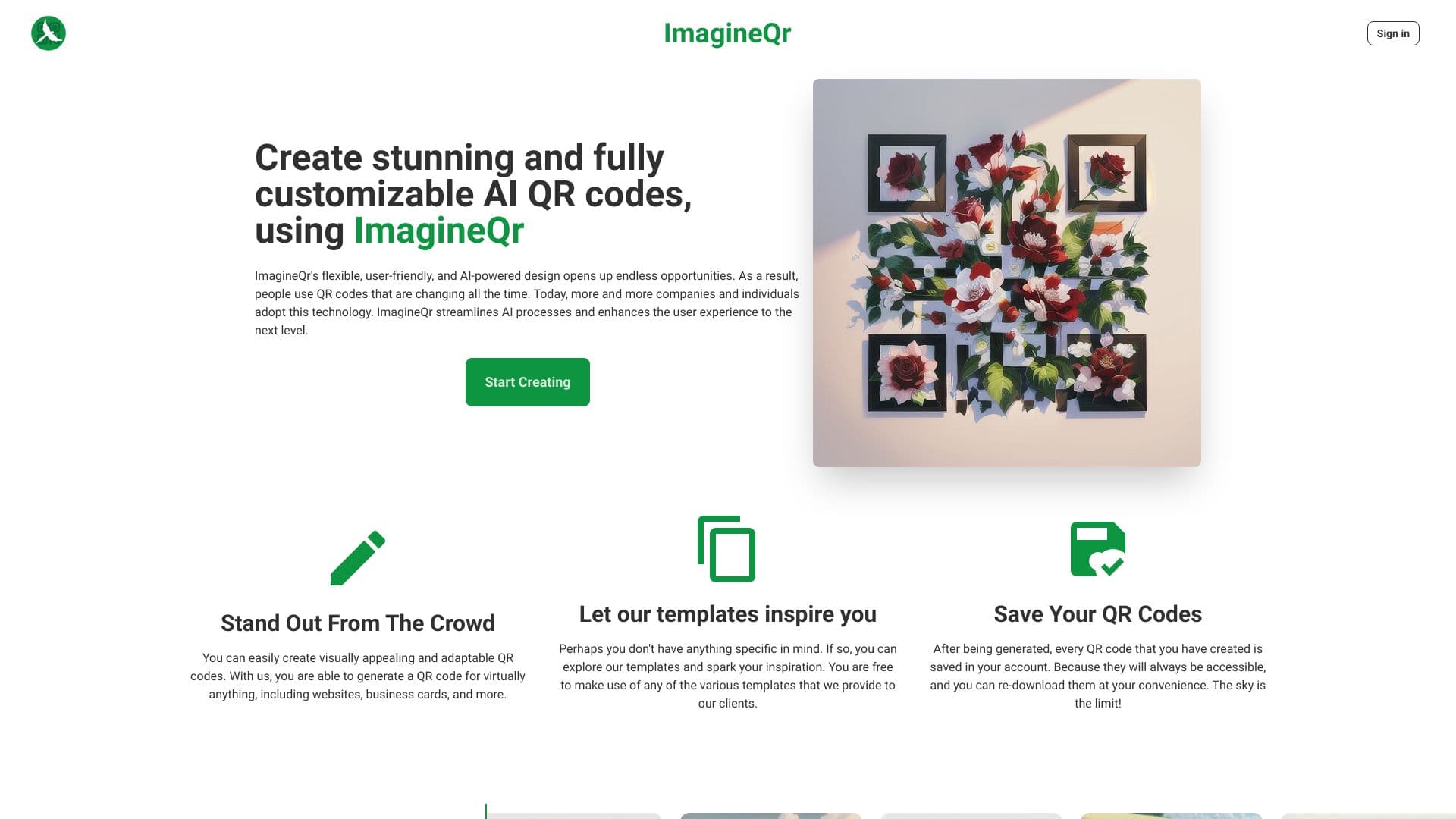
About ImagineQr
ImagineQr is an innovative AI-powered platform that enables users to craft stunning, fully customizable QR codes. It simplifies the design process, offering visually appealing and adaptable QR codes suitable for websites, business cards, and marketing campaigns.
How to Use
Visit the Create page on ImagineQr, enter your website URL or desired data, and customize your QR code using prompts. Use the Negative Prompt field to exclude specific content from your QR code design.
Features
- Fully customizable QR code designs
- Save and download generated QR codes
- AI-powered QR code creation
- A variety of professional templates
Use Cases
- Generating QR codes for websites and business cards
- Personalizing QR codes to match brand identity
- Designing attractive QR codes for marketing campaigns
Best For
Pros
- Includes a variety of design templates
- AI-driven customization options
- User-friendly interface
- No watermarks on downloaded QR codes
- Ability to save and manage QR codes
Cons
- QR code readability may vary with complex prompts
- Compatibility issues may arise with some older smartphones due to new AI features
Pricing Plans
Choose the perfect plan. All plans include 24/7 support.
Free Plan
Create up to 5 QR codes monthly, access QR history, use templates, and download without watermarks.
Get StartedPro Plan
Generate 300 QR codes each month, access history and templates, with no watermarks.
Get StartedEnterprise Plan
Unlimited QR code creation, full access to features, tailored for large-scale needs.
Get Started