

ImagineQR - gameofprompts.ai
AI-driven QR code generator that produces visually striking QR codes seamlessly integrated into images.
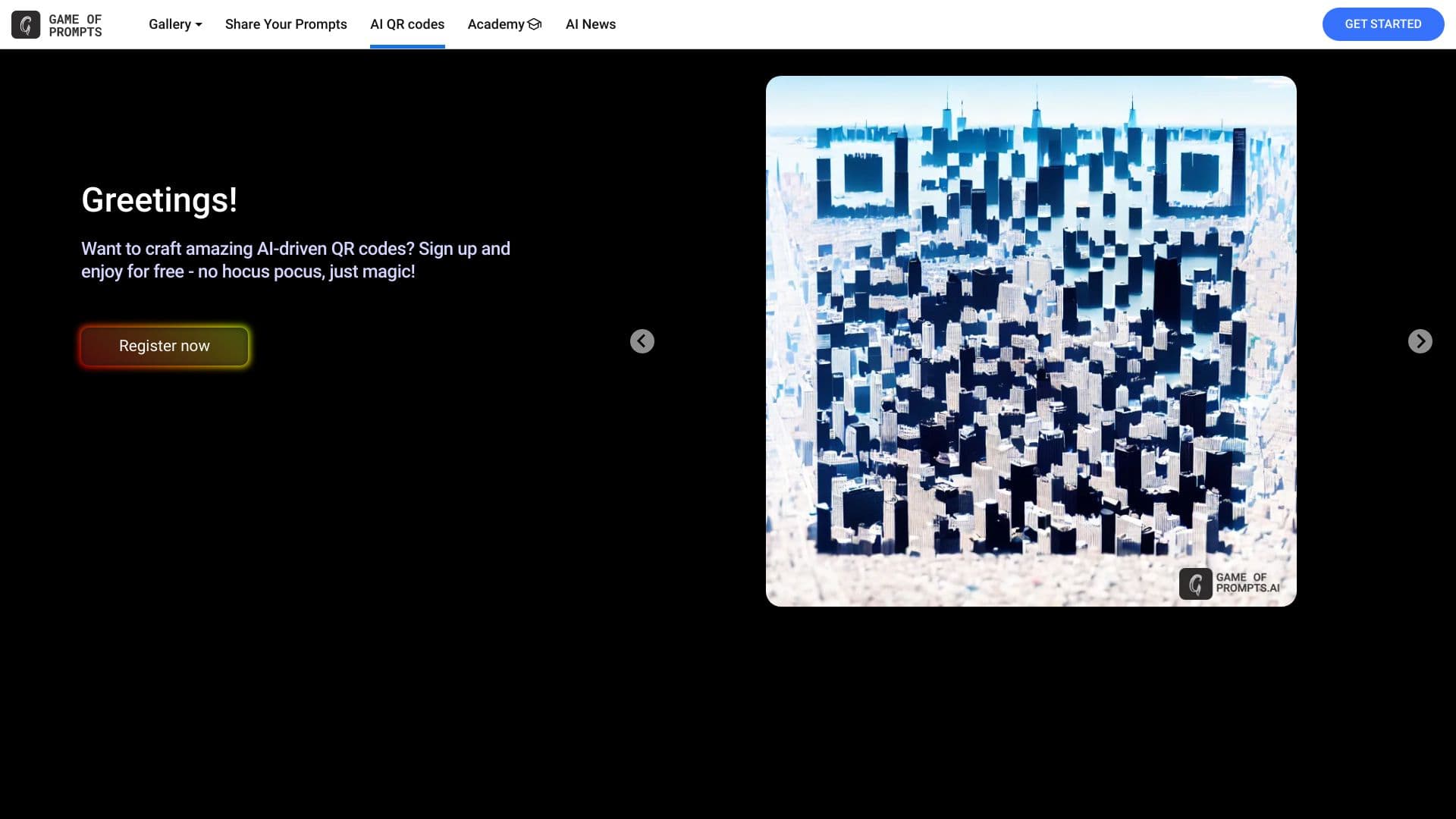
About ImagineQR - gameofprompts.ai
ImagineQR is an innovative QR code generator that blends advanced AI technology with stylish design. It creates unique, visually appealing QR codes embedded within your chosen images, all at no cost. Perfect for marketing, branding, and personal projects.
How to Use
Visit the ImagineQR website, select your image, and use the intuitive tools to generate and embed your custom QR code effortlessly.
Features
- Completely free to use
- Stylish, visually appealing QR code designs
- Embed QR codes seamlessly within images
- Powered by advanced AI for unique designs
Use Cases
- Creating custom QR codes for marketing campaigns
- Designing visually engaging QR codes for events
- Embedding QR codes into product images for quick access
- Enhancing promotional materials with aesthetic QR codes
Best For
Graphic designersEvent organizersMarketing professionalsSmall business ownersBranding specialists
Pros
- AI-enhanced, unique design options
- Completely free to use
- Easy integration of QR codes into images
- Produces visually captivating QR codes
Cons
- Limited customization options may be available
- AI reliance might restrict user control over design details
FAQs
Is ImagineQR free to use?
Yes, ImagineQR offers a free platform for creating custom QR codes.
How does ImagineQR work?
ImagineQR uses advanced AI technology to generate unique, visually appealing QR codes embedded seamlessly within images.
Can I customize my QR codes?
Yes, you can customize the design and embedding options to match your branding or project needs.
What types of images can I use?
You can upload and embed QR codes within a variety of images, including promotional, product, and personal photos.
Is there a limit to how many QR codes I can generate?
No, there are no restrictions on the number of QR codes you can create using ImagineQR.