

ImgEdify
AI-powered platform for creating and editing stunning images with advanced visual effects.
About ImgEdify
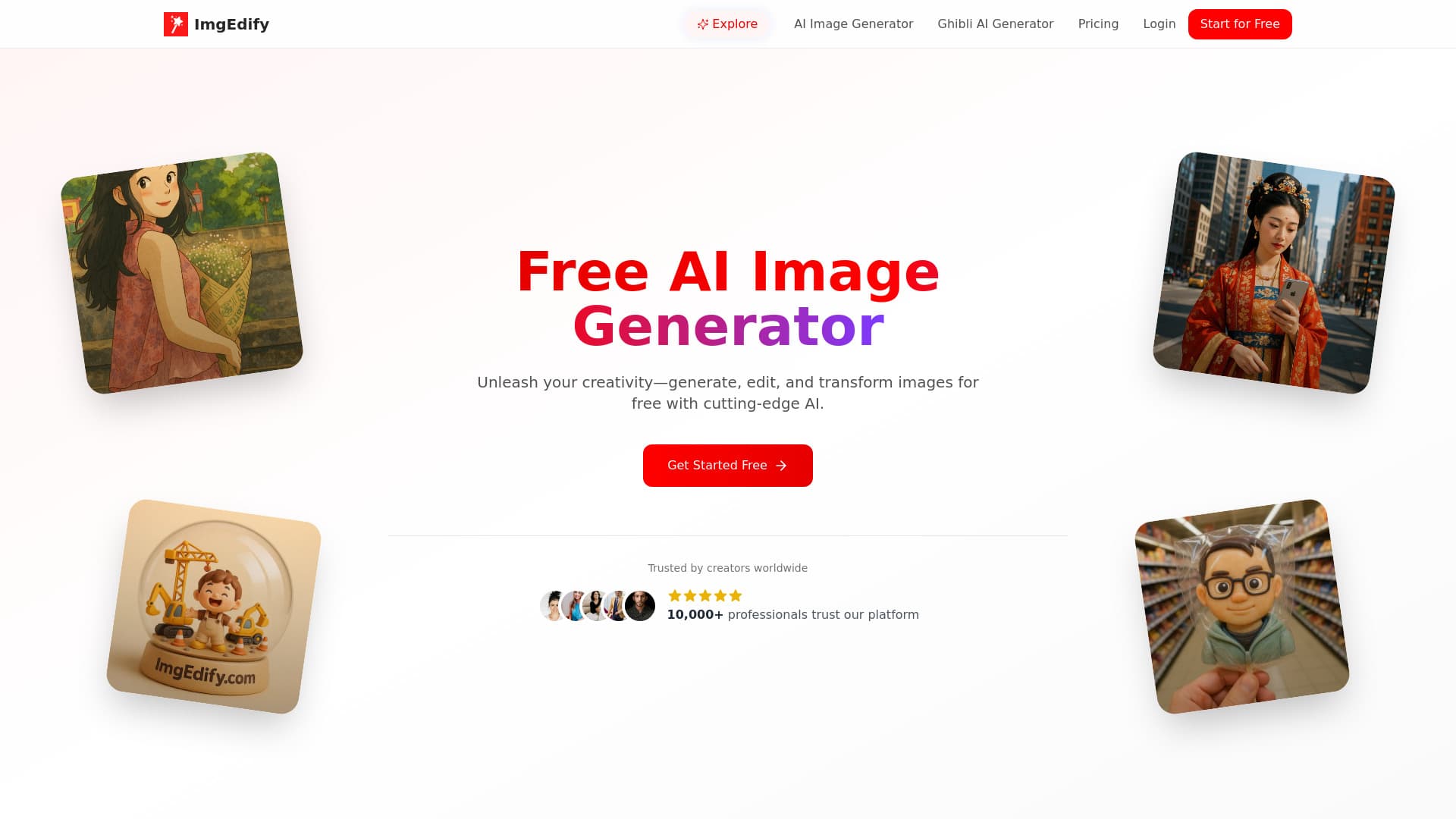
ImgEdify is a comprehensive AI-driven platform that enables users to generate, modify, and enhance images effortlessly. It combines cutting-edge AI technology with user-friendly tools for style conversion, virtual try-on, face swapping, and artistic transformations. Perfect for content creators, marketers, and businesses, the platform transforms text prompts and photos into high-quality visuals, fostering creativity and efficiency. Whether you're producing social media content or professional graphics, ImgEdify offers versatile features like style transfer, image editing, and character generation to meet diverse needs.
How to Use
Enter your text prompt in the designated box and click 'Generate' to create an image. Upload reference images if needed to guide the AI. For photo-based creations, upload your photo, add a prompt, and click 'Generate.' You can upload up to four reference images to enhance results.
Features
- Remove watermarks on paid plans
- AI-driven style transfer and enhancement
- Face swapping and portrait refinement
- Advanced AI image generation
- Virtual try-on and fashion visualization
- Image-to-image transformation
- Create custom visual styles
- Text-to-image conversion
- Action figure generation with AI
- Professional-grade image editing tools
Use Cases
- Design high-quality marketing visuals
- Visualize clothing and accessories virtually
- Create engaging social media images
- Transform photos into action figures
- Perform face swaps and portrait editing
- Generate images from descriptive text
- Apply artistic styles like Ghibli to photos
Best For
Pros
- Real-time preview with customizable parameters
- User-friendly interface requiring no technical skills
- Unique features like Ghibli style transformation and action figures
- Supports common image formats such as JPG and PNG
- Free plan available to explore features
- Utilizes advanced AI for high-quality results
- All-in-one platform for creation and editing
Cons
- Only one primary AI effect per generation currently supported
- Processing time varies based on complexity, from seconds to a minute
- Maximum image size limit of 5MB
Pricing Plans
Choose the perfect plan. All plans include 24/7 support.