

ImgGen AI
Free AI-powered image generation and enhancement platform without watermarks.
About ImgGen AI
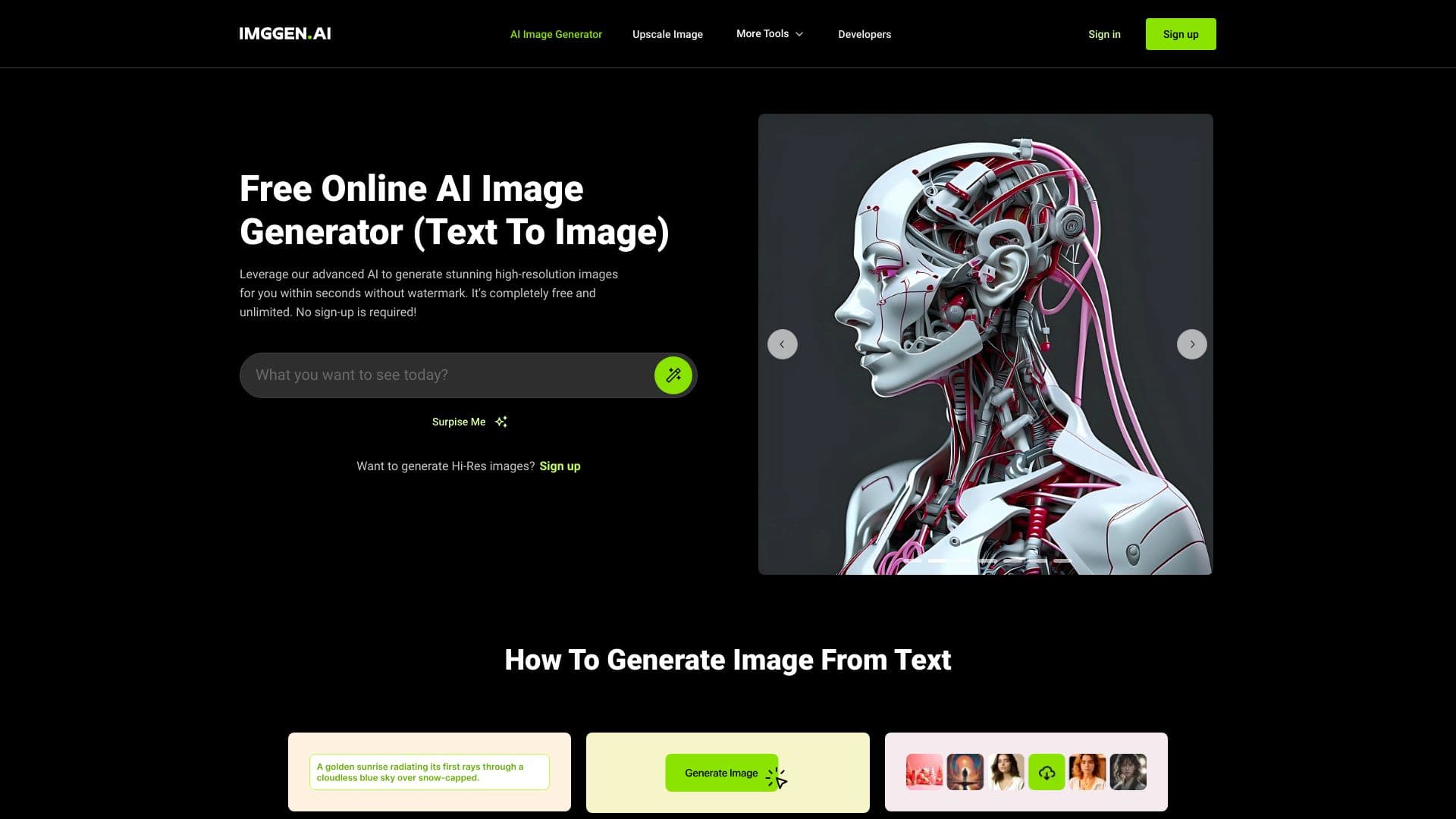
ImgGen AI is a free, user-friendly platform for AI-based image creation and enhancement. It simplifies complex tasks such as background removal, image upscaling, unblurring, and generating high-quality headshots from text prompts. No registration or watermarks are required, and users can easily generate and download professional images. Additionally, ImgGen AI offers an API for seamless integration into other applications, making it an versatile tool for creators and professionals alike.
How to Use
Simply enter or paste your text prompt on the homepage and click 'Generate Image.' Once the image appears, you can download it instantly without watermarks or branding.
Features
- Automatic color correction
- Background removal from photos
- Image unblurring for clarity
- Portrait sharpening
- Photo restoration from damage
- High-resolution image upscaling
- Text removal from images
- AI-powered text-to-image generation
Use Cases
- Removing backgrounds for e-commerce product images
- Creating professional AI headshots
- Restoring old or damaged photographs
- Generating high-resolution images for posters, wallpapers, and social media from text prompts
Best For
Digital marketersSocial media managersContent creatorsGraphic designersPhotographersAnyone needing quick image enhancements
Pros
- Rapid and efficient image creation
- Comprehensive set of enhancement tools
- Completely free with no watermarks
- User-friendly and intuitive interface
- Produces high-quality images
Cons
- May require some trial and error with prompts for optimal results
- Limited transparency about AI model specifics
FAQs
What is ImgGen AI?
ImgGen AI is a straightforward online platform for AI-based image generation and enhancement, designed for ease of use.
What are the maximum file size and resolution supported?
Images up to 20MB in size and 4096 x 4096 pixels are supported by ImgGen AI.
Can I download images for free?
Yes, all images generated are free to download without watermarks or attribution.
How can I restore old photos?
Upload your old or damaged photos to our restoration tool, which automatically removes scratches, dust, and other defects.
Is there a limit to how many images I can enhance?
No, you can enhance as many images as you like without restrictions.