

Imgkits - Top AI Image & Video Processing Tools Online
All-in-One AI-Powered Image and Video Editor: Create Stunning Visuals with Imgkits
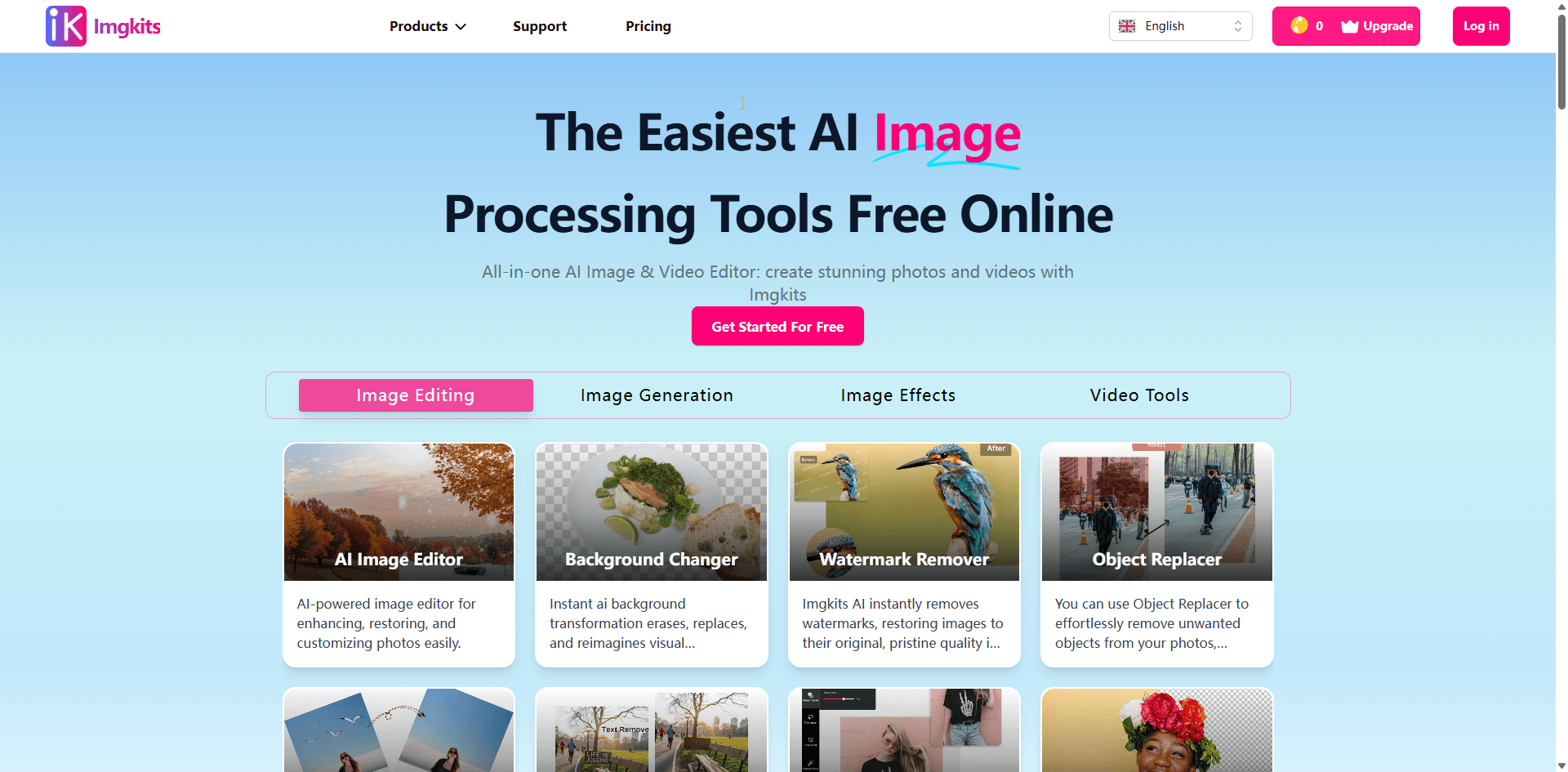
About Imgkits - Top AI Image & Video Processing Tools Online
Imgkits offers a comprehensive, AI-driven platform for editing images and videos directly in your web browser. Designed for ease of use, it produces professional results without requiring technical skills. Supporting multiple file formats and batch processing, Imgkits is ideal for e-commerce, social media influencers, and personal projects. Our advanced algorithms ensure natural-looking edits while prioritizing your privacy through secure SSL encryption and automatic file deletion after processing.
How to Use
Getting started with Imgkits is simple. Sign up, log in, and select from our suite of AI-powered editing tools tailored to your needs. Enjoy free trials to experience our advanced features, and upgrade to a premium plan for unlimited access and additional credits for faster, more complex edits.
Features
- Advanced Image Editing
- Ad-Free User Experience
- Background Removal and Replacement
- AI Clothing and Hair Style Changes
- Custom Image Generation
- Photo Enhancement and Restoration
- Style Transfer Effects
- Signature Creation
- AI-Powered Video Generation
Use Cases
- Restore old or damaged photos by removing blur and imperfections.
- Create eye-catching promotional content for marketing campaigns.
- Edit objects within images, such as backgrounds, people, and items.
- Generate unique images and videos for social media posts.
- Create AI-generated artwork for personal or commercial use.
Best For
Pros
- Supports all major image formats including JPG, PNG, WEBP, and JPEG.
- Delivers professional results instantly and offers free trials for basic use.
- All-in-One platform for AI image and video editing.
- Enables batch processing to handle multiple files efficiently.
- Utilizes cutting-edge AI for seamless, natural-looking edits.
- User-friendly interface suitable for beginners and experts alike.
- Ensures privacy with SSL encryption and automatic deletion of files after processing.
- Fast, accurate, and easy-to-use editing tools.
Cons
- Free usage is limited by credits, with paid plans needed for extensive use.
- Currently lacks a dedicated mobile app or standalone software.