

Inbox Narrator
Inbox Narrator converts Gmail emails into a morning podcast using AI technology, providing a quick and engaging overview of your inbox.
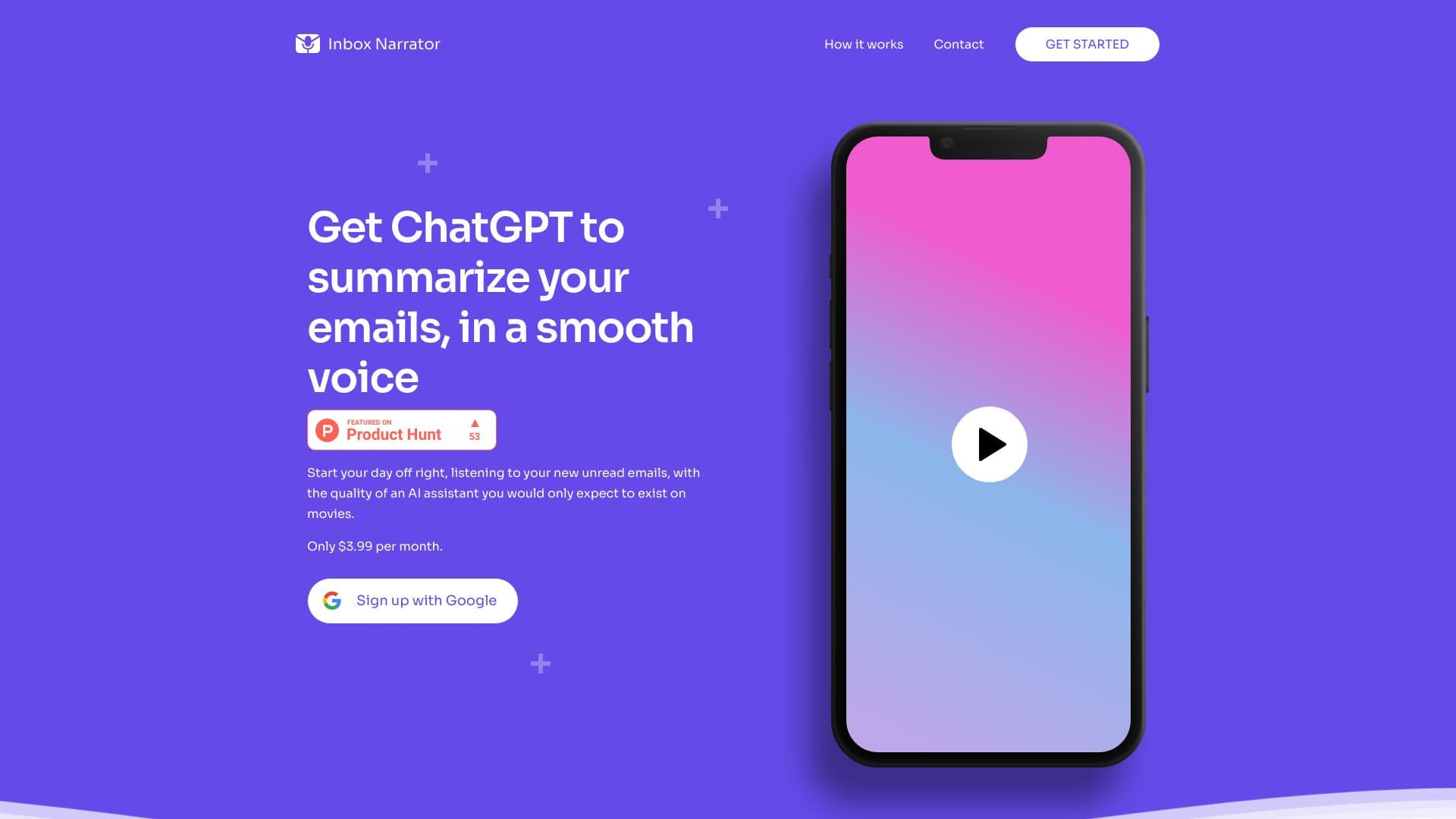
About Inbox Narrator
Inbox Narrator leverages ChatGPT to summarize your Gmail emails and delivers them as a human-like voice podcast through Siri or Google Assistant each morning. This innovative tool transforms your inbox into a concise audio update, helping you stay informed effortlessly during your morning routine.
How to Use
Sign up, connect your Gmail account, configure Siri or Google Assistant, and enjoy daily email summaries through voice commands.
Features
- AI-powered email summaries
- Seamless integration with Google Assistant
- Audio email briefing
- Daily personalized podcast
- Voice assistant compatibility
Use Cases
- Receive a quick morning email overview while preparing for your day
- Use voice commands to instantly access your email summaries
Best For
Gmail users seeking audio summariesBusy professionalsIndividuals who prefer hands-free updatesPeople wanting efficient inbox managementUsers integrating with Siri or Google Assistant
Pros
- Saves time with automatic email summaries
- Enables hands-free updates via voice assistants
- Delivers summaries in natural voice
- Includes quick chat features for information retrieval
Cons
- Currently limited to Gmail accounts
- Subscription required after free trial
- Limited options for customizing summaries
Pricing Plans
Choose the perfect plan. All plans include 24/7 support.
FAQs
How does Inbox Narrator operate?
It connects to your Gmail, summarizes new emails with AI, and delivers audio updates through Siri or Google Assistant each morning. Simply sign up, link your Gmail, and follow setup instructions.
Is my email information secure with Inbox Narrator?
Yes, we prioritize your privacy. We only request read-only access to your Gmail, and your email content is never stored or shared.
How do I set up Inbox Narrator with voice assistants?
After signing up, follow our step-by-step guide to configure Siri or Google Assistant for daily email summaries.
Can I customize the email summaries?
Currently, the service offers general summaries. We are working to add more customization features in future updates.
What is the subscription cost for Inbox Narrator?
It offers a 30-day free trial, then charges $5 per month for continued access.
Can I cancel or pause my subscription?
Yes, you can cancel anytime through your account settings or contact support at hello@inboxnarrator.com for assistance.
Does Inbox Narrator support email providers other than Gmail?
Currently, it works exclusively with Gmail. Support for other providers may be added based on demand.
Is it possible to use Inbox Narrator on multiple devices?
Yes, the service works on any device compatible with Siri or Google Assistant.
How can I contact support for help or feedback?
Reach out to our support team via hello@inboxnarrator.com for assistance or to share your feedback.