

Inbox Zero AI: Smartest Email AI
AI-driven email organizer designed for rapid inbox clearing and enhanced productivity.
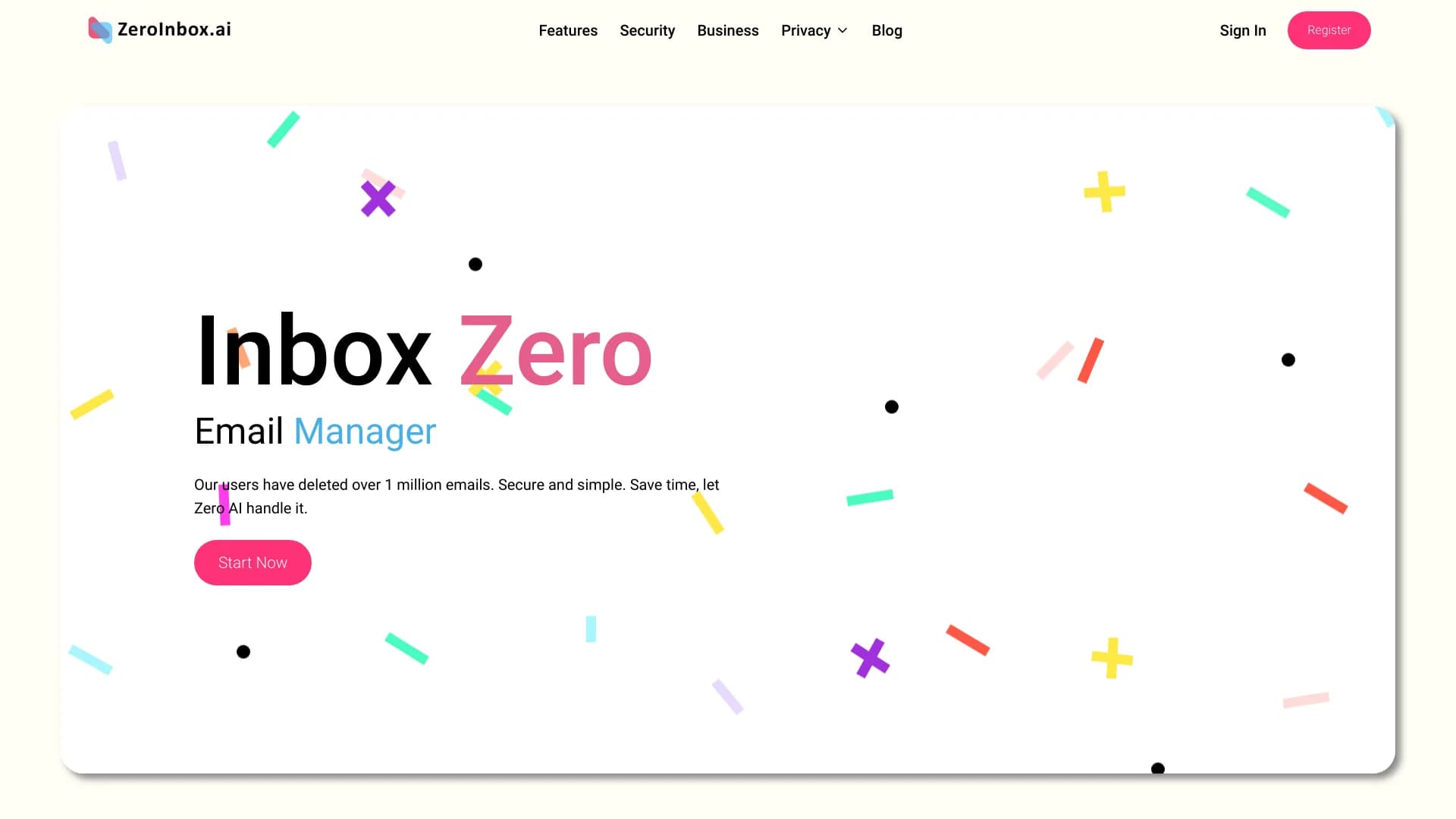
About Inbox Zero AI: Smartest Email AI
Inbox Zero AI is an intelligent email management tool that helps users quickly organize and declutter their inboxes. By automating email cleaning, it boosts productivity and enables users to achieve inbox zero in seconds. Developed by a former Apple Siri engineer, it prioritizes security with features like end-to-end encryption and gives users full control over their data.
How to Use
Sign up for Inbox Zero AI, connect your email account, and let the system automatically sort and delete unwanted emails. It identifies spam and preserves important messages, simplifying your inbox management.
Features
- End-to-end encryption for data security
- AI-enabled email sorting and cleanup
- Automatic spam detection and removal
- Unsubscribe management for bulk email reduction
- Complete user control over data privacy
Use Cases
- Efficiently manage and secure email data
- Enhance overall email productivity
- Rapidly clear overflowing inboxes
- Maintain an organized and clutter-free email environment
Best For
Business teams seeking productivity boostsIndividuals overwhelmed by email volumeEntrepreneurs managing multiple accountsBusy professionals aiming for efficient inbox management
Pros
- Ensures security with end-to-end encryption
- Achieves quick email cleanup in approximately 30 seconds
- User-friendly and easy to operate
- Prioritizes user privacy and data control
Cons
- Concerns about granting email access
- AI may occasionally misclassify emails
- Pricing details are not specified
FAQs
How fast does Inbox Zero AI clean my inbox?
It can typically clean your inbox in around 30 seconds.
Is Inbox Zero AI secure?
Yes, it uses end-to-end encryption and partners with Google for security.
Can I control my data with Inbox Zero AI?
Absolutely, you have full control over your data and account settings.
Does Inbox Zero AI delete spam automatically?
Yes, it detects and removes spam messages automatically.
Is it compatible with all email providers?
It supports most popular email services, including Gmail and Outlook.