

iSamurai
AI-driven tool for enhancing and swapping faces in videos and images with advanced face manipulation features.
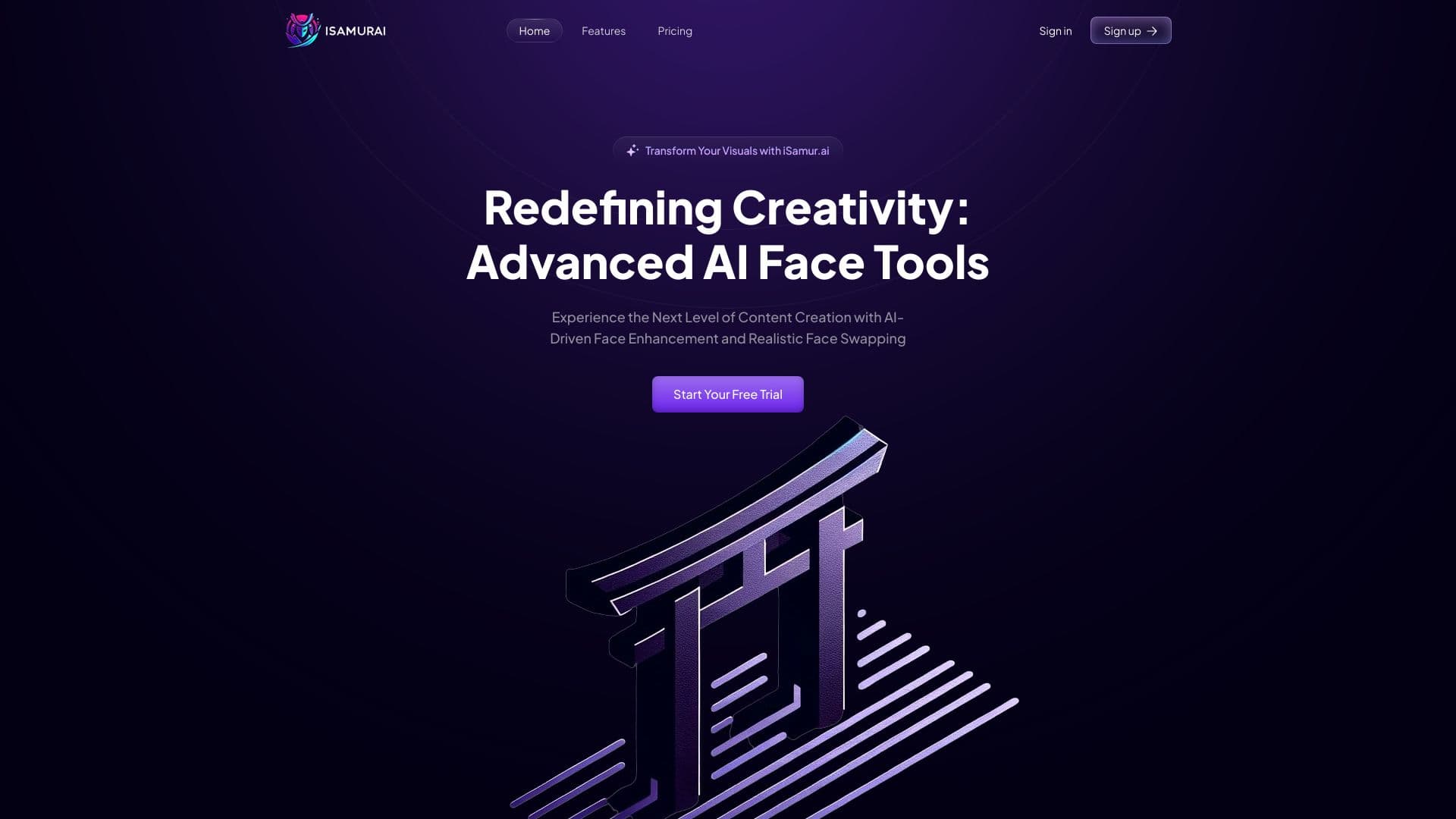
About iSamurai
iSamurai is an AI-powered platform offering advanced face enhancement and face swapping for videos and images. Designed for both professionals and casual users, it allows high-quality video outputs and flexible editing options. Currently, image processing is available in beta for free, with upcoming video processing features. The tool excels in realistic face swaps, restoration, and AI-driven image enhancements.
How to Use
Currently supporting only image editing, users can enhance and swap faces in photos. Video features are arriving soon. Simply sign up or log in to access the available AI-powered editing tools.
Features
- Advanced face swapping technology suitable for long videos
- In-development multimedia and text conversion features
- AI-powered face enhancement for realistic results
- Realistic face swapping technology
- AI-based face restoration for damaged or aged photos
- Upcoming speech and text conversion features
- User-friendly AI-driven image editing tools
Use Cases
- Create realistic face swaps in photos and videos
- Enhance details in low-quality or aged images
- Generate engaging content with AI-assisted multimedia and text conversion
Best For
Pros
- Beta version available at no cost
- Realistic and seamless face swaps
- Advanced AI for face enhancement and restoration
- Affordable plans with unlimited video quality and length
- Intuitive tools for efficient content creation
- Supports long-duration video face swapping
Cons
- Certain features are still under development
- Video processing capabilities are not yet fully available
- Processing requires credits
Pricing Plans
Choose the perfect plan. All plans include 24/7 support.
Free
Includes 10 credits, no video processing, limited output quality, and no boosters.
Get StartedKohai
Provides 150 credits, 3 minutes of video processing, 480p video output, and boosters.
Get StartedNinja
Offers 600 image credits, 12 minutes of video processing, 480p video quality, and boosters.
Get StartedRonin
Includes 1500 credits, 30 minutes of video processing, 720p video output, and boosters.
Get StartedSamurai
Provides 4000 credits, 80 minutes of video processing, 1080p and 1440p video quality, and discounts on boosters.
Get StartedDojo
Dedicated server hosting with unlimited usage and personalized integration support.
Get StartedKunai Booster
Adds 200 credits, equivalent to approximately 4 minutes of video processing.
Get StartedKatana Booster
Provides 1000 credits, roughly 20 minutes of additional video processing.
Get StartedShuriken Booster
Grants 2500 credits, approximately 50 minutes of extra video processing time.
Get Started