

JamGPT
Jam simplifies bug reporting by automatically capturing essential data and seamlessly integrating with your team’s tools.
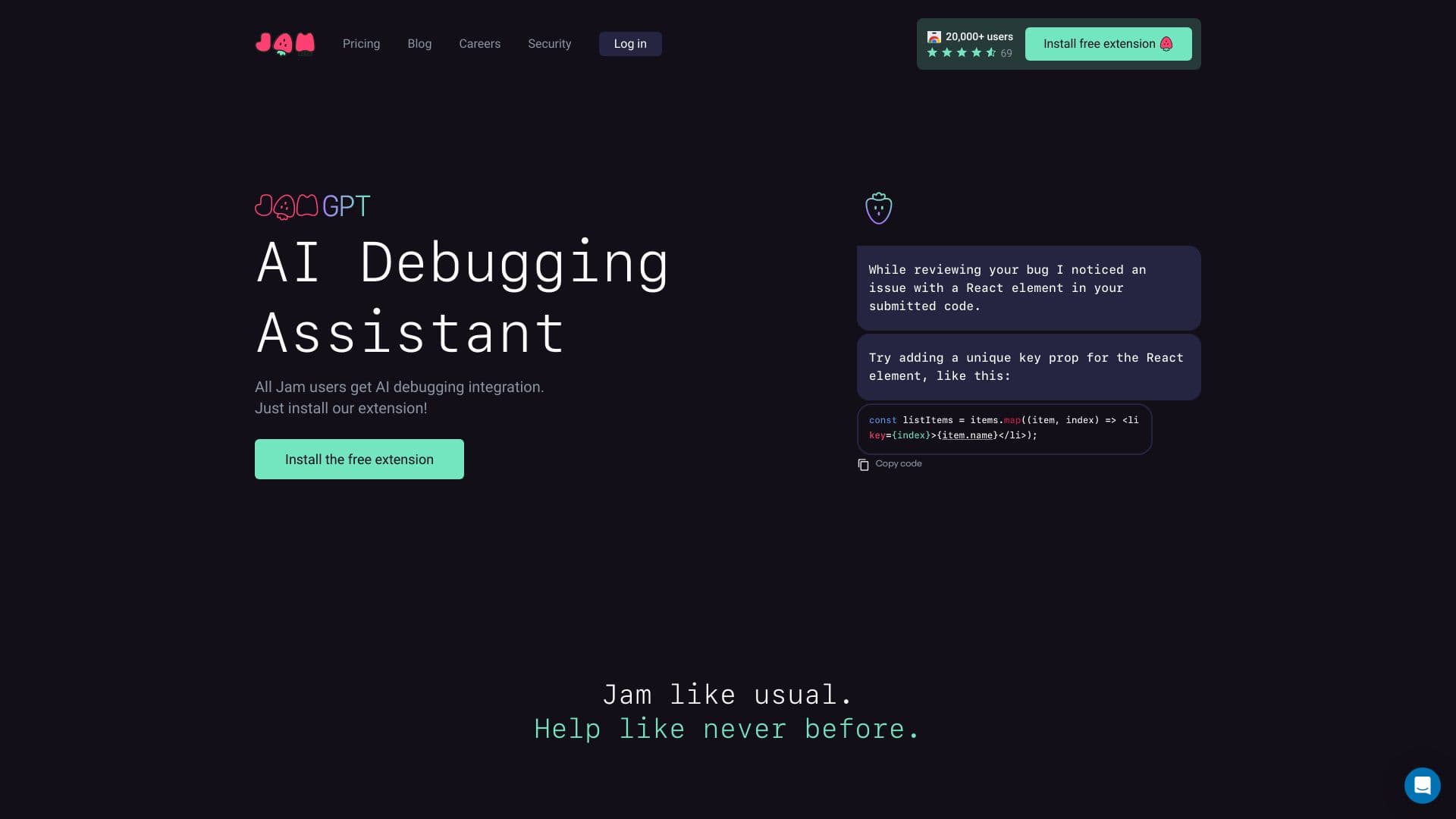
About JamGPT
Jam is an advanced bug reporting platform designed to accelerate issue identification, reporting, and resolution. Users can quickly report bugs by capturing screenshots or videos, with all relevant debugging information automatically included—such as device details, console logs, network activity, and reproduction steps. Its integrations with tools like Notion, GitHub, Jira, and Slack facilitate effortless sharing and collaboration. Additional features like AI-powered debugging and backend logging further enhance the debugging workflow, making bug management more efficient.
How to Use
To report a bug with Jam, take a screenshot or record a video of the issue. Jam automatically gathers all necessary details, including device information, console logs, and network data. You can annotate, blur sensitive information, and edit the report before sharing it via a link. It integrates smoothly with tools like Notion, GitHub, and Jira for easy workflow incorporation.
Features
- Capture videos and annotate screenshots easily
- Trace backend operations for comprehensive debugging
- Seamless integration with tools like Notion, GitHub, Jira, and Slack
- AI-powered debugging assistance
- Automatic recording of console and network logs
- Reproduction steps capture for accurate bug reports
- Auto-collect device and browser information for context
Use Cases
- Embedding bug reporting into existing development workflows
- Reporting issues quickly and efficiently
- Gathering detailed debugging information
- Enhancing communication between QA and development teams
Best For
Pros
- Integrates smoothly with popular tools for efficient workflows
- Enhances communication between QA and development teams
- Automatically captures debugging data to save time
- User-friendly for both technical and non-technical users
- Includes AI debugging and backend logging features
Cons
- Advanced features may require a paid plan
- Dependent on browser extension or application
- Some users may face a learning curve
Pricing Plans
Choose the perfect plan. All plans include 24/7 support.
Pro
Includes app integrations, video annotation, and AI-powered autofill for titles and reproduction steps
Get StartedTeam
Provides unlimited viewers, backend logging, access controls, video annotations, and AI autofill; up to 15 seats
Get StartedEnterprise
Offers unlimited users, custom integrations, retention policies, priority support, SAML/SSO, and audit logs
Get StartedJam for Customer Support
Connects with Intercom support desk, no customer setup required, speeds up ticket resolution, reduces developer back-and-forth
Get Started