

jsoneditor.io
A comprehensive online platform for editing, validating, and converting JSON, YAML, and XML data formats with ease.
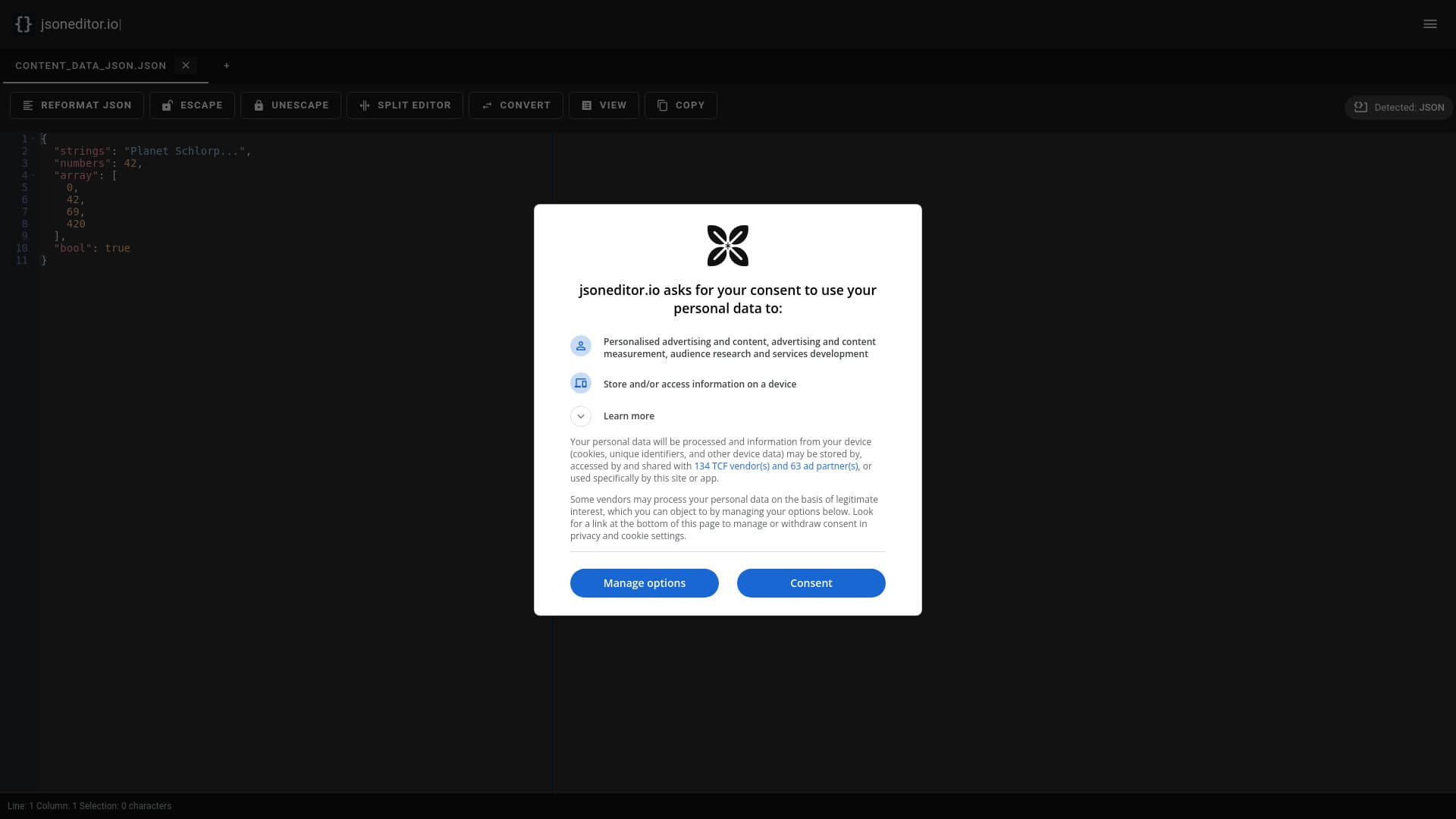
About jsoneditor.io
JSONEditor.io is an intuitive online tool designed for editing, validating, and converting JSON, YAML, and XML data. Featuring split-view, schema validation, and AI assistance, it streamlines data workflows for developers, data analysts, and automation specialists. Users can easily edit, format, and validate data, with tools for reformatting, escaping characters, and switching between different view modes to enhance productivity.
How to Use
Paste your JSON data directly into the editor or upload files via drag-and-drop. Utilize editing, formatting, and validation tools to optimize your data. Choose between text, tree, or table views for better visualization. Use the 'Reformat JSON' feature to improve readability and structure.
Features
- Edit JSON, YAML, and XML data
- AI-powered editing assistance
- Supports offline JSON editing
- JSON formatter and beautifier
- Compare multiple JSON documents
- Convert JSON to CSV and vice versa
- Seamless data format conversions
- Shareable links for collaboration
- AI integration for advanced tasks
- JSON Schema validation for accuracy
- Data validation to ensure integrity
- Split-view for efficient editing
Use Cases
- Fixing and repairing JSON files
- Editing and validating JSON data
- Validating JSON against schemas
- Converting between JSON, YAML, and XML
- Handling large JSON datasets
- Comparing different versions of JSON files
- Transforming JSON data for specific needs
Best For
Pros
- Multiple view modes: text, tree, table
- Powerful editing and validation tools
- Supports JSON, YAML, and XML formats
- AI assistance for complex tasks
- Capable of handling large files up to 512 MB
- Includes JSON Schema validation
- Offers offline editing support
Cons
- Free version may have usage limitations
- AI features might require subscription plans
- Advanced features may need technical knowledge