

K8Studio
Kubernetes IDE designed for streamlined cluster monitoring and management.
About K8Studio
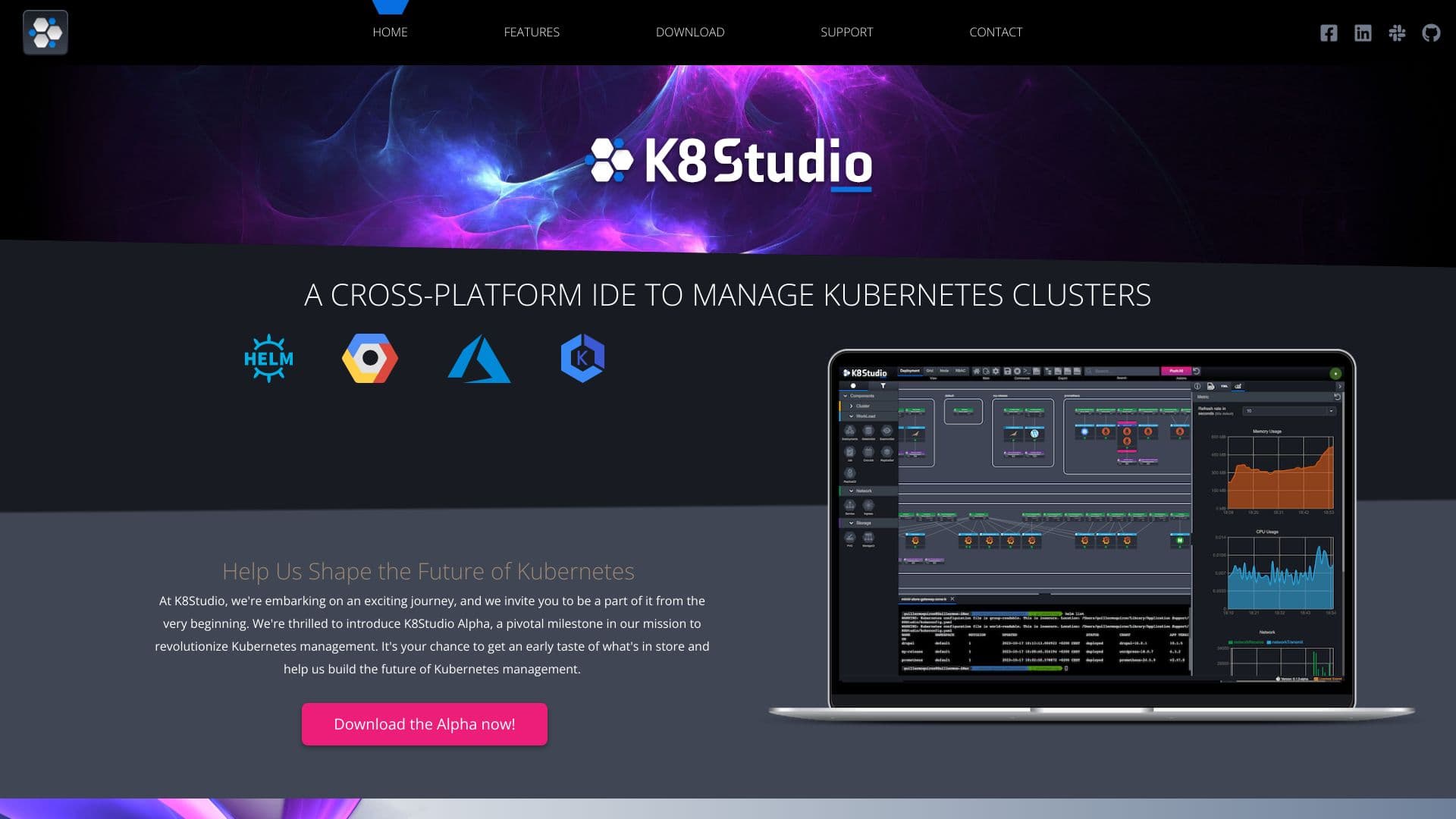
K8Studio is a comprehensive Kubernetes Integrated Development Environment (IDE) that simplifies cluster monitoring and management. It features an advanced code editor, simplified container orchestration, multi-cluster oversight, and real-time debugging tools. With intuitive visualizations and detailed insights, K8Studio transforms complex data into actionable information, empowering users to maintain control and boost efficiency. It supports major Kubernetes platforms and includes features like CloudMaps, multi-cluster management, logs, AI assistance, YAML editing, and cluster overviews.
How to Use
Install K8Studio on your preferred platform, then connect your Kubernetes clusters via your existing kubeconfig file. Use the intuitive interface to explore features like CloudMaps for visualization, the YAML editor for configuration, and the integrated terminal for command-line operations, all without modifying your cluster configuration.
Features
- Intuitive YAML editor for seamless configuration editing
- Multi-cluster management for handling multiple environments
- Customizable docking layout for personalized workspace
- CloudMaps for visual cluster exploration and relationship mapping
- Object selection overview providing detailed information
- RBAC view to manage role-based access control
- Advanced logs for efficient troubleshooting
- Helm management view for releases and charts
- Built-in AI Copilot for intelligent assistance
- Security and permissions management tools
- Tabular grid view of Kubernetes objects
- Integrated terminal for command-line tasks
- Cluster overview with key performance metrics
- Monitoring and metrics dashboard
Use Cases
- Edit Kubernetes YAML configurations easily
- Simplify cluster monitoring and management
- Troubleshoot applications with advanced logs
- Track node and workload performance metrics
- Visualize complex cluster structures and relationships
- Manage Helm charts and releases efficiently
- Oversee multiple Kubernetes clusters simultaneously
Best For
Pros
- Clear visualizations simplify complex data analysis
- User-friendly YAML editing experience
- AI-powered assistance enhances productivity
- Compatible with all major Kubernetes distributions
- Robust tools for comprehensive cluster management
- Supports multi-cluster environments seamlessly
Cons
- Free version may have limited features
- Some functionalities require additional setup (e.g., Prometheus integration)
- Professional license needed for full feature access