

Keybot AI
Enhance your typing with this AI-powered keyboard extension for faster, smarter, and more efficient text input.
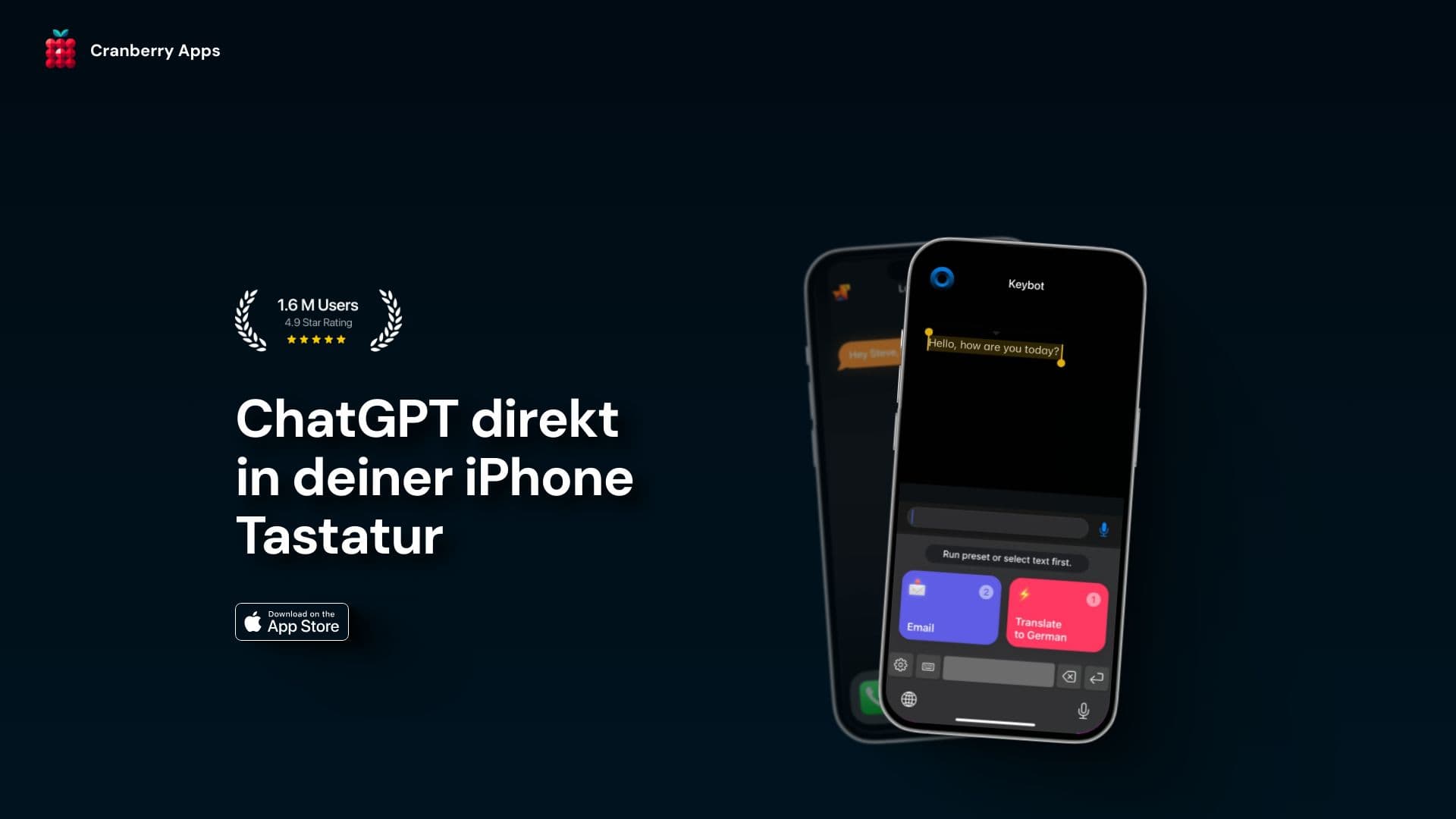
About Keybot AI
Keybot is an intelligent keyboard extension leveraging artificial intelligence to transform your typing experience. It helps you type more quickly and accurately, making tasks like composing emails, preparing reports, and chatting easier and more efficient.
How to Use
Install the Keybot extension, and it seamlessly integrates into your device's keyboard. It enhances your typing across various applications without additional setup.
Features
- AI-powered typing assistance and suggestions
Use Cases
- Speeding up email composition and report writing
- Improving accuracy during chats and messaging
- Enhancing productivity in professional tasks
- Supporting students with efficient note-taking
- Assisting writers with faster content creation
Best For
WritersProfessionalsStudentsFrequent typistsContent creators
Pros
- Seamless integration with devices
- Accelerates typing speed
- Provides intelligent typing suggestions
- Enhances typing accuracy
Cons
- API errors or quota limits may occur
- Requires API key management
- In-app purchase issues might arise
FAQs
How do I resolve in-app purchase failures?
Ensure your payment details are correct and try restarting the app. Contact support if issues persist.
What should I do if I encounter a network error?
Check your internet connection and try reconnecting. Restart the app if needed.
How can I fix an expired or invalid API key?
Obtain a new API key from your provider and update it in the app settings.
Where do I get my API key?
Register with the API service provider to receive your unique API key after sign-up.
Why do I need to pay when ChatGPT is free?
Premium features or higher usage limits require a subscription or payment, even if the basic ChatGPT is free.
What does the Keybot plan include and how is API access managed?
The plan details vary; check the provider’s website for information on available plans and API access.
What should I do if I receive an API error?
Verify your API key, check quota limits, and contact support if errors continue.
Why have I exceeded my quota?
Your usage has surpassed your plan’s limits; consider upgrading your plan or reducing usage.
Can I use my subscription on multiple devices?
Yes, most subscriptions allow device transfer, but check the specific terms of your plan.