
Kilo AI
Open-source AI coding assistant for Visual Studio Code that boosts development productivity and automates coding tasks.
About Kilo AI
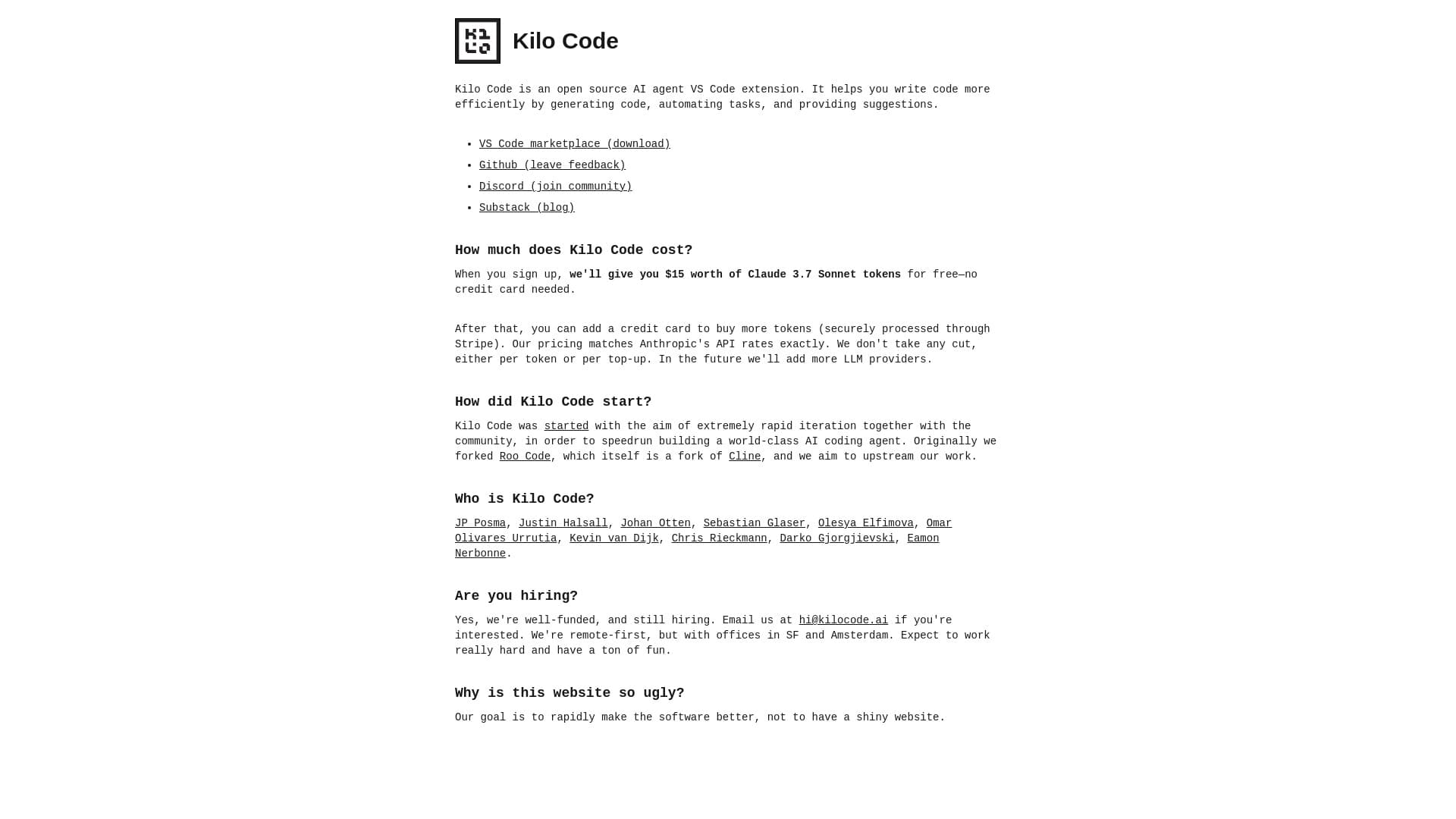
Kilo Code is an open-source AI-powered extension for Visual Studio Code designed to improve coding efficiency through intelligent code generation, task automation, and smart suggestions. It integrates features from Cline and Roo Code, offering modes like orchestrator, architect, code, and debug. With support for multiple tools, customizable AI personas, and multilingual capabilities, it serves as a comprehensive AI assistant for developers.
How to Use
Download and install the Kilo Code extension from the Visual Studio Code marketplace. Use commands such as /newtask to assign subtasks, switch to architect mode for designing solutions, activate code mode for implementation, or debug mode to troubleshoot issues.
Features
- Supports multiple programming languages
- Provides intelligent code suggestions
- Includes code generation capabilities
- Integrates with MCP marketplace
- Automates repetitive tasks
- Allows customization of AI agent personas
- Offers architect mode for solution planning
- Provides debug mode for troubleshooting
- Features orchestrator mode for complex projects
- Enables efficient code development
Use Cases
- Converting project plans into production-ready code
- Detecting and fixing bugs before deployment
- Designing elegant solutions prior to coding
- Breaking down complex projects into manageable subtasks
Best For
Pros
- Supports multiple programming languages and tools
- Combines features from Cline and Roo Code
- Offers various modes for different development stages
- Provides free credits to start using
- Open-source and highly customizable
Cons
- Enterprise features like audit logs are planned but not yet available
- New project that may have undiscovered bugs
- Advanced customization may require technical expertise
Pricing Plans
Choose the perfect plan. All plans include 24/7 support.
Open Source
Fully open-source extension with no vendor lock-in or data training. Pay only for API usage based on token rates from providers like OpenAI, Anthropic, or Google. Use your own API keys or local models. No commissions, with $20 free credits to begin.
Get StartedEnterprise
Upcoming features include audit logs and role-based access control. Contact us at hi@kilocode.ai for enterprise solutions and licensing.
Get Started