

Kiro
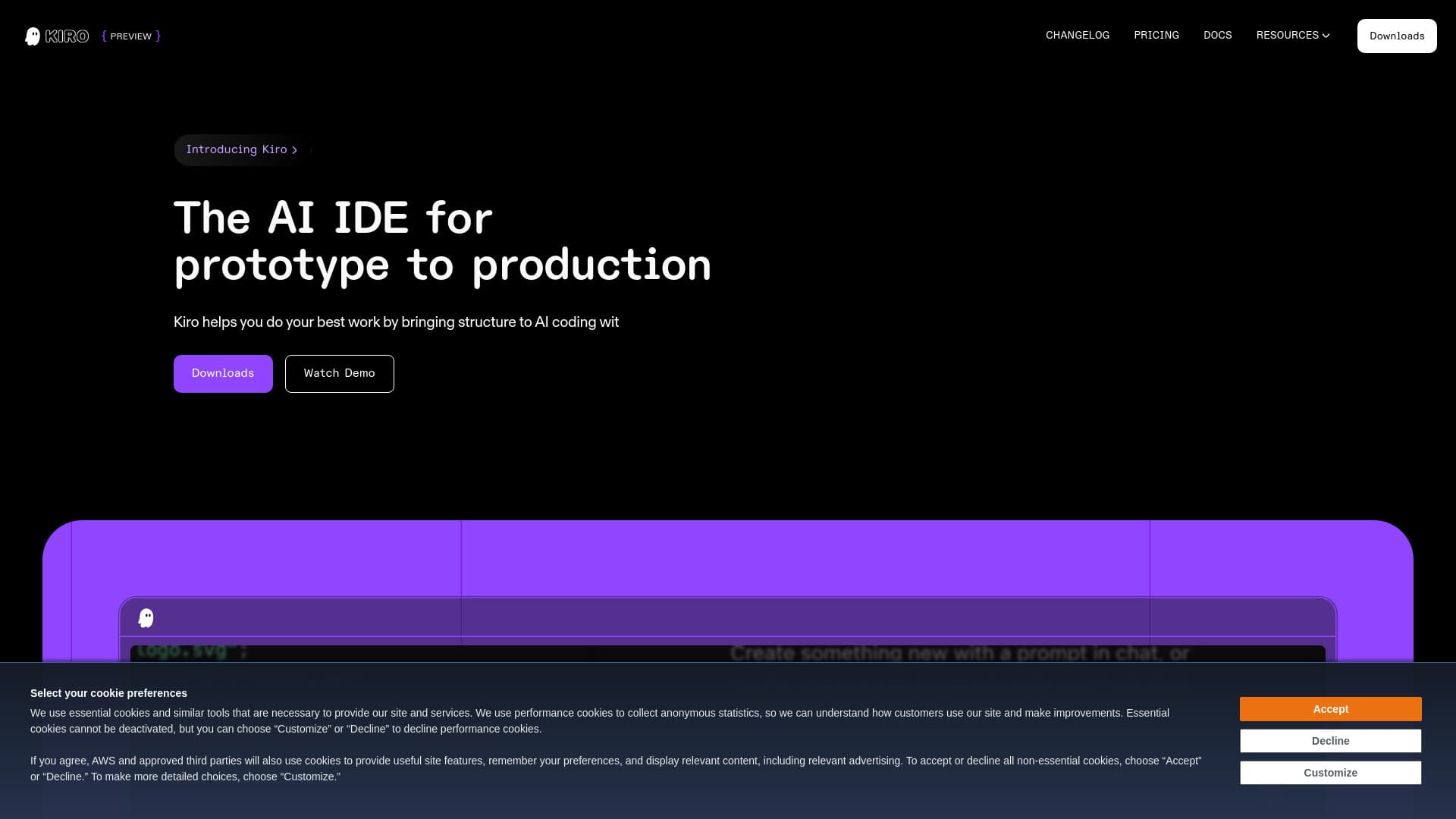
AI-powered Integrated Development Environment designed for structured, specification-driven software coding from initial prototype to final production.
About Kiro
Kiro is an advanced AI-powered IDE that streamlines software development by guiding code creation through specifications. Designed to transform prototypes into production-ready applications, it offers structured workflows, agent-based automation, and seamless integration with various tools and data sources, empowering developers to build faster and more reliably.
How to Use
Users provide prompts that Kiro converts into clear requirements, system designs, and actionable tasks. Collaborate on specifications and architecture, then let Kiro’s AI agents implement the code. Automate workflows by triggering agents on events like file saves. Additionally, upload UI designs or architecture sketches via multimodal input to direct and accelerate development processes.
Features
- Autonomous mode for large task execution
- Specification-driven development workflow
- End-to-end AI IDE from prototype to deployment
- Support for image input for UI/architecture design
- Multimodal chat interface for seamless communication
- Compatibility with VS Code through plugins and themes
- Integration with Model Context Protocol for accessing docs, APIs, and databases
- Supports leading AI models like Claude Sonnet 3.7 and 4
- Customizable agent interactions via steering files
- Code comparison tools for reviewing changes
- Agent hooks for automating documentation, testing, and optimization tasks
Use Cases
- Rapid development of secure file sharing applications.
- Creating detailed user stories and capturing requirements efficiently.
- Transforming ideas into prototypes within a weekend.
- Adding complex features to large codebases with fewer prompts.
- Automating routine tasks such as documentation and testing.
- Developing games with minimal manual coding effort.
Best For
Pros
- Elevates development workflow, akin to collaborating with a senior developer.
- Automates repetitive tasks through intelligent agent hooks.
- Effectively manages context and interprets developer intent, reducing redundancy.
- Highly customizable to fit specific project standards and workflows.
- Ensures enterprise-level security and data privacy.
- Integrates seamlessly with familiar VS Code environment.
- Enables rapid prototyping and full application development.
- Offers an autopilot mode for large or complex tasks while maintaining user control.
- Leverages cutting-edge AI models for powerful coding assistance.
- Connects easily to various tools and data sources via MCP.
- Provides structured, engineering-grade practices for AI coding.
- Supports multimodal inputs, including images for design guidance.
- Facilitates code review and change management with diff tools.
Cons
- The free tier limits interactions to 50 per month, which may restrict some workflows.
- Currently in preview, with pricing and features marked as 'COMING SOON,' indicating potential future updates or availability constraints.
Pricing Plans
Choose the perfect plan. All plans include 24/7 support.
KIRO FREE
Includes agentic capabilities with a limit of 50 interactions monthly.
Get StartedKIRO PRO
All features of Kiro Free with increased interaction limits (up to 1,000 per month).
Get StartedKIRO PRO+
Enhanced plan with up to 3,000 interactions monthly for advanced automation.
Get Started