

Kome: AI Summary and Bookmark App
AI-powered browser extension designed for summarizing, bookmarking, and creating content directly on any website.
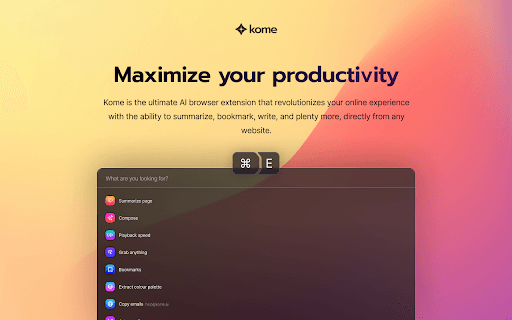
About Kome: AI Summary and Bookmark App
Kome is a powerful AI browser extension that transforms your online experience by enabling quick content summaries, efficient bookmarking, and seamless content creation from any website.
How to Use
Open any website and press ⌘+E on Mac or ALT+E on Windows to activate Kome. Follow the prompts to create your account and start enhancing your browsing experience.
Features
- AI-driven content creation tools
- Organized bookmark management
- Instant content summarization
Use Cases
- Create emails and blog drafts from bookmarked content
- Quickly summarize news articles and reports
- Save important web pages for future reference
Best For
ResearchersHeavy online content consumersStudentsWritersMarketersContent creators
Pros
- Simplifies bookmarking and content organization
- Quick setup with keyboard shortcuts
- AI-powered content generation from bookmarks
- One-click summarization of articles, PDFs, and videos
Cons
- AI quality impacts functionality
- Pricing details are not available
- Account creation required for use
FAQs
How do I launch Kome?
Press ⌘+E on Mac or ALT+E on Windows to activate the extension.
Is an account necessary to use Kome?
Yes, creating a Kome account is required to access all features.
What types of content can Kome summarize?
Kome can summarize articles, PDFs, and YouTube videos with a single click.
Can I organize my bookmarks easily?
Yes, Kome offers efficient tools for organizing and managing your bookmarks.
Does Kome work on all websites?
Kome is compatible with most websites, providing versatile content management.