

KontextFlux.app
AI-powered platform for advanced image generation and natural language-based image editing.
About KontextFlux.app
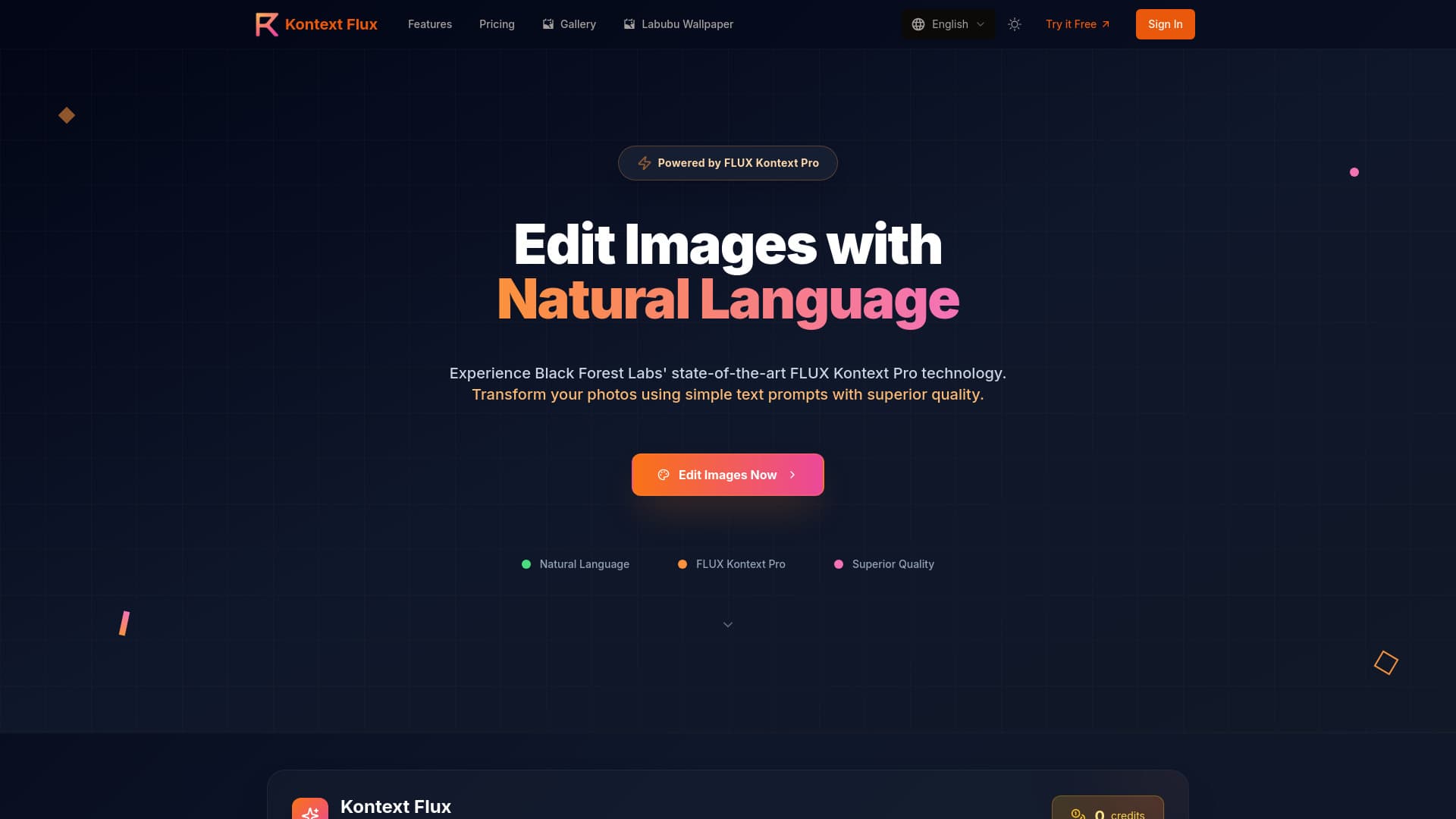
Kontext Flux is an AI-powered image creation and editing platform leveraging Black Forest Labs' cutting-edge FLUX Kontext Pro AI model. It enables users to generate stunning images from text prompts and perform natural language-based edits on existing images. The platform ensures high-quality, consistent results for various transformations including style transfer, object modification, text editing, and background changes. Designed for professionals and creators, it offers sophisticated editing capabilities without the need for complex software or technical expertise.
How to Use
Upload your image (JPG, PNG, WebP, max 10MB). Describe the desired modifications using clear, specific natural language prompts, including details on colors, styles, and elements. The AI analyzes your input and performs precise edits while preserving image quality. Download the high-resolution, professionally edited image once processing completes.
Features
- Background replacement and swapping
- AI-driven image creation from text prompts
- Text editing and replacement within images
- High-resolution, professional-quality output
- Natural language-based image editing
- Fast processing speed
- Consistent character rendering across edits
- Exceptional style transfer (e.g., watercolor, oil paintings)
- Object and clothing modifications (e.g., hairstyles, accessories, colors)
Use Cases
- Creating consistent portrait series or professional headshots with variations.
- Replacing or editing text on signs, posters, and labels in images.
- Transforming photos into different artistic styles like Ghibli, anime, or fantasy.
- Designing marketing materials with updated visuals and text.
- Producing social media content quickly with professional quality.
- Changing backgrounds in product photos or portraits.
- Adjusting elements in images, such as hairstyles or adding accessories.
Best For
Pros
- Excels at interpreting complex editing instructions.
- Supports diverse edits like style transfer, object modifications, and background changes.
- Rapid processing ensures quick turnaround times.
- Highly rated by social media managers, photographers, and designers.
- Maintains character and object consistency across multiple edits.
- Accessible on mobile devices for on-the-go editing.
- Powered by the advanced FLUX Kontext Pro AI model for superior results.
- Delivers high-resolution, professional-grade images.
- User-friendly natural language prompts eliminate the need for complex tools.
Cons
- Commercial rights require higher-tier plans; starter plan is for personal use.
- Image uploads are limited to 10MB.
- Processing time varies based on image complexity and server load.
Pricing Plans
Choose the perfect plan. All plans include 24/7 support.
Starter
Ideal for personal projects and casual editing. Includes 40 image edits, 200 credits, core editing features, standard resolution output, basic prompts, and personal gallery storage. Valid for 30 days.
Get StartedProfessional
Perfect for content creators and small businesses. Includes everything in Starter, plus 200 image edits, 1000 credits, advanced editing tools, high-resolution output, custom prompts, and priority processing. Valid for 30 days.
Get StartedEnterprise
Designed for teams and large-scale projects. Includes unlimited edits, 13750 credits, all premium features, ultra high-resolution output, commercial rights, dedicated support, batch processing, and API access. Valid for 30 days.
Get Started